
ধারণাগুলি একটি বড় পর্দার যোগ্য।
একটি অন্ধকার Yiluna স্টুডিওতে ছবি, ভিডিও, এডিট এবং অডিও।
মোশন প্রিমিয়ার
গল্পগুলো ইতিমধ্যে চলছে।
সিনেমাটিক মোশন, ছোট নাটক, চরিত্রের কাজ এবং বাণিজ্যিক ছবি তৈরিতে প্রকৃত Yiluna প্রোডাকশন।
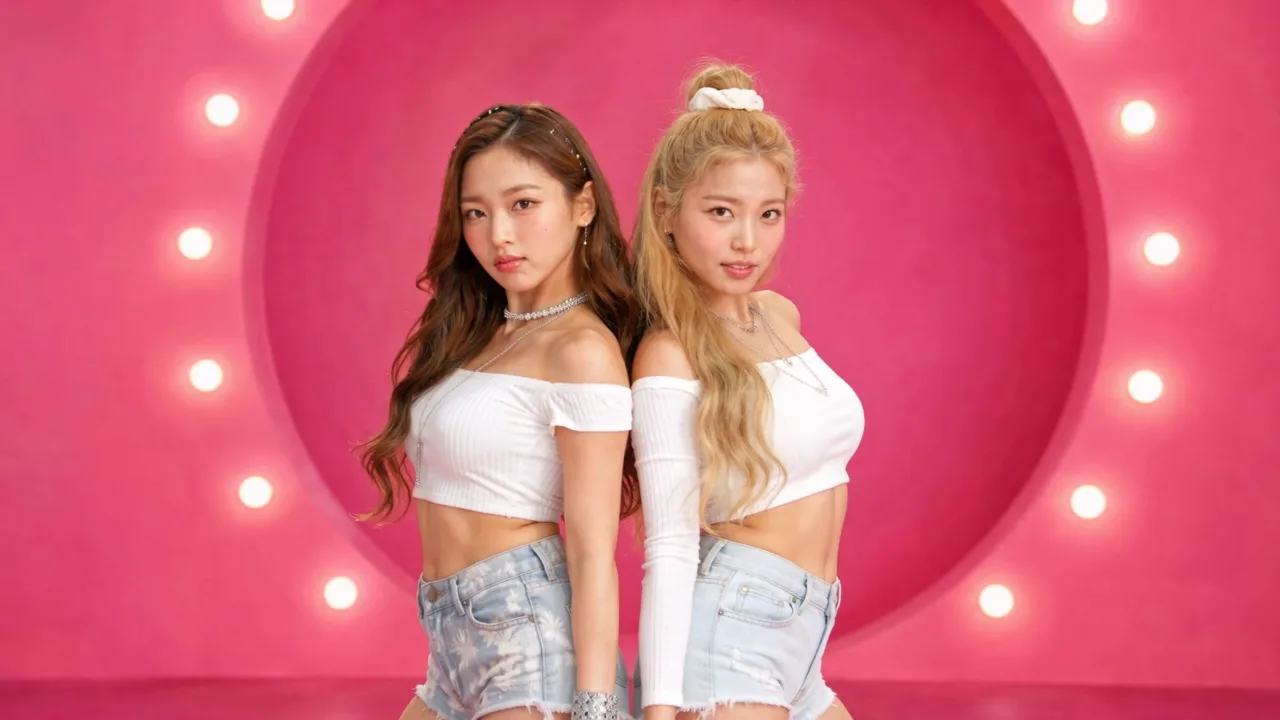
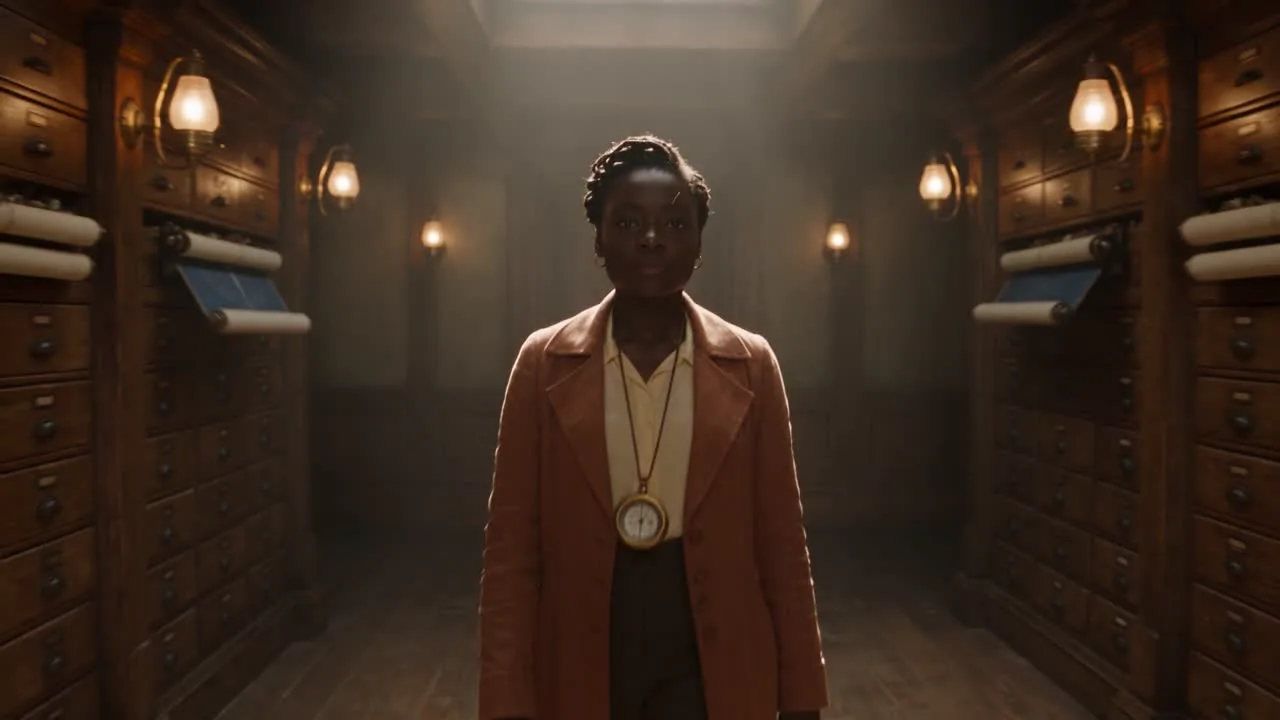
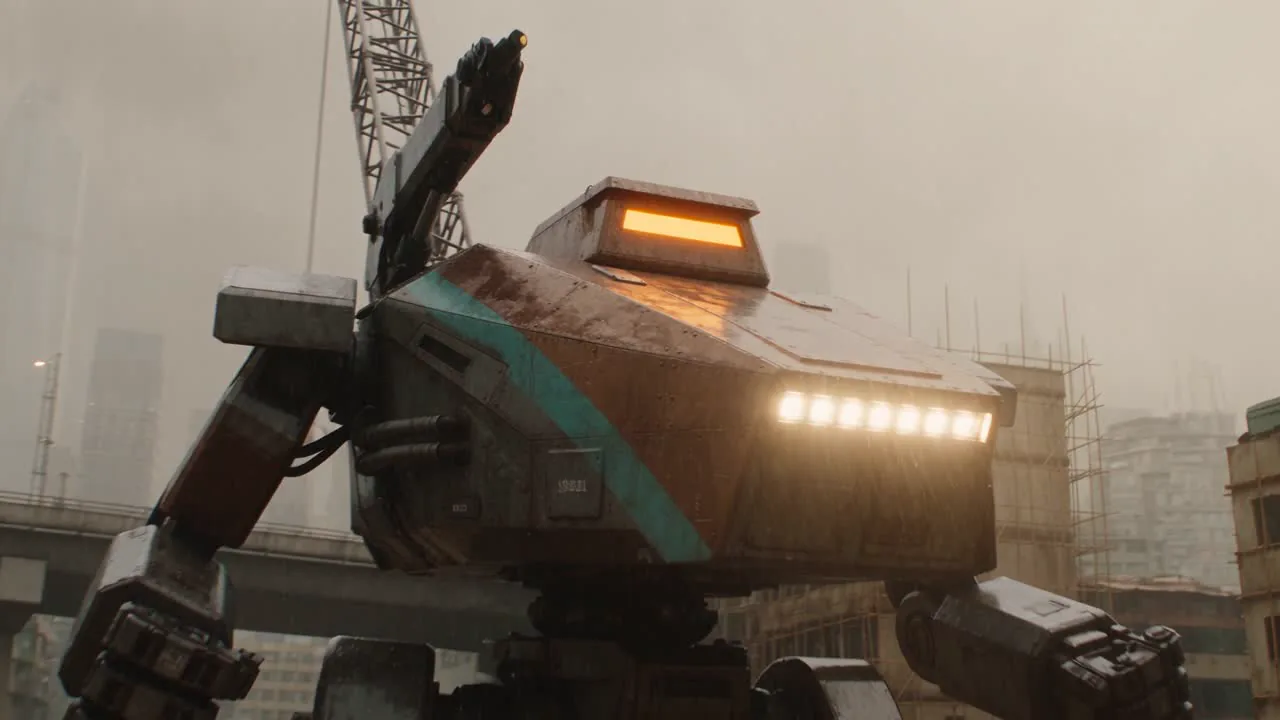

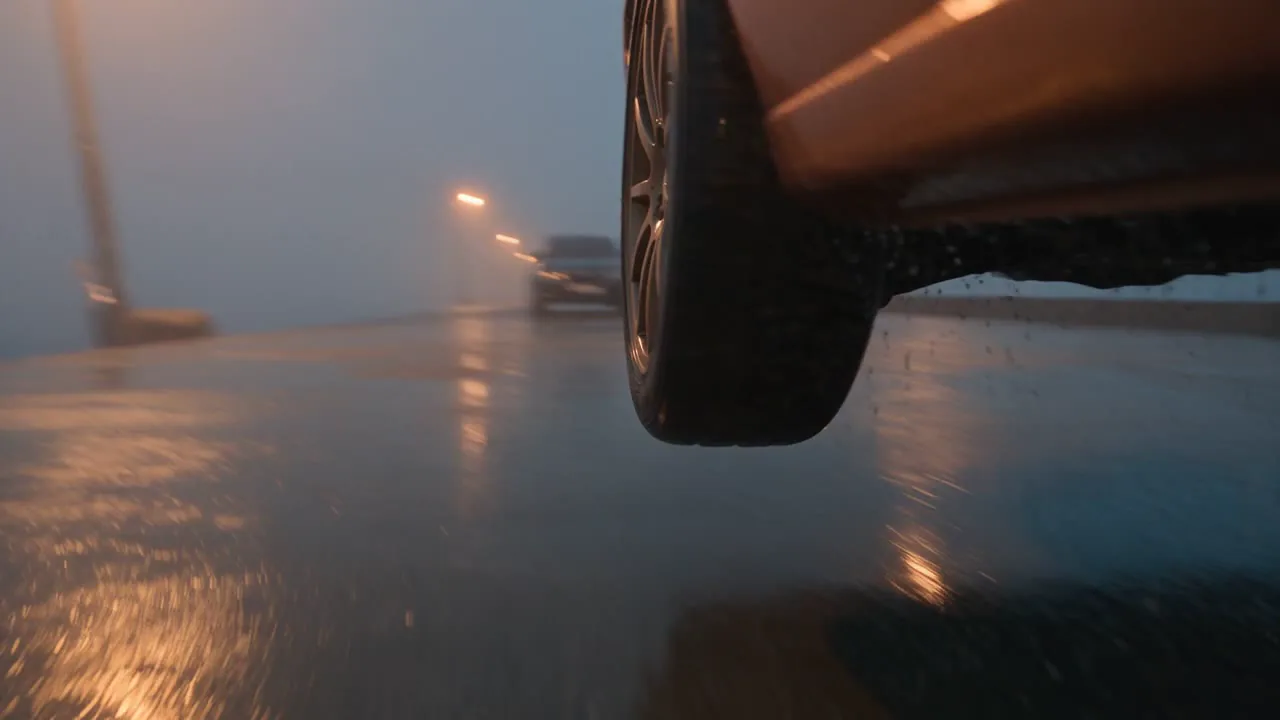
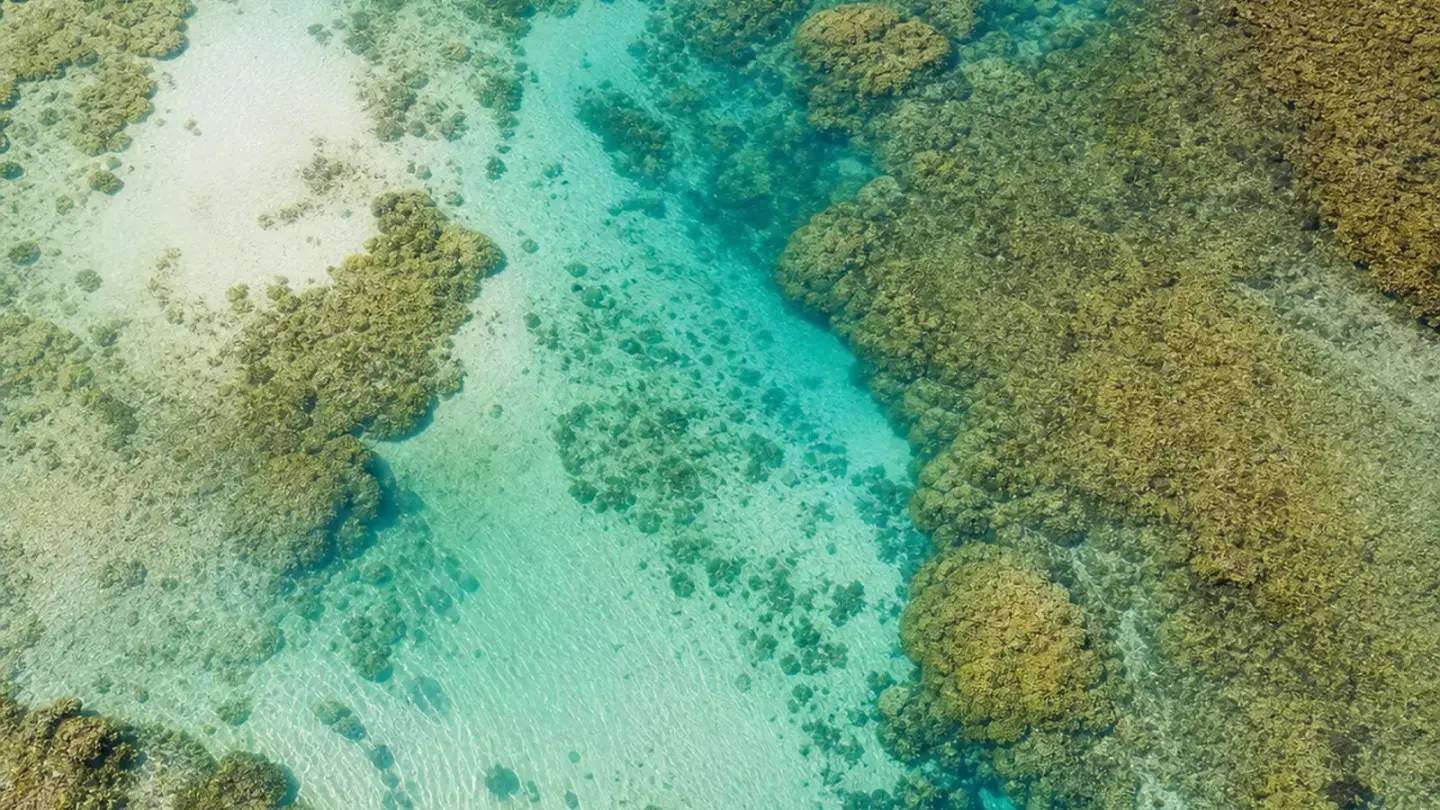
নির্দেশিত লুক
প্রথম ফ্রেমটি গণনা করুন।
সিনেমা-গ্রেড স্টিল এবং মোশন কিউ, স্ক্রল এবং স্ক্রিনের জন্য তৈরি।
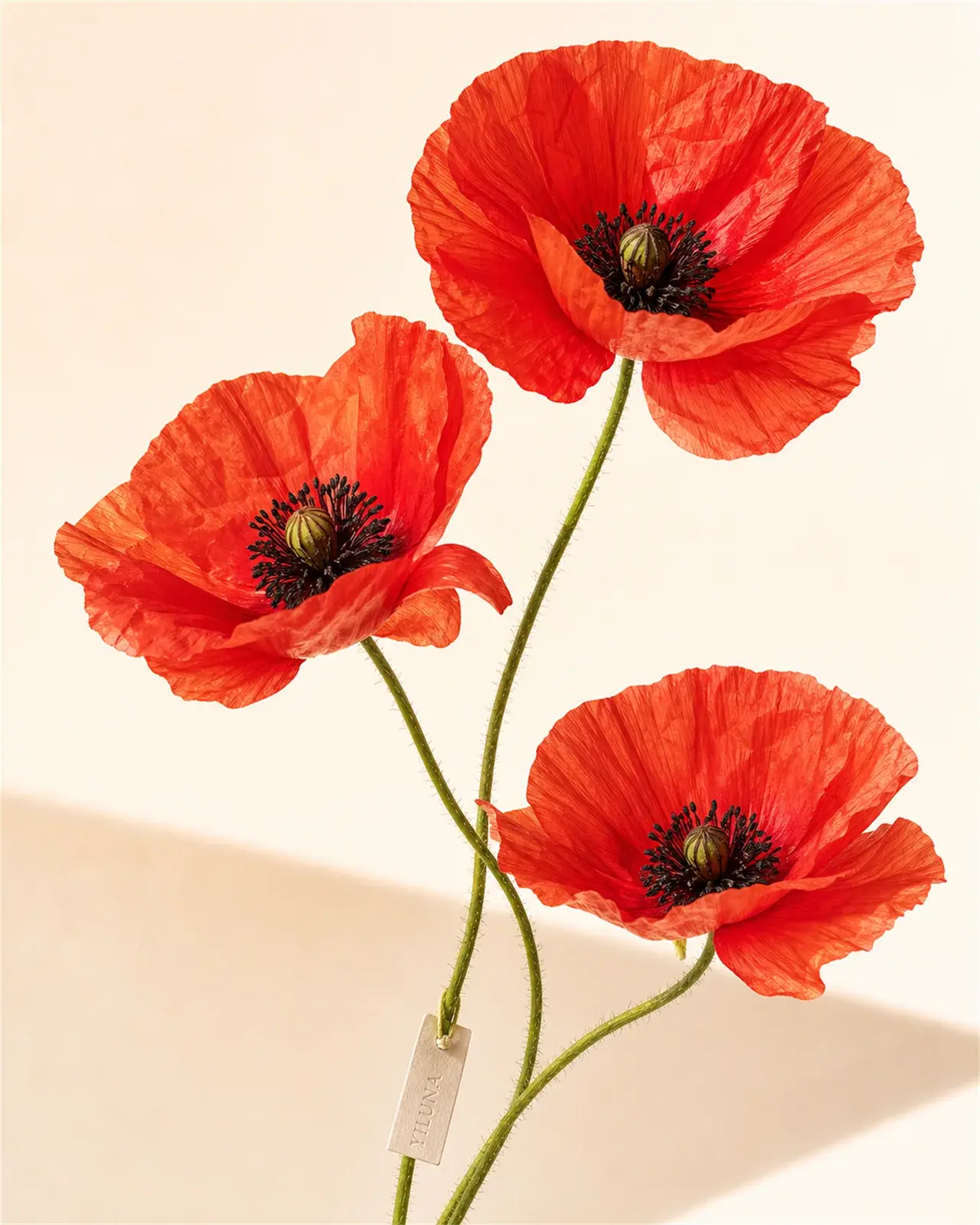
ইমেজ স্টুডিও
ফ্রেম তৈরি করুন।
একটি স্পষ্ট উদ্দেশ্য নিয়ে প্রোডাকশন ইমেজ, ক্যারেক্টার অ্যাঙ্কর এবং ক্যাম্পেইন ভিজ্যুয়াল তৈরি করুন।
ইমেজ স্টুডিওতে প্রবেশ করুনপোস্টার প্যারেড
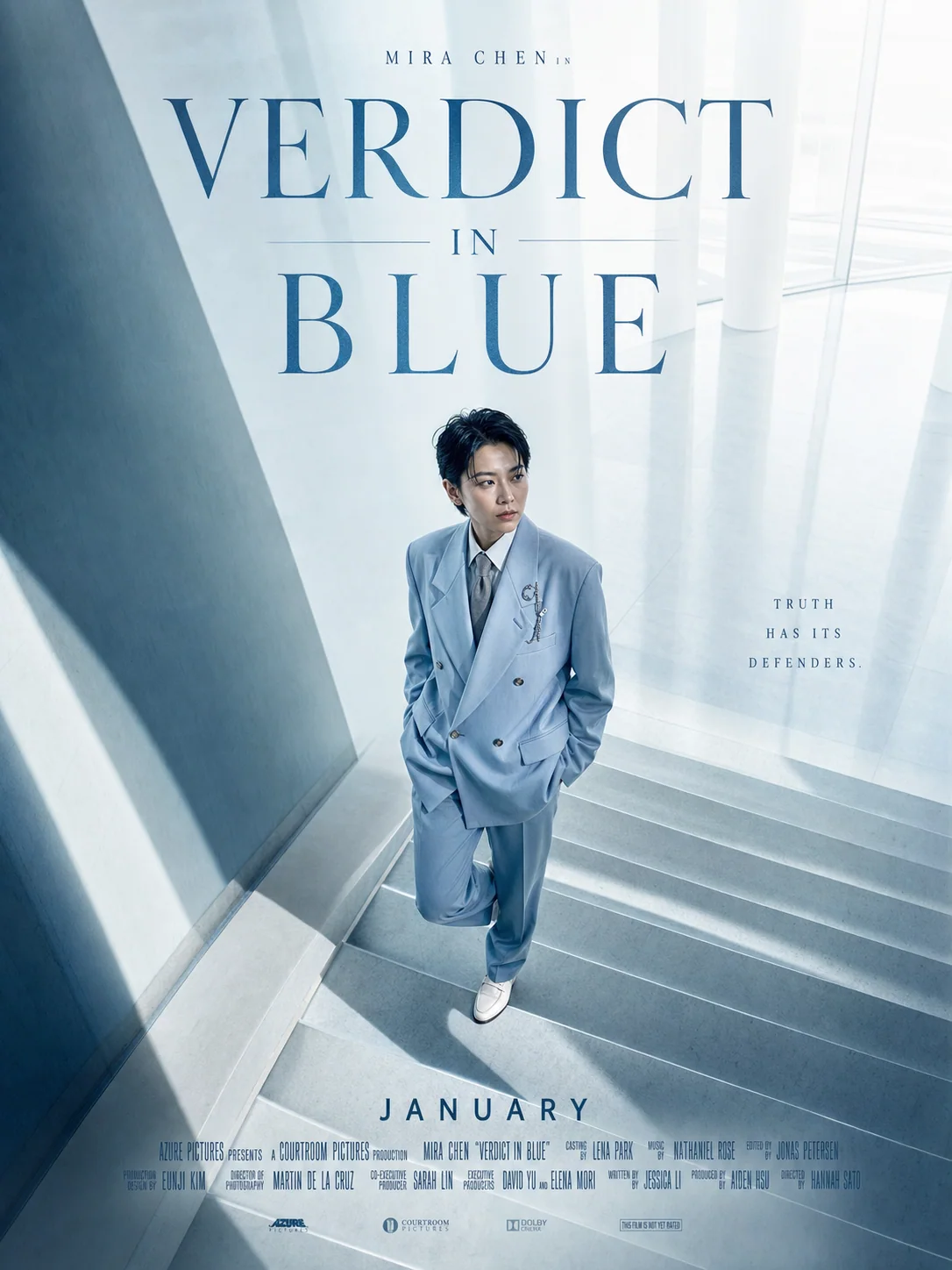
ভার্টিকাল ড্রামা, সম্পূর্ণ উপস্থিতি।
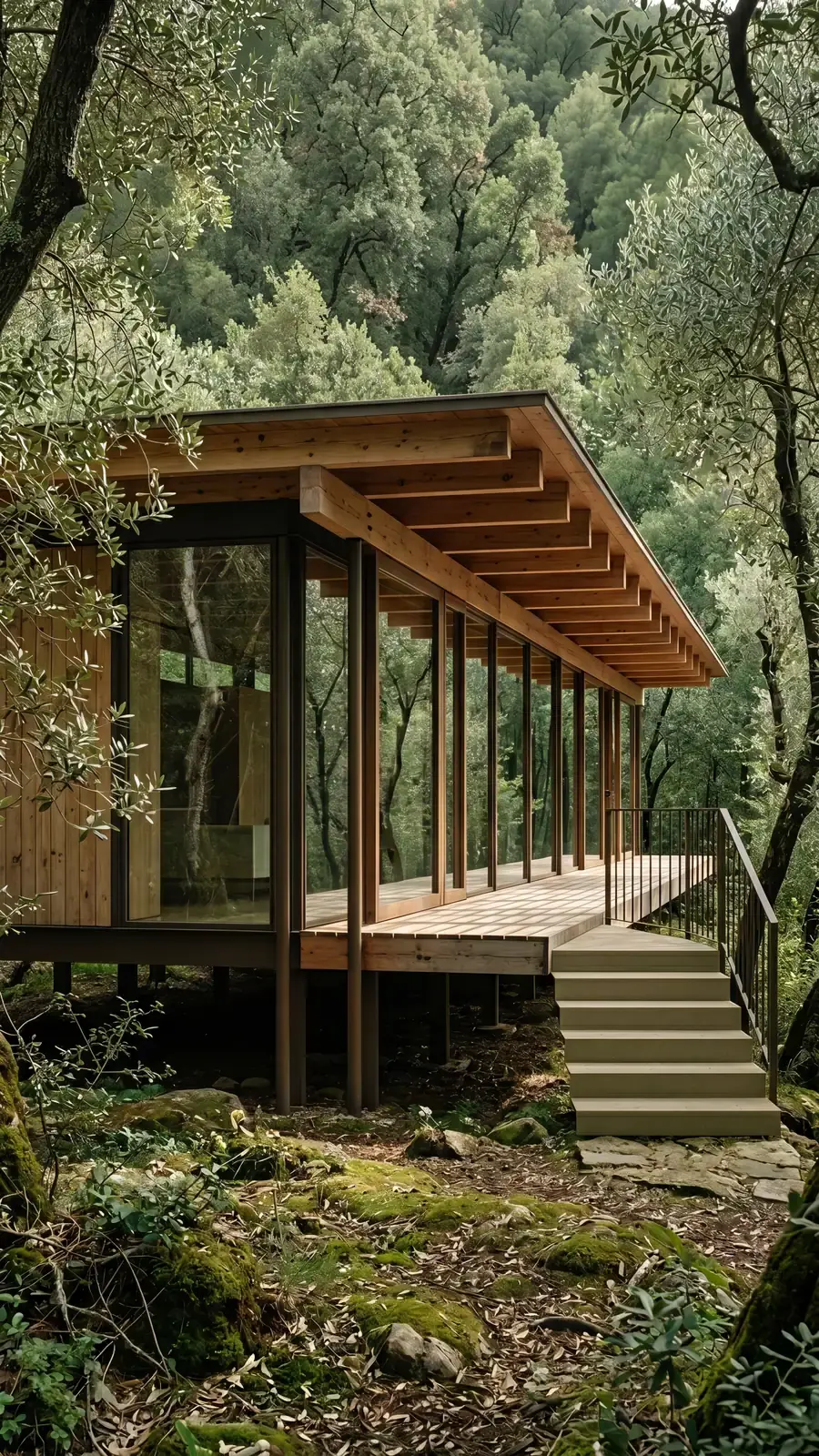
Yiluna অরিজিনাল
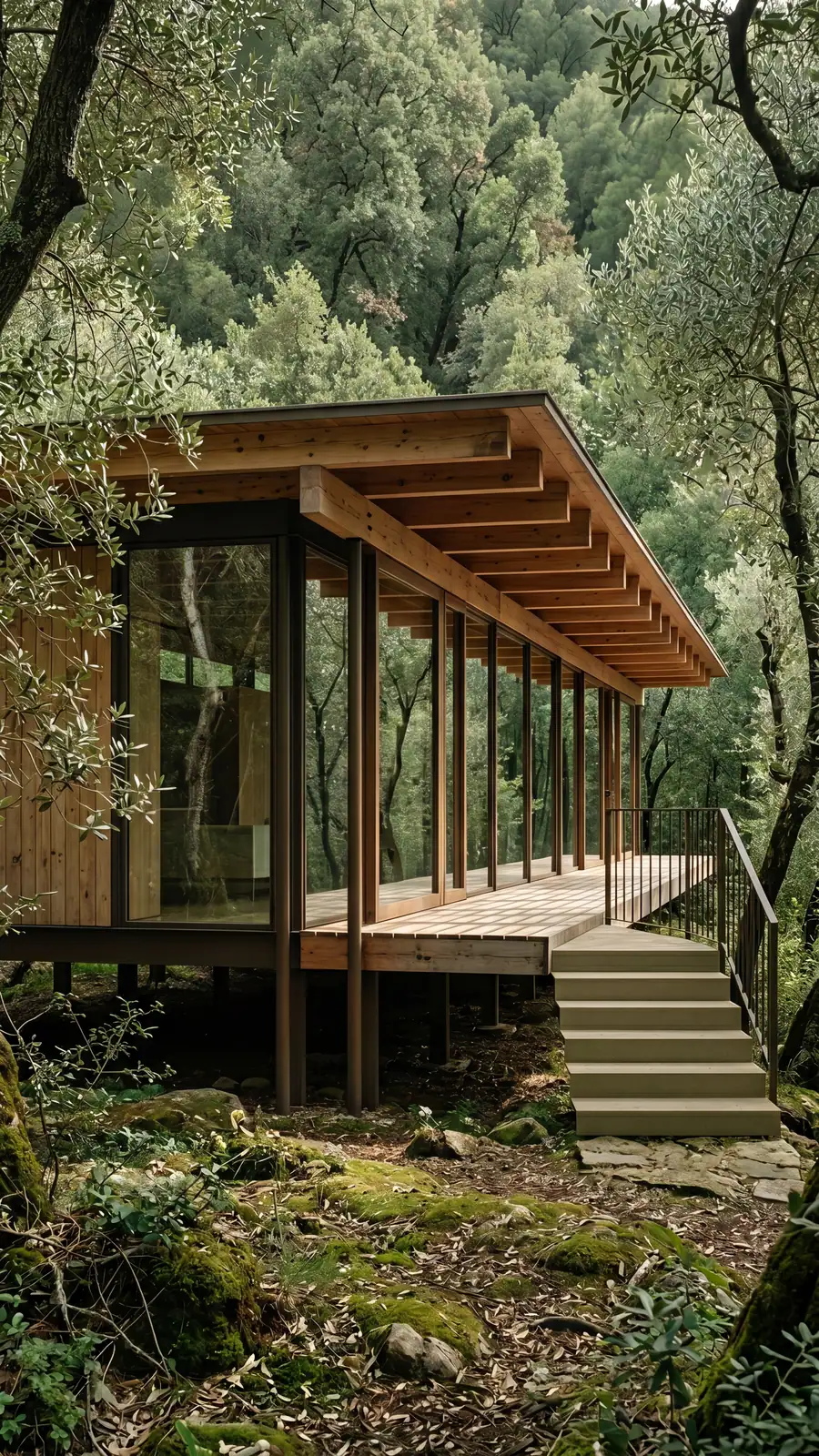
Yiluna Architecture 20260614 22 Olive Forest Glass House
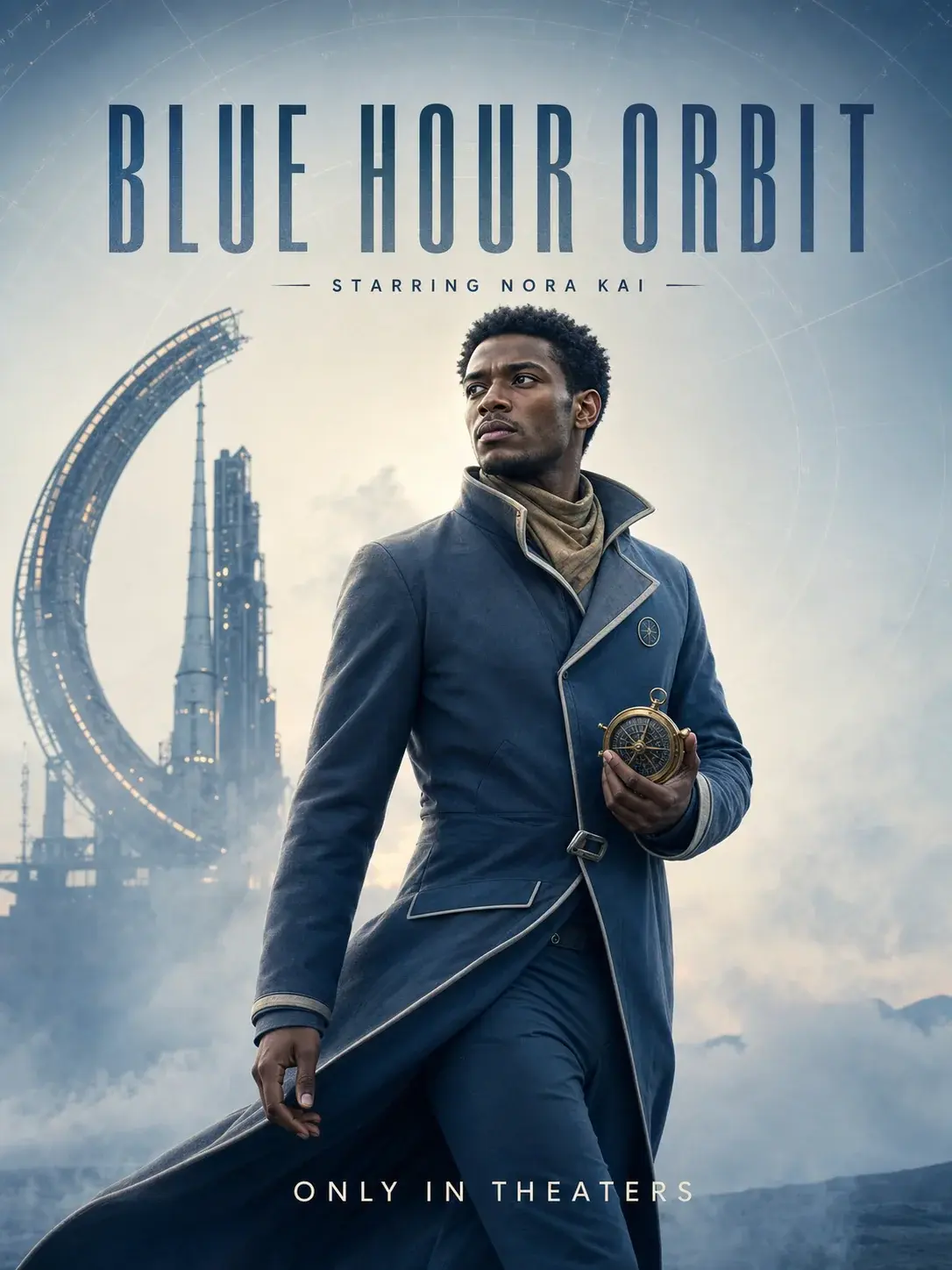
Yiluna অরিজিনাল
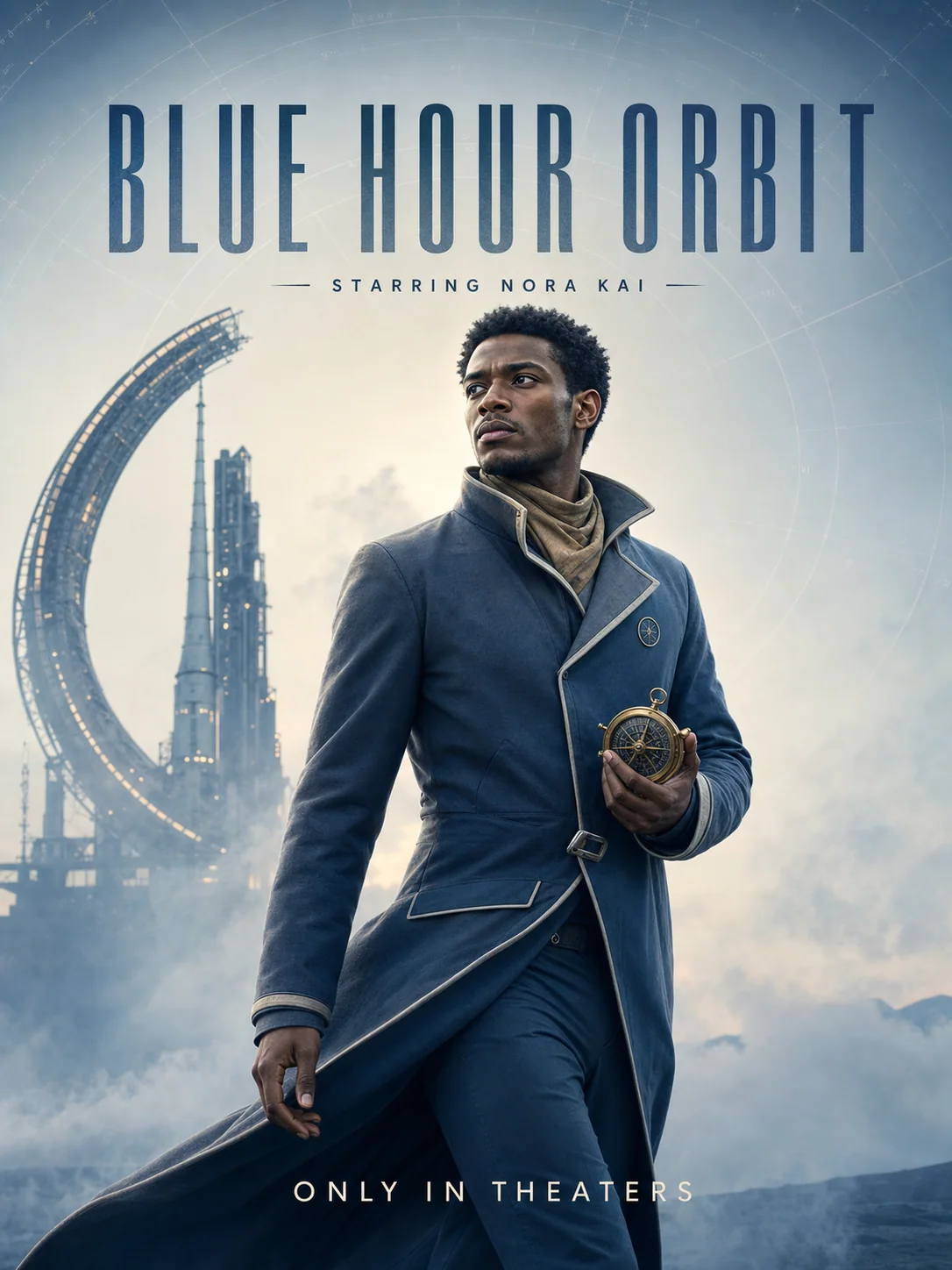
Cinema Poster 17
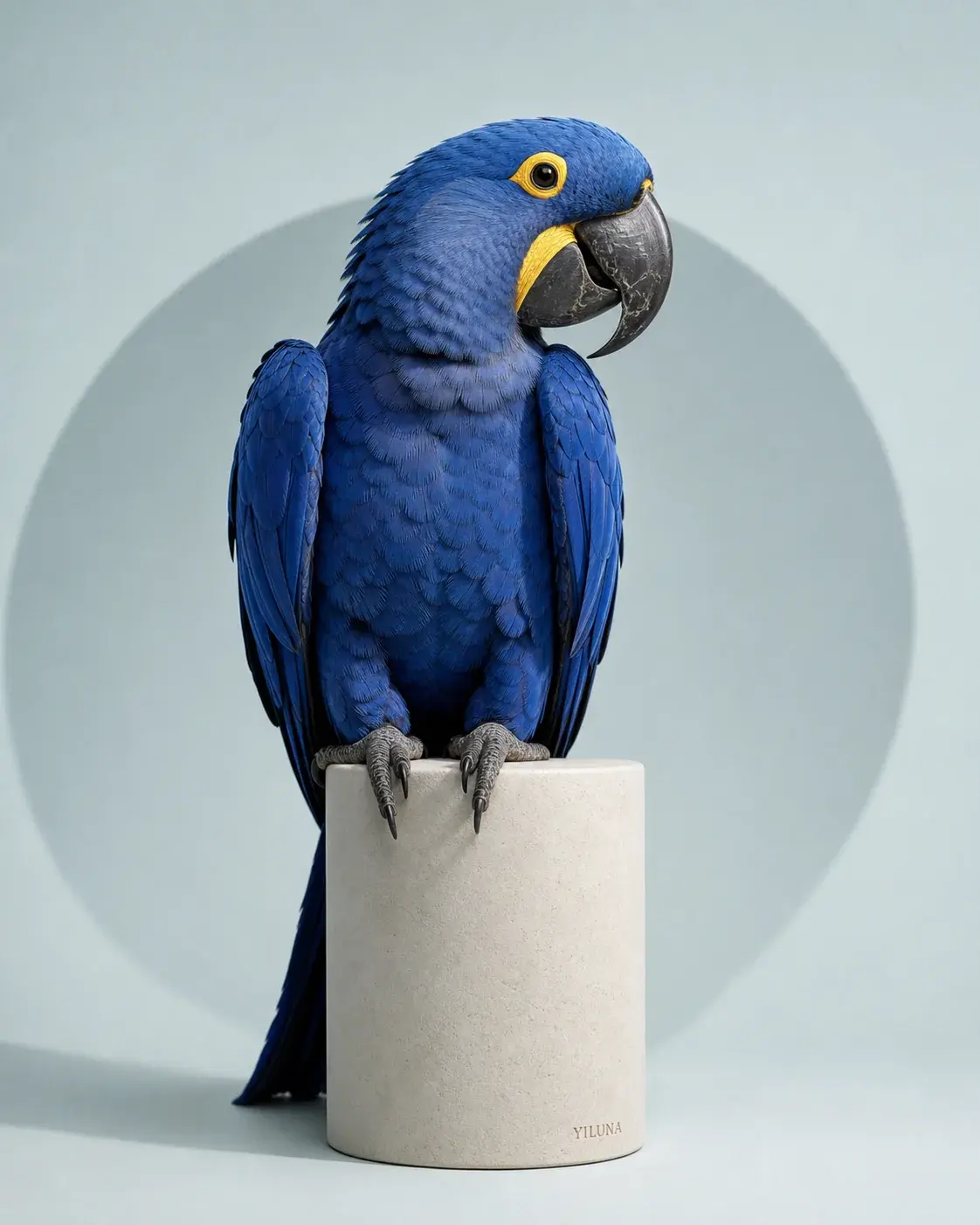
Yiluna অরিজিনাল
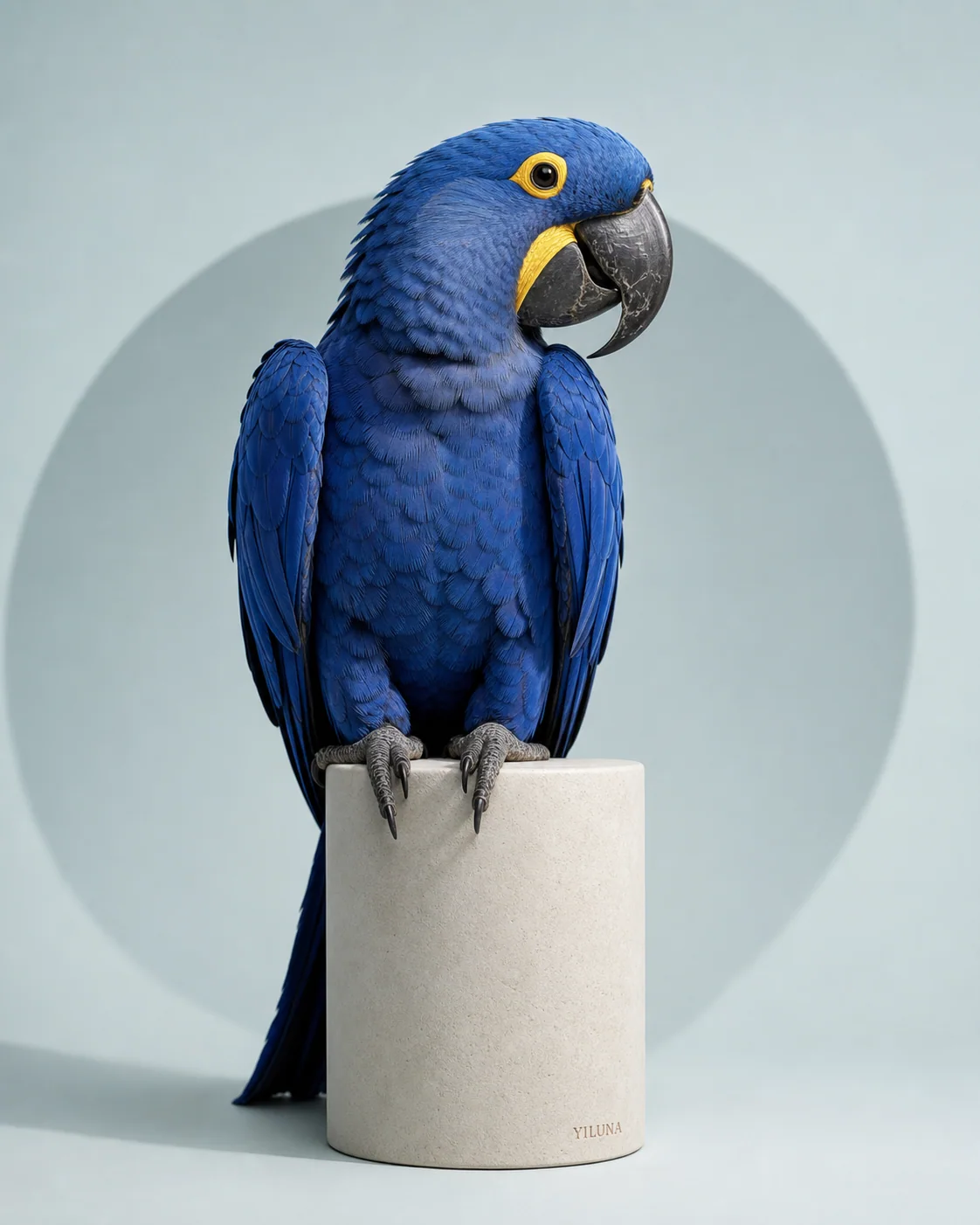
Hyacinth Macaw Cobalt Orbit
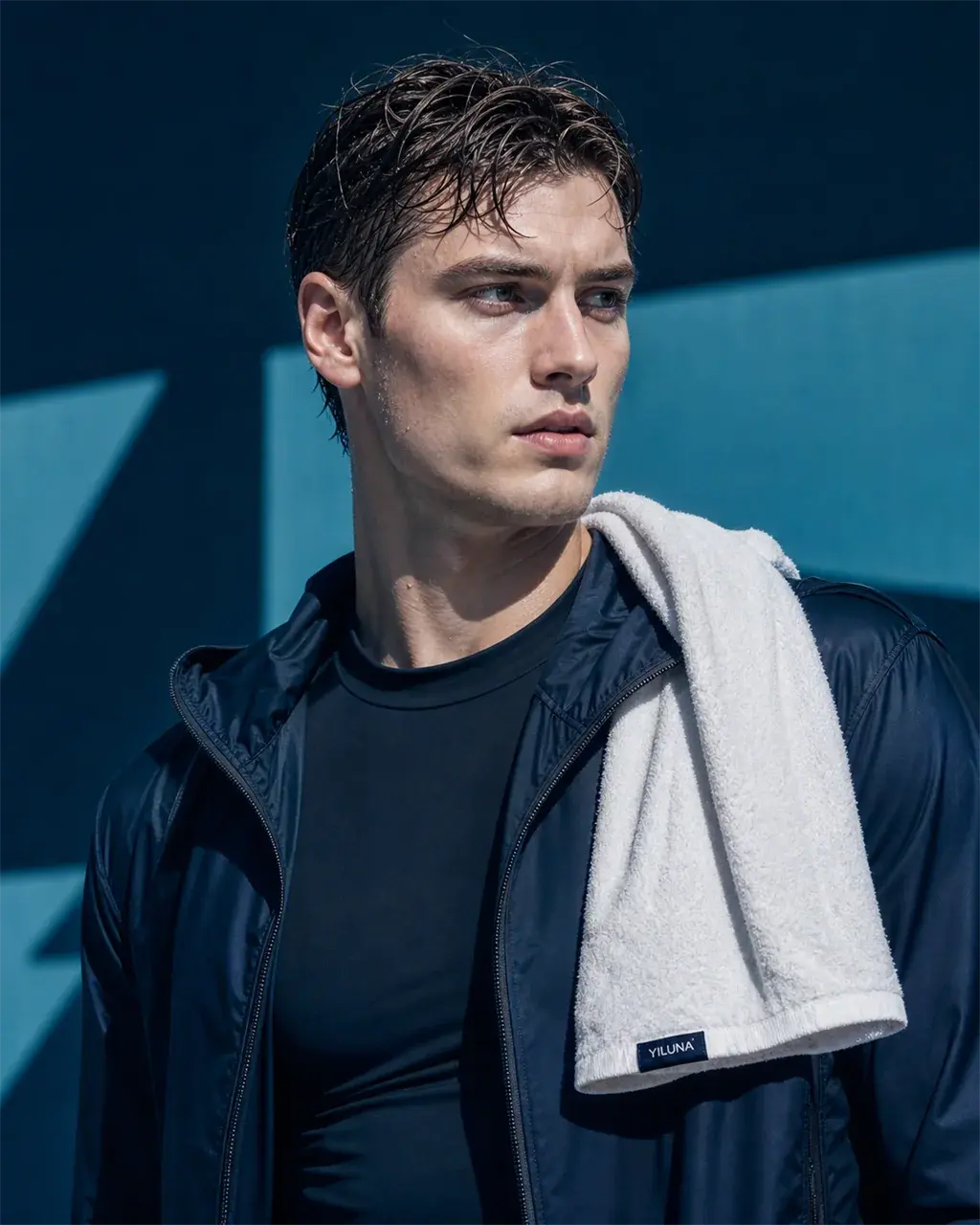
Yiluna অরিজিনাল
Native Gallery 12
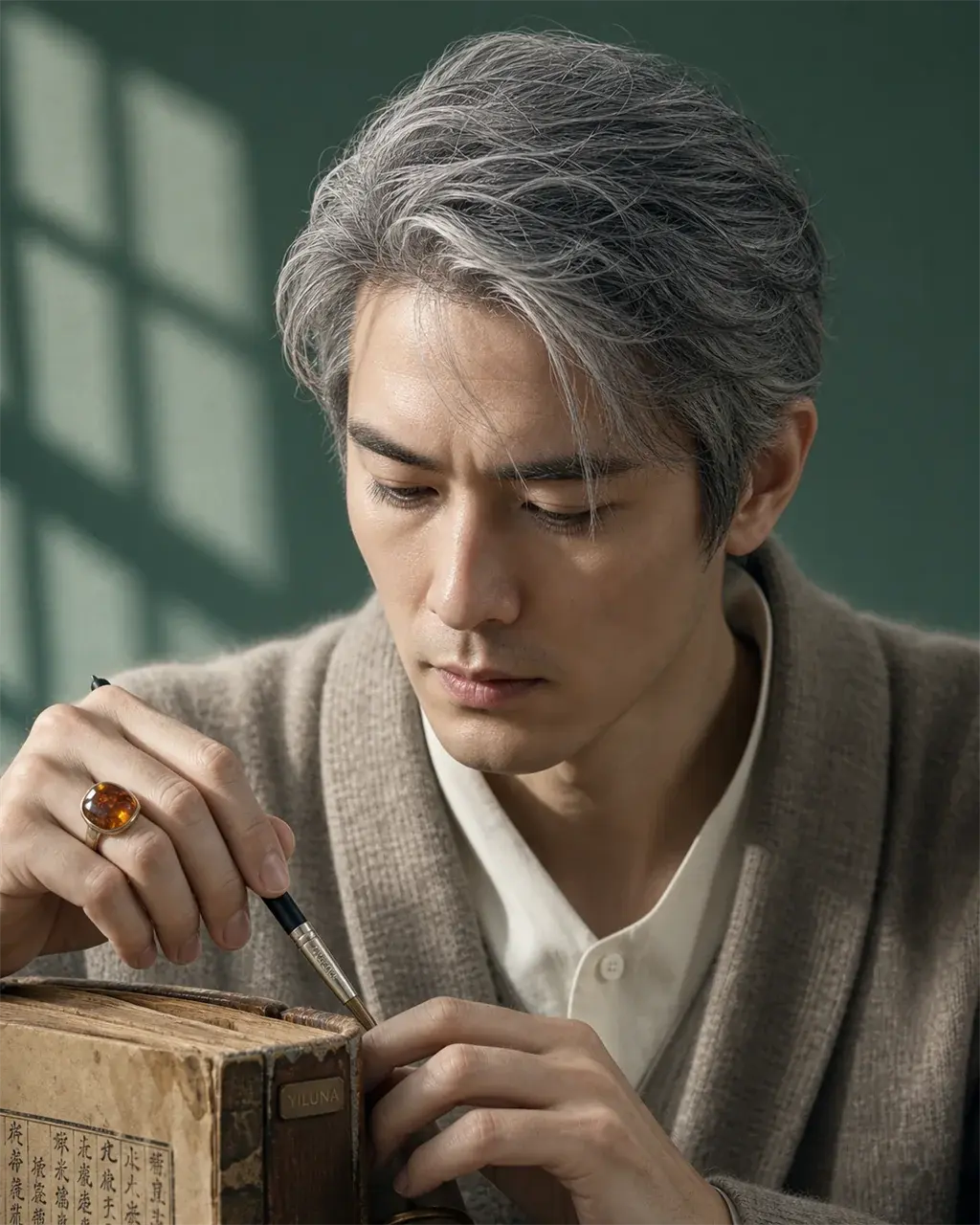
Yiluna অরিজিনাল
Native Gallery 06
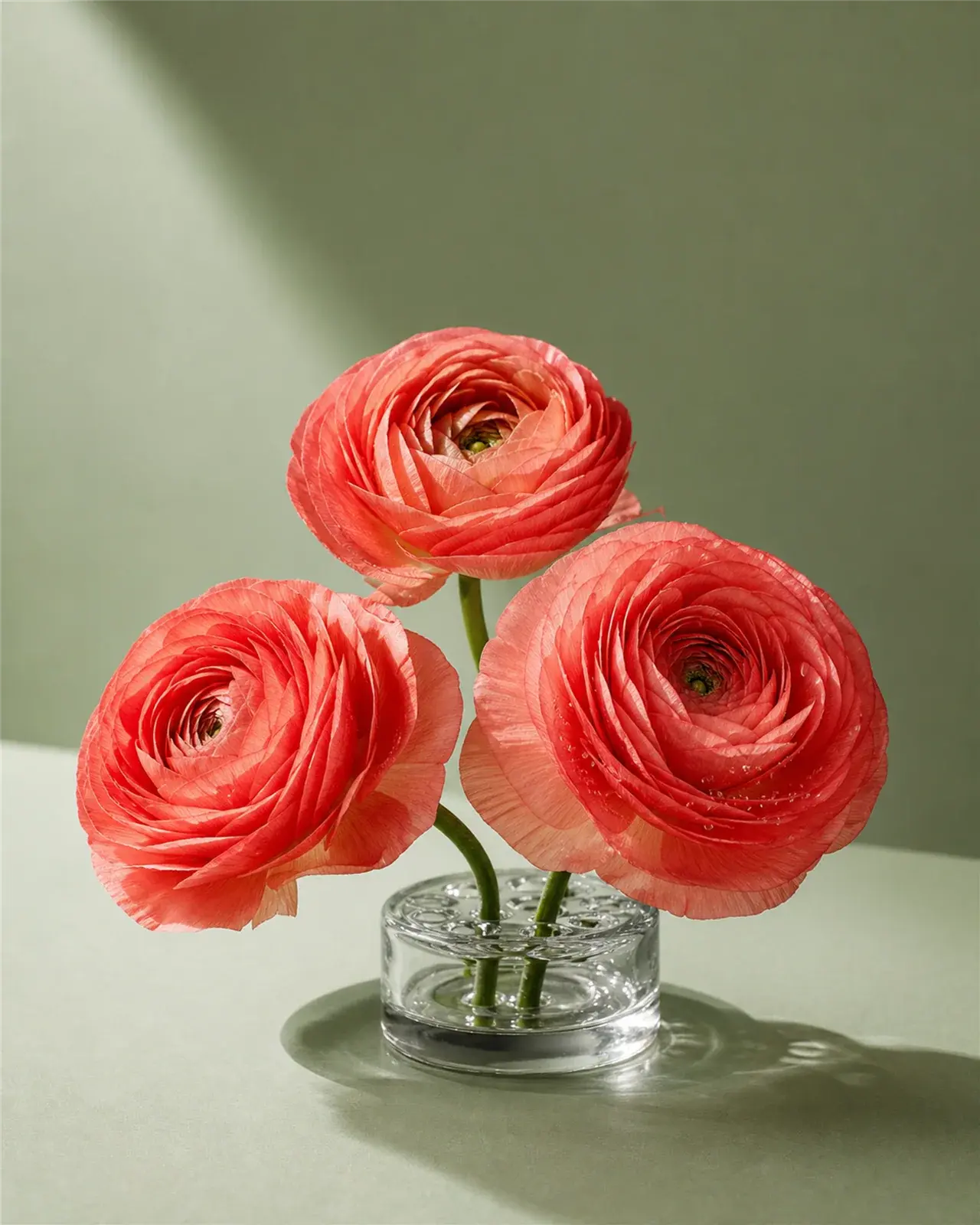
Yiluna অরিজিনাল
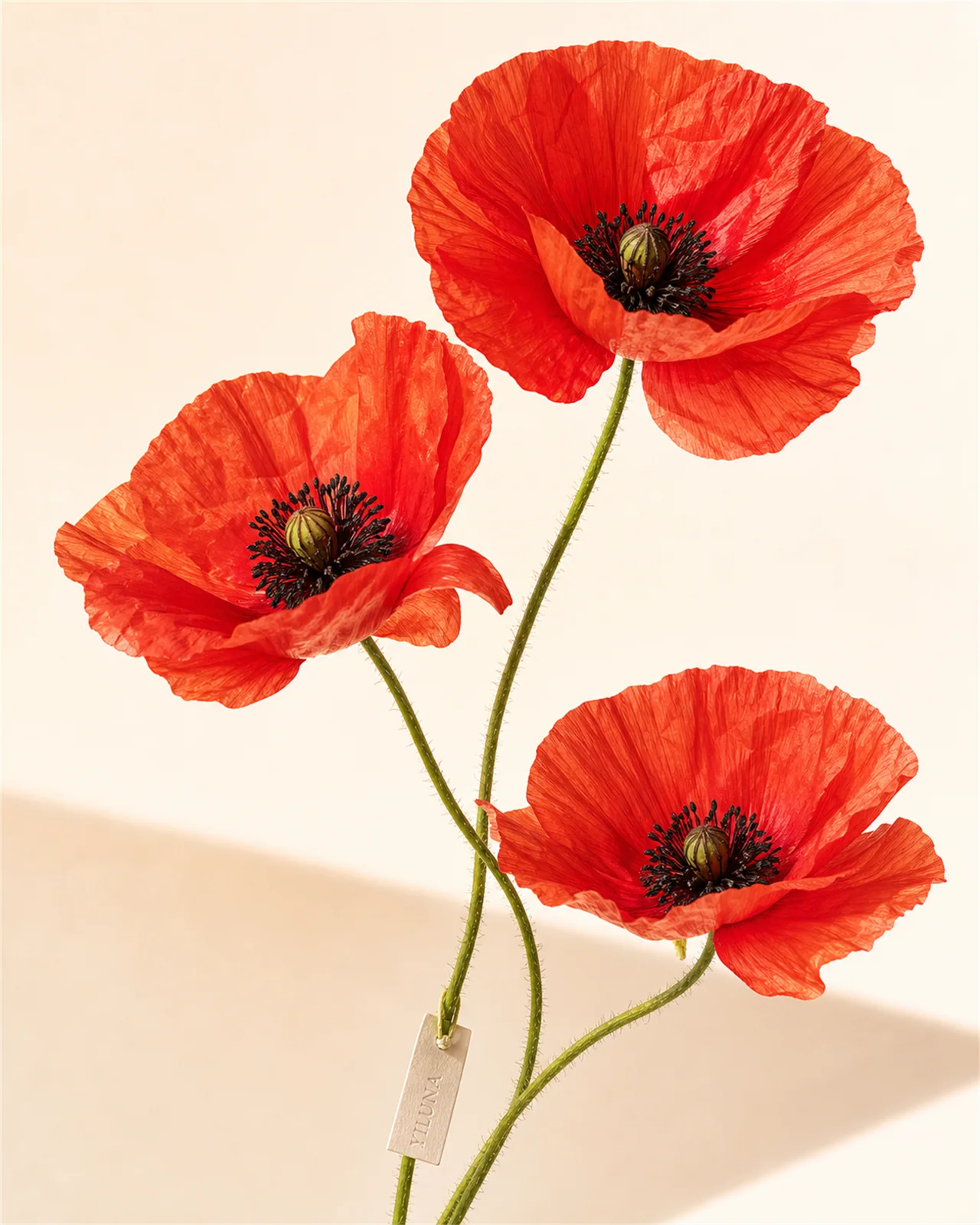
Yiluna Flower 4x5 20260614 02 Coral Ranunculus Sage Orig
Yiluna অরিজিনাল
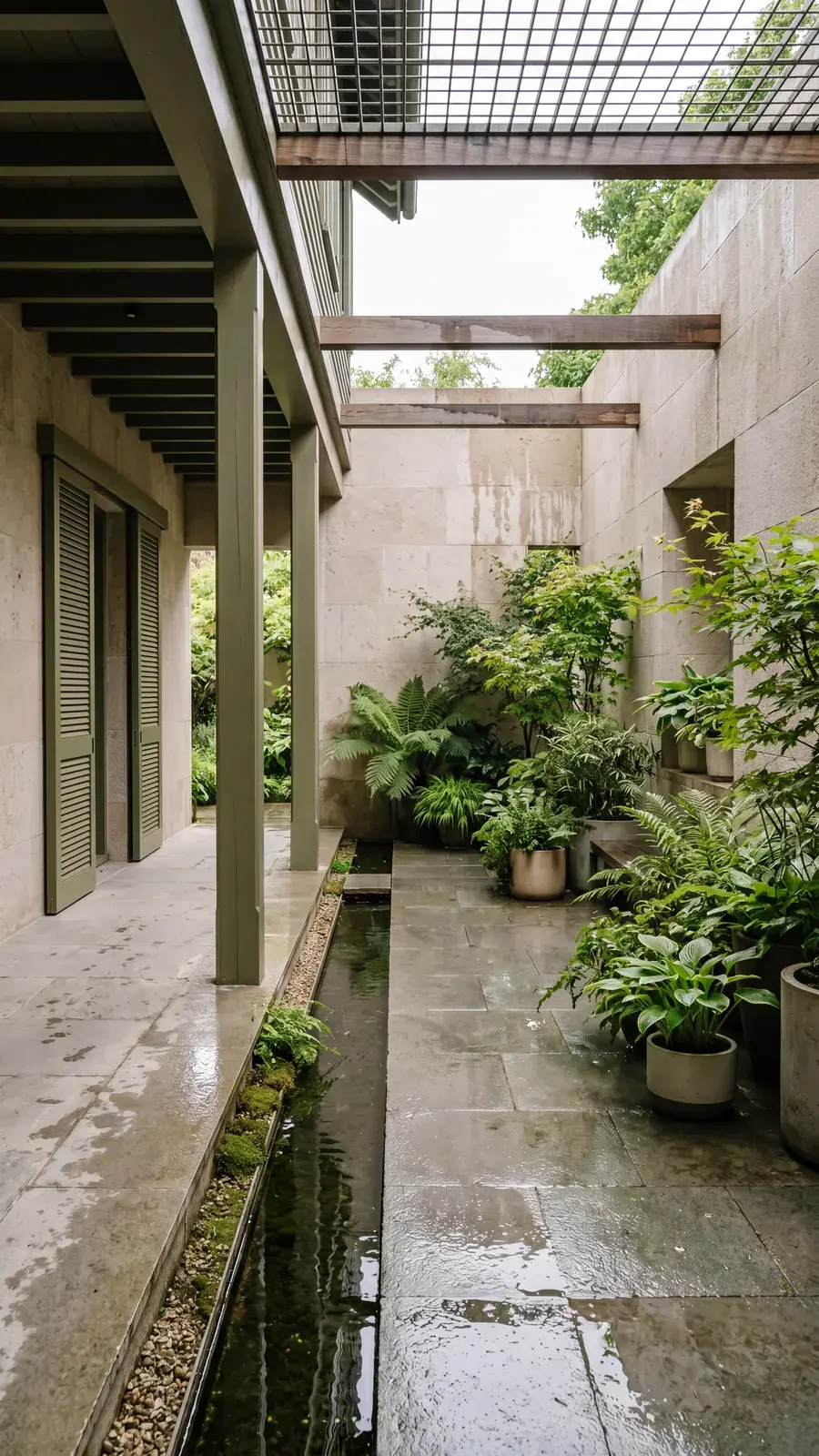
Yiluna Architecture 20260614 08 Olive Water Courtyard Ho
Yiluna অরিজিনাল
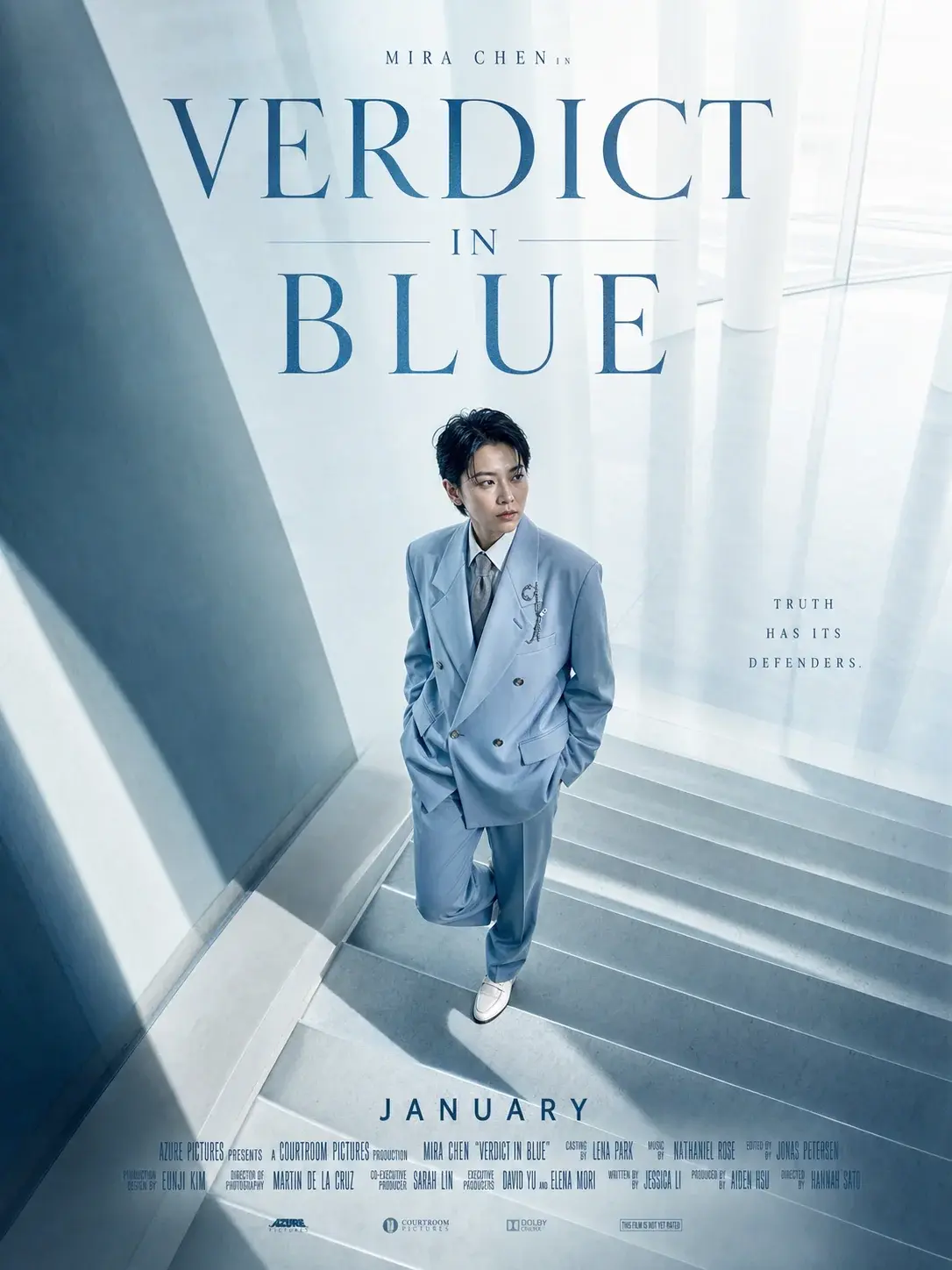
Cinema Poster 02
Yiluna অরিজিনাল
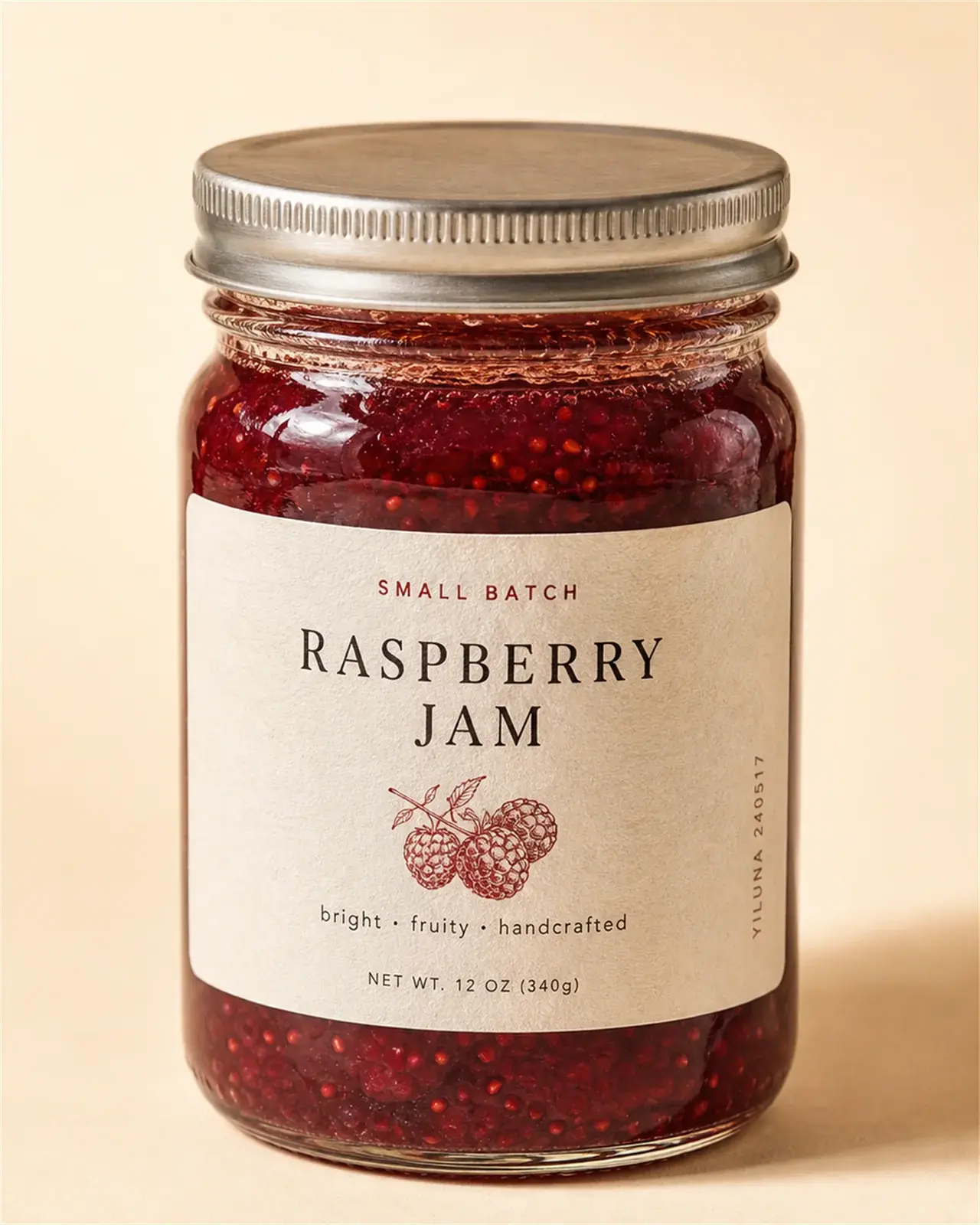
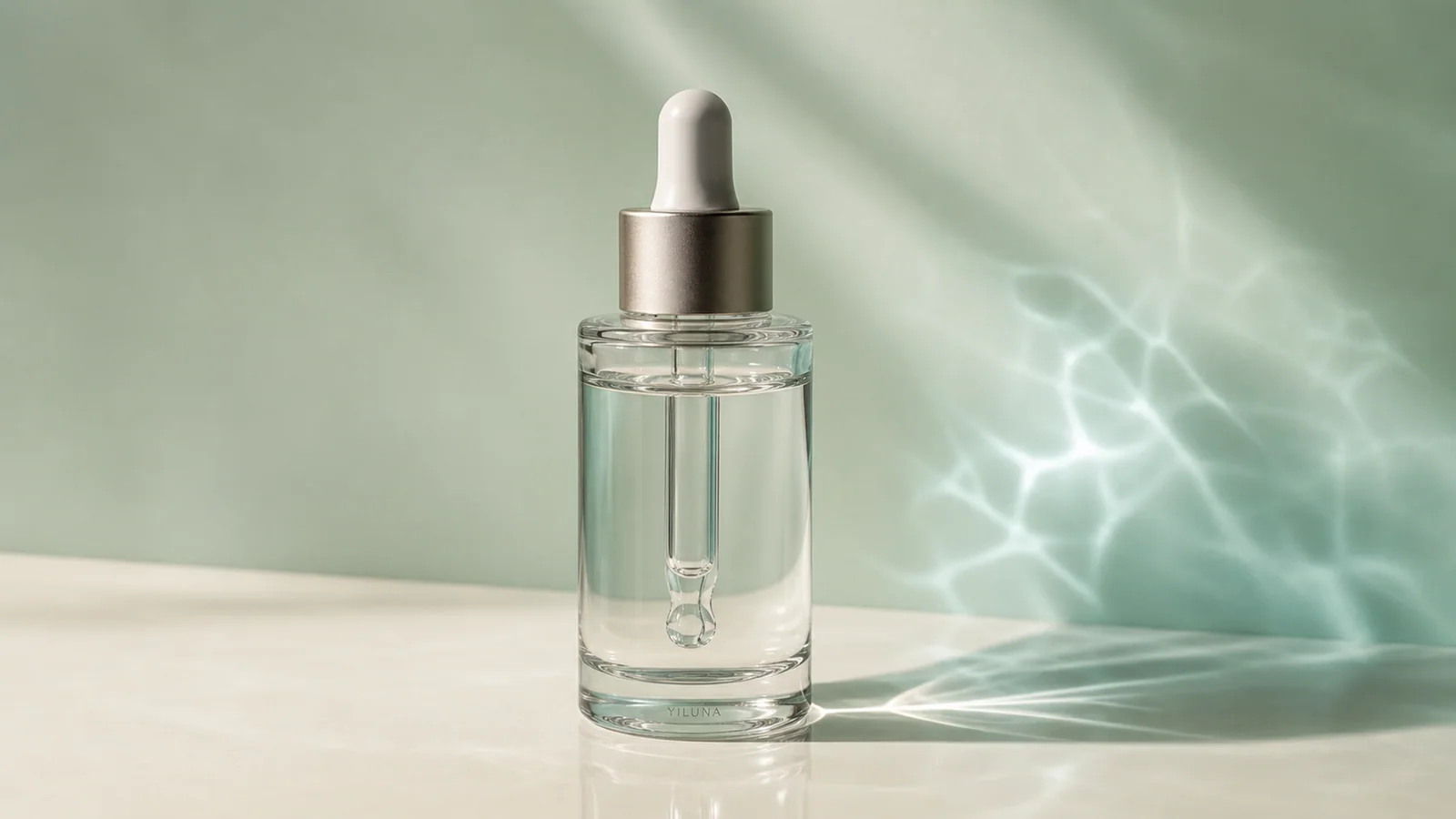
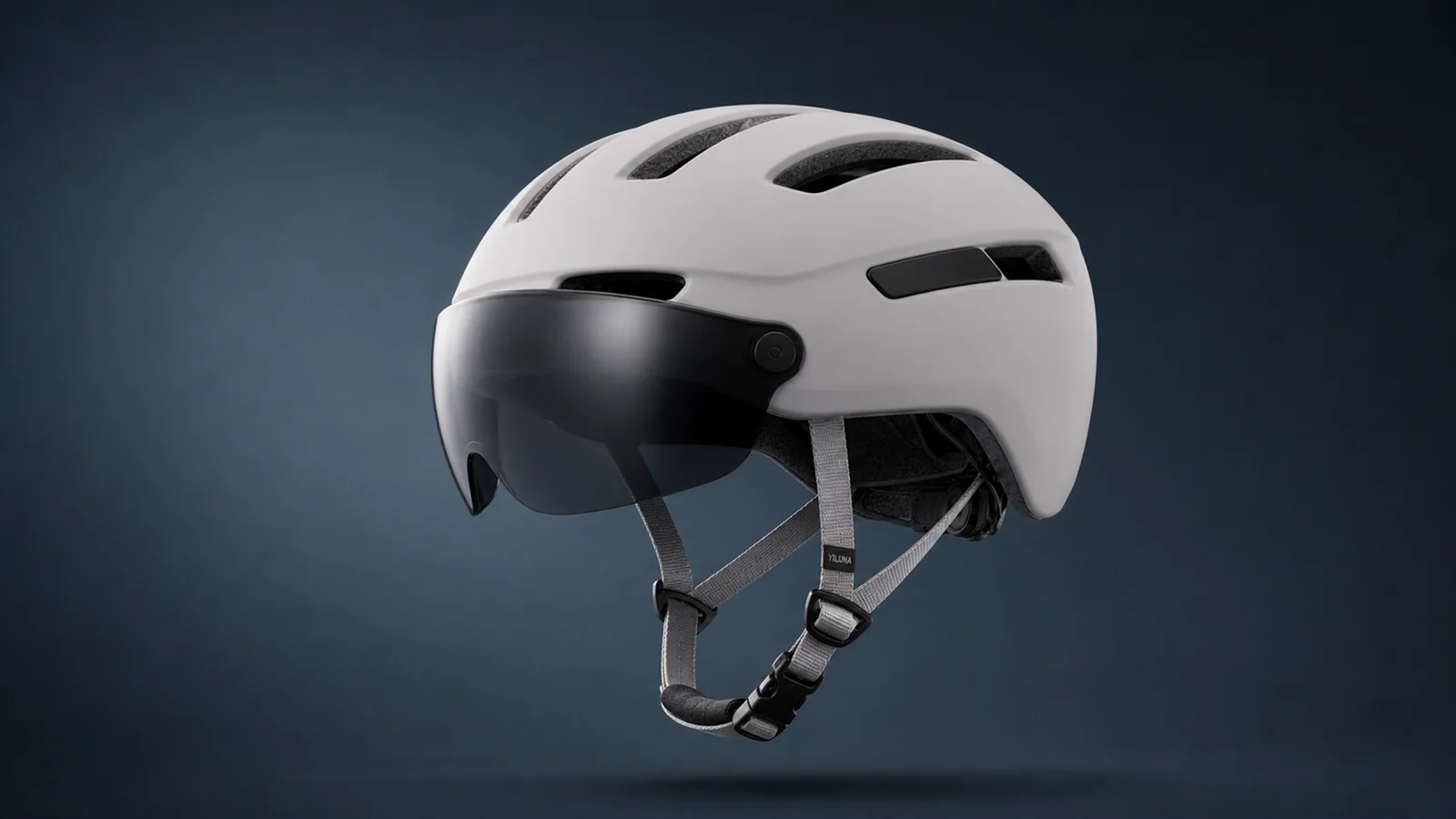
Yiluna Product 15
Yiluna অরিজিনাল
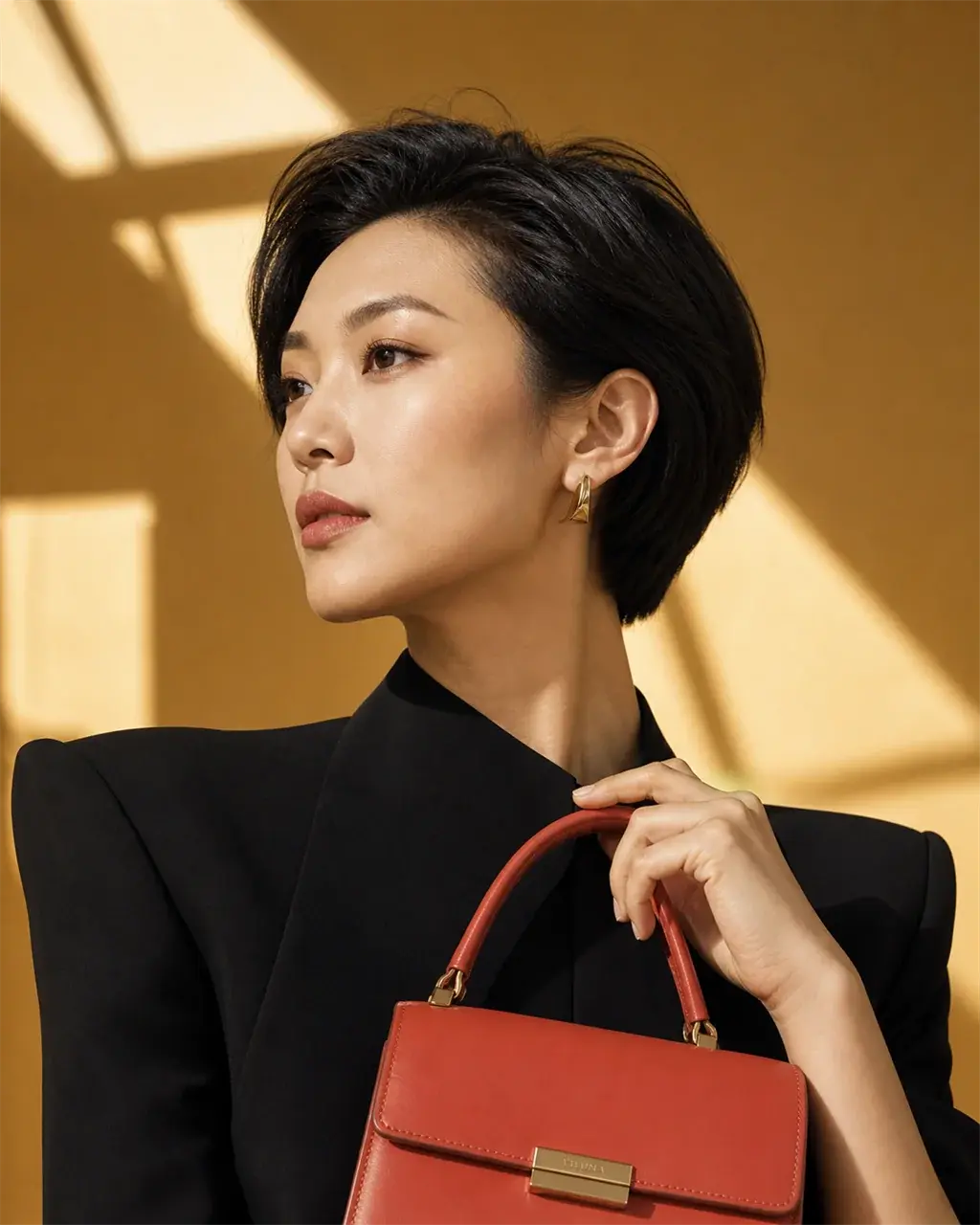
Native Gallery 13
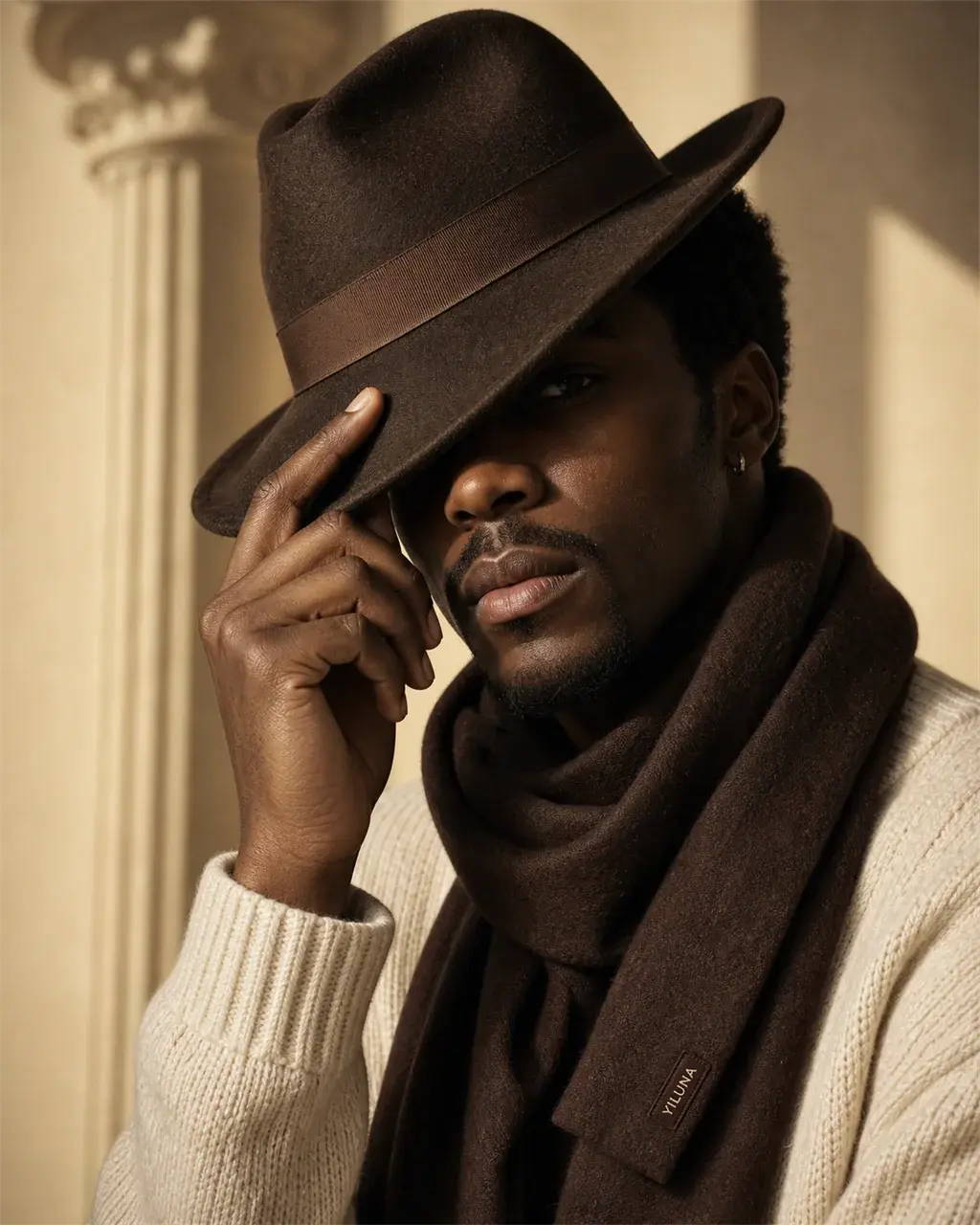
Yiluna অরিজিনাল
Native Gallery 15
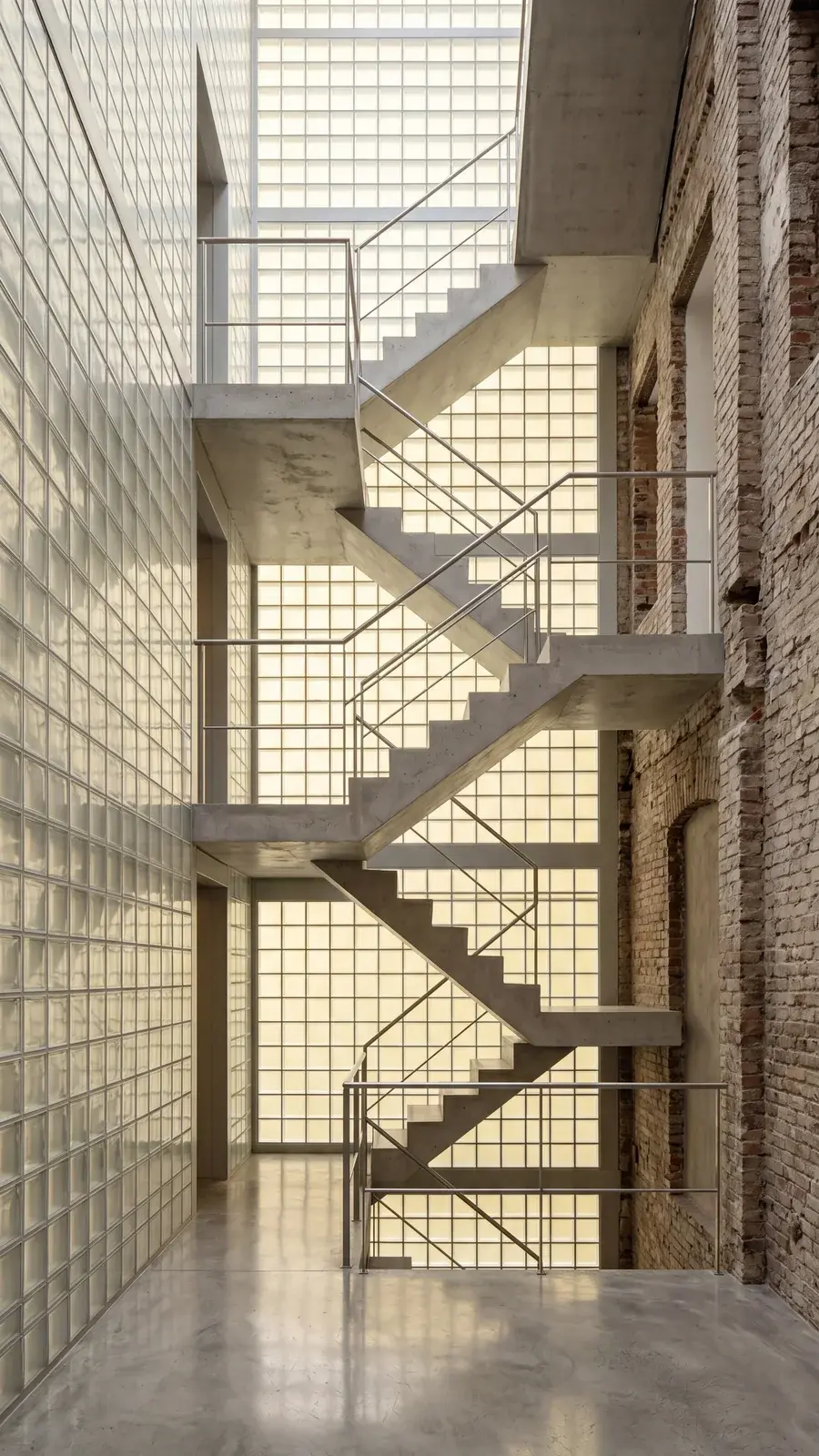
Yiluna অরিজিনাল
Yiluna Architecture 20260614 28 Glass Block Lightwell
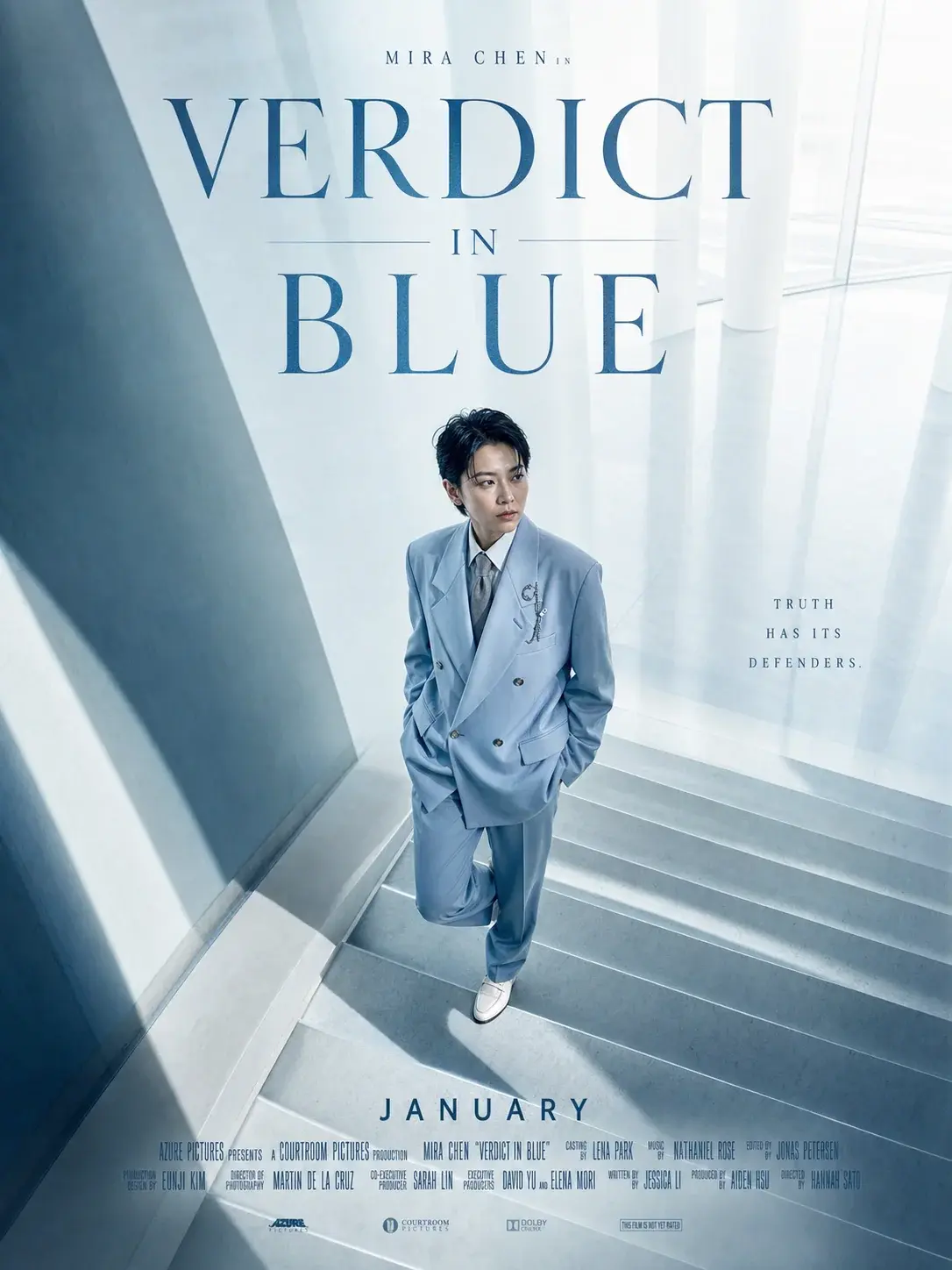
Yiluna অরিজিনাল
Cinema Poster 23
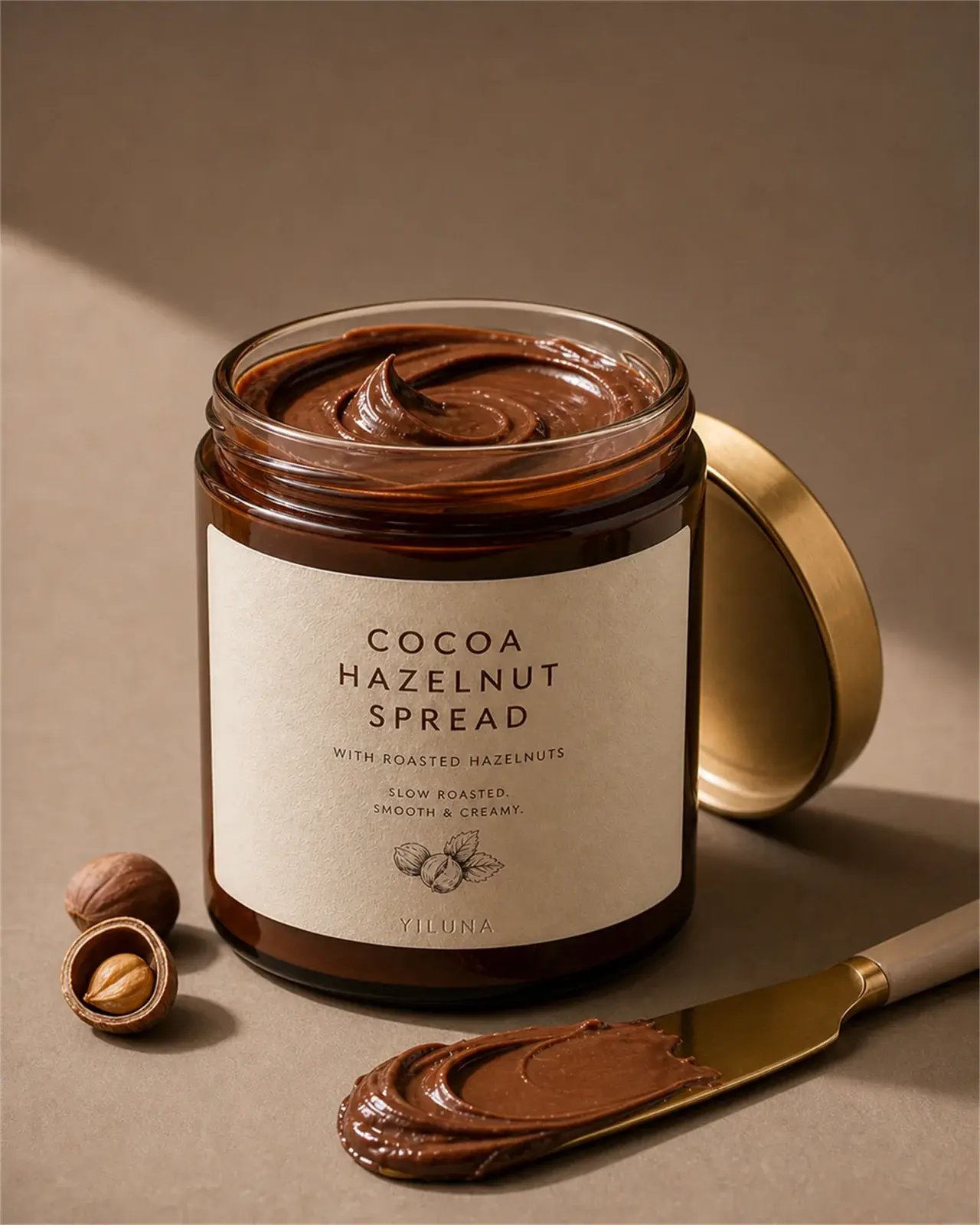
Yiluna অরিজিনাল
Yiluna Product 29
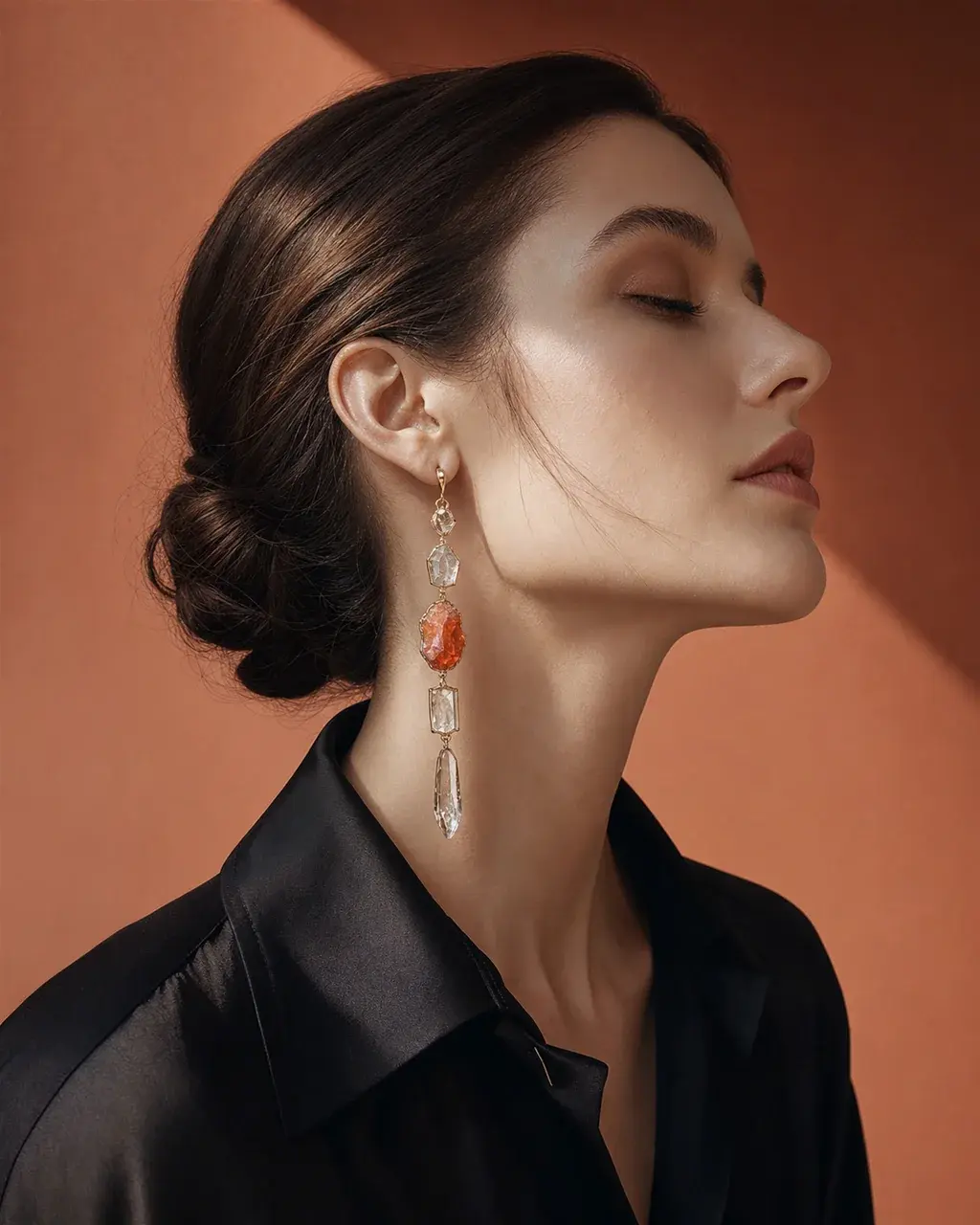
Yiluna অরিজিনাল
Native Gallery 17
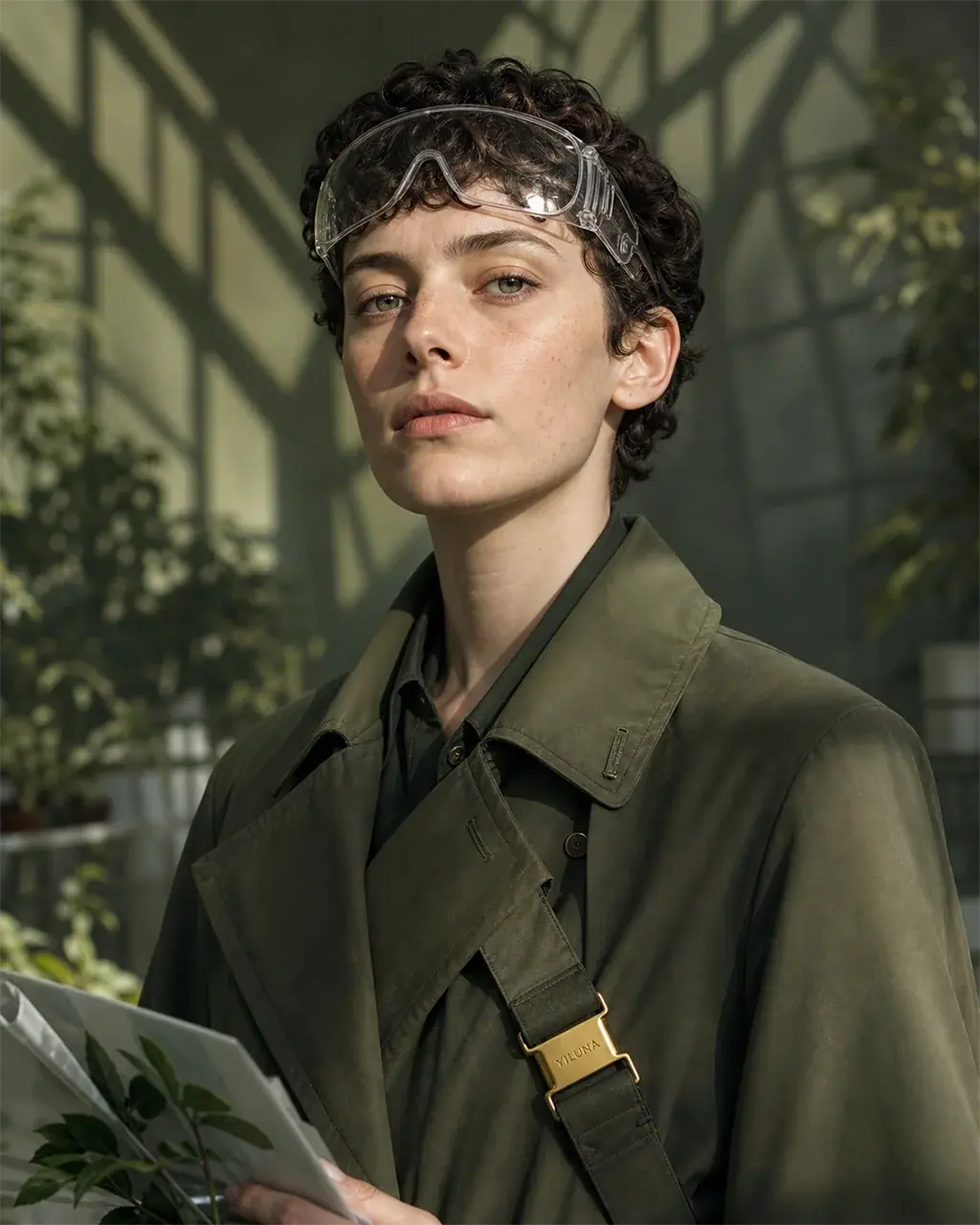
Yiluna অরিজিনাল
Native Gallery 24
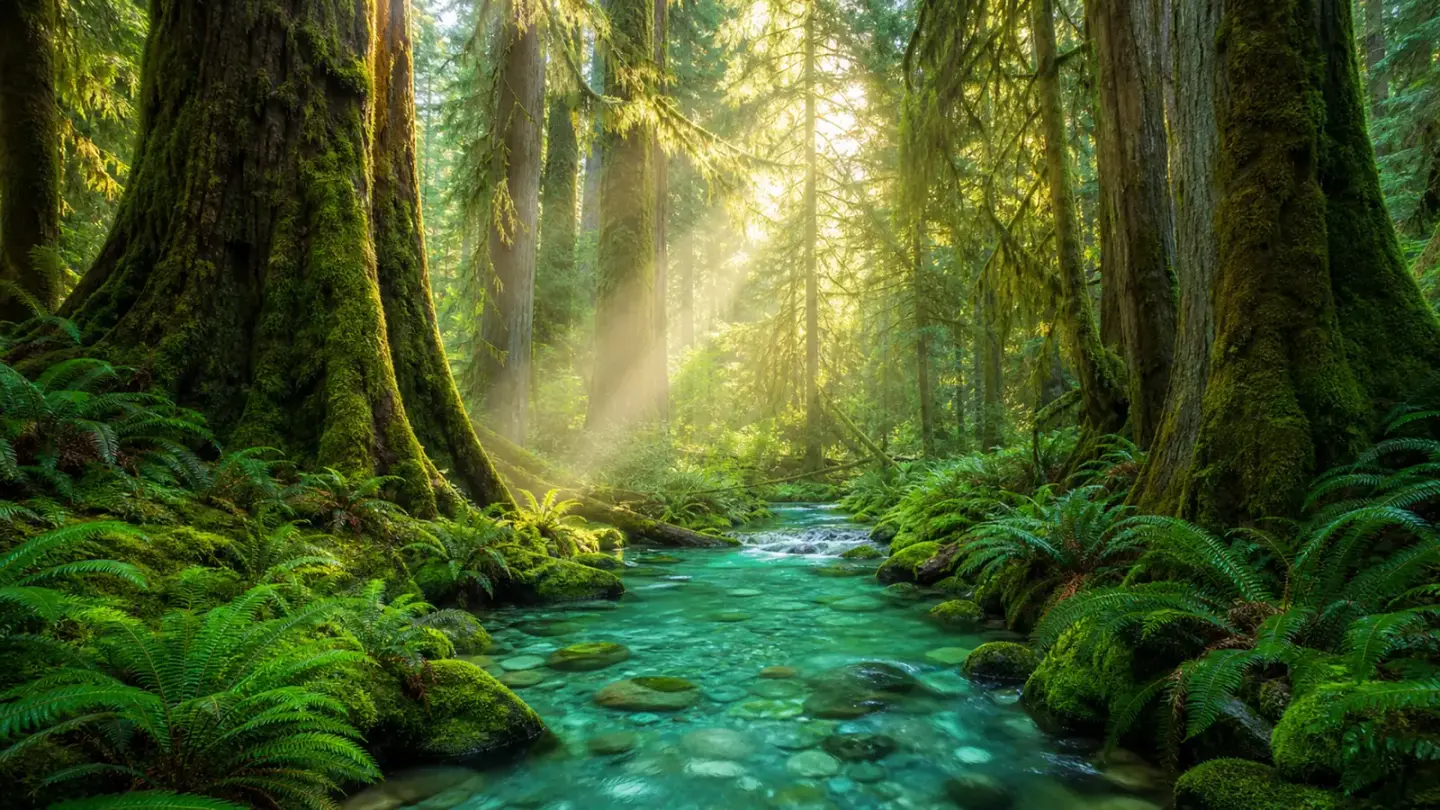
বিশ্ব
স্থান যা গল্প বহন করে।
আলো, মেজাজ এবং চরিত্রগুলির সংঘর্ষের জায়গা সহ অবস্থান।
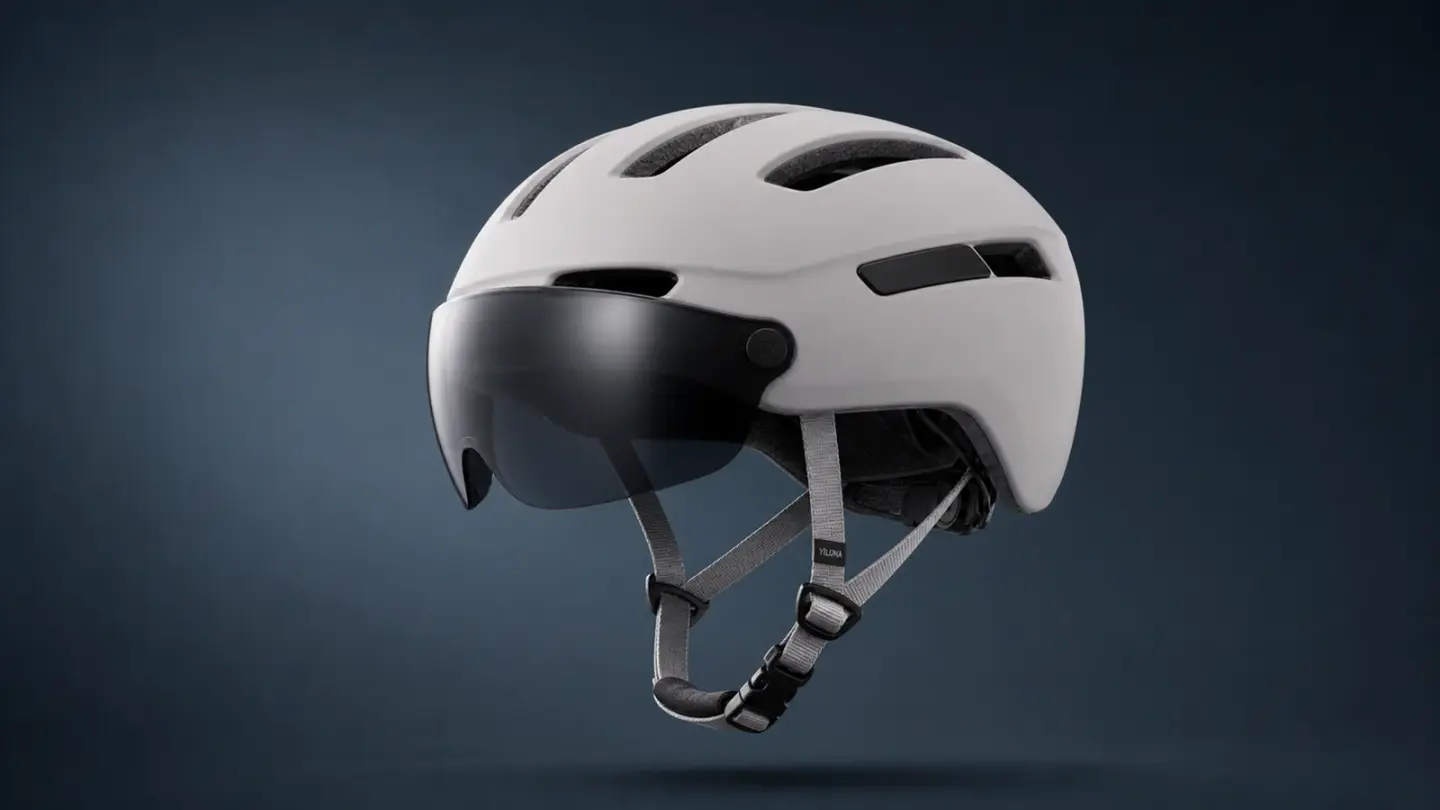
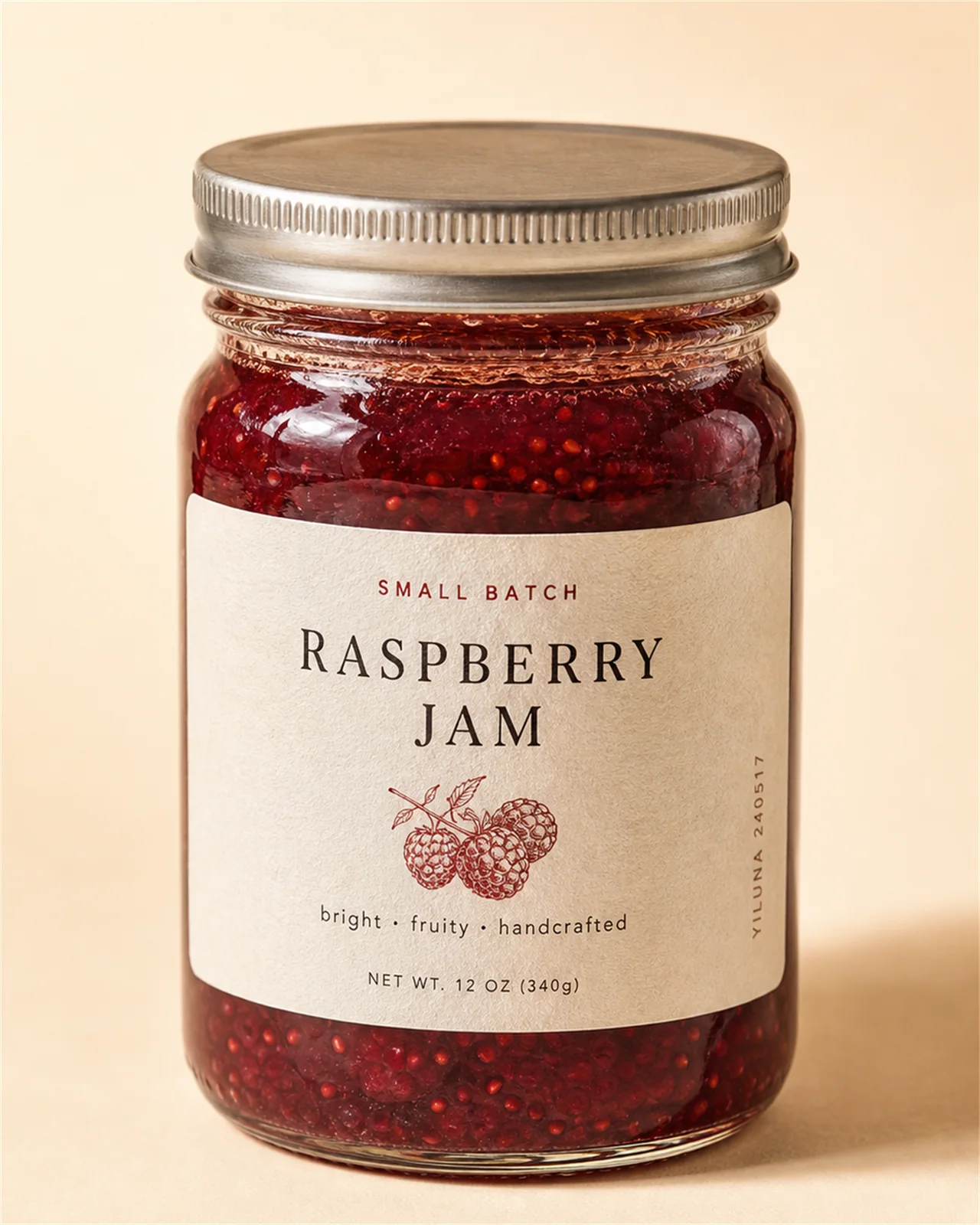
Product Art 10
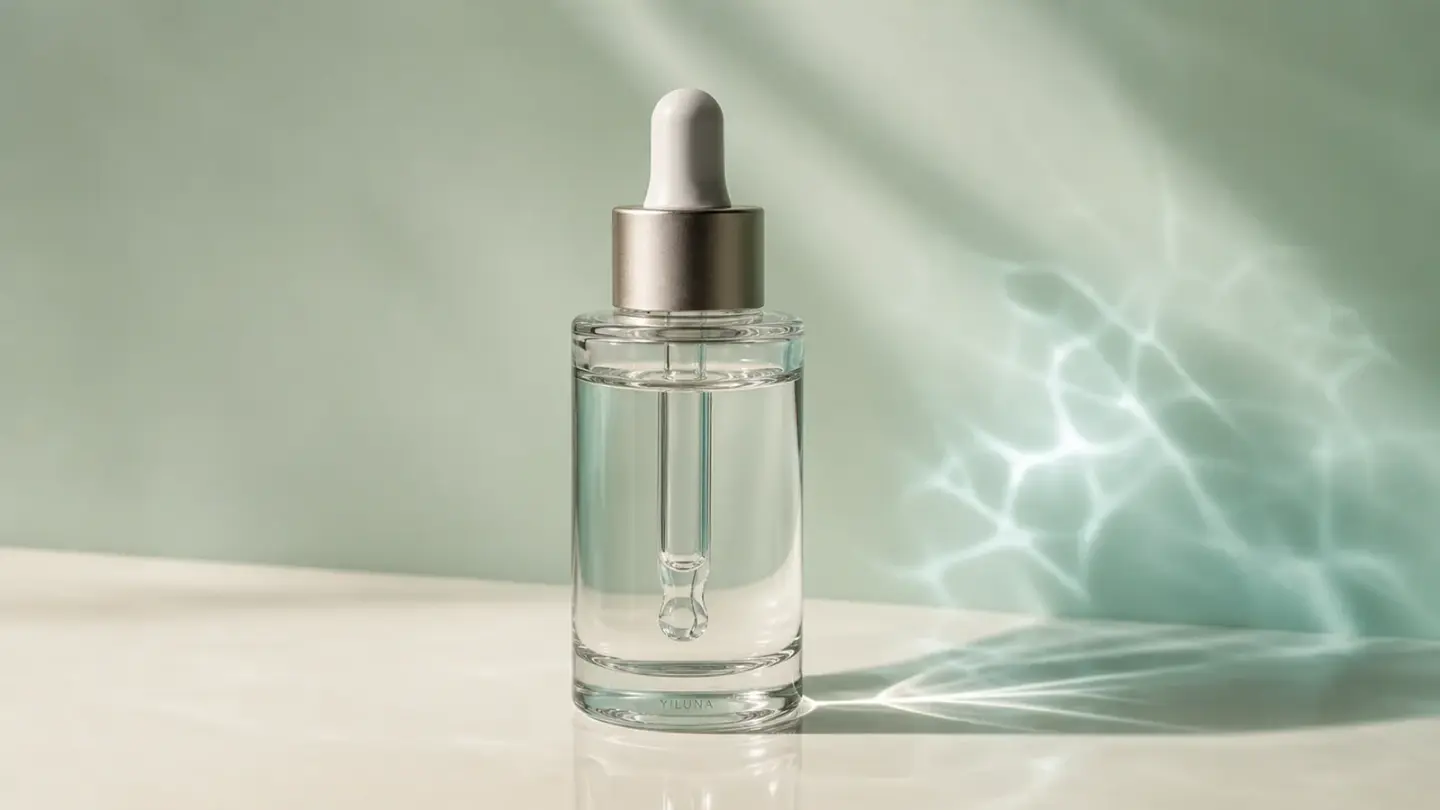
সৃষ্টির দেয়াল
স্টুডিও থেকে নতুন
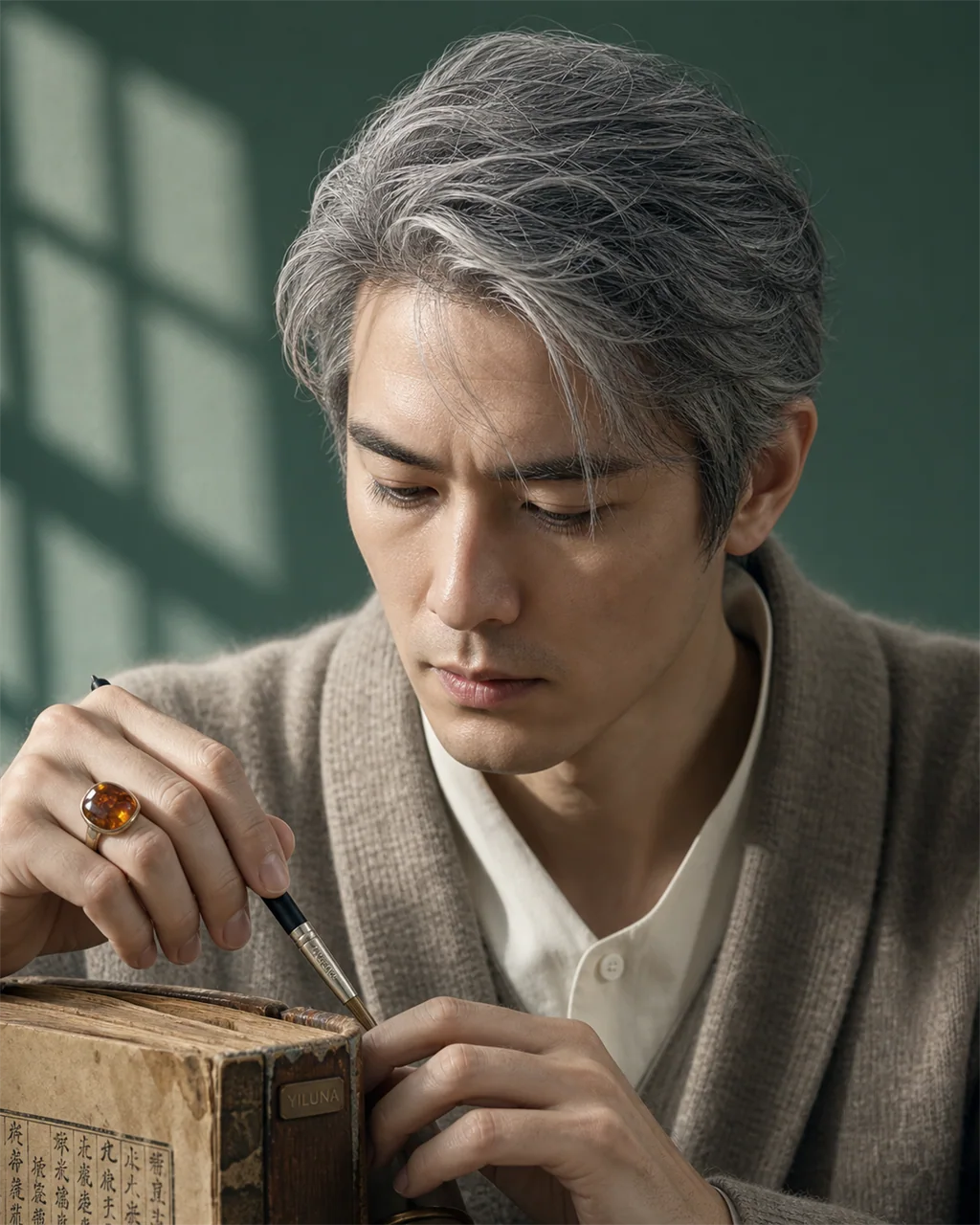
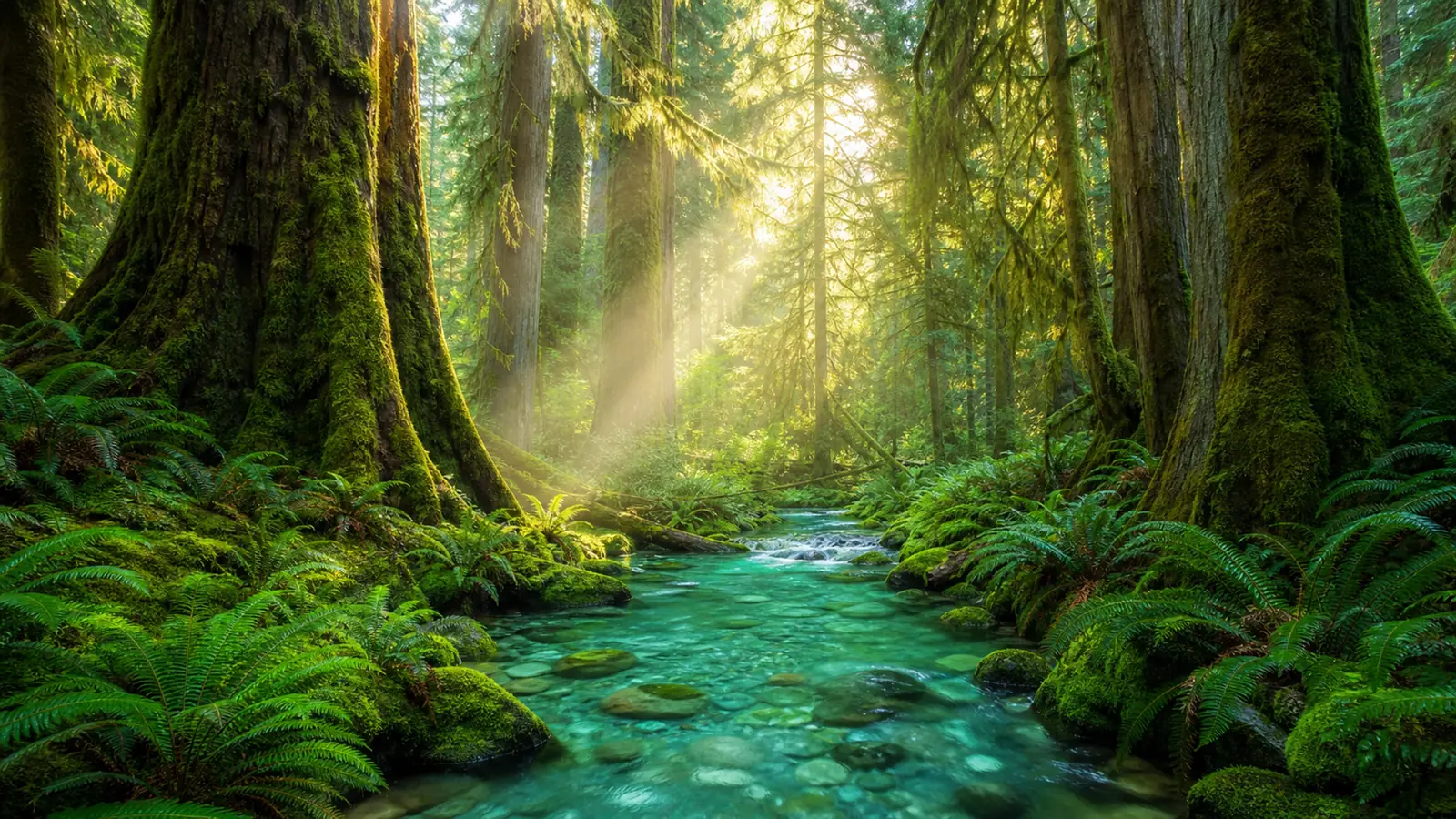
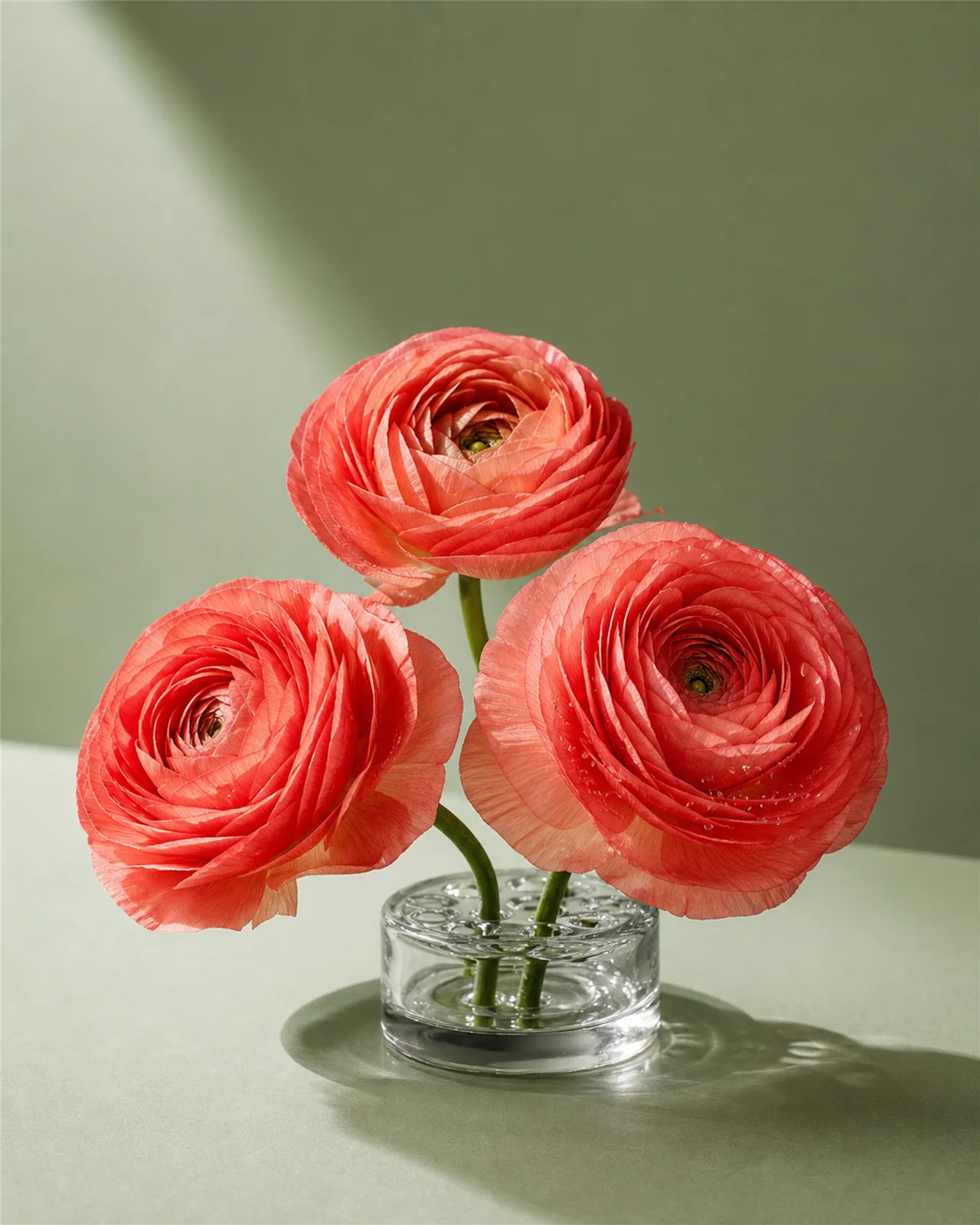
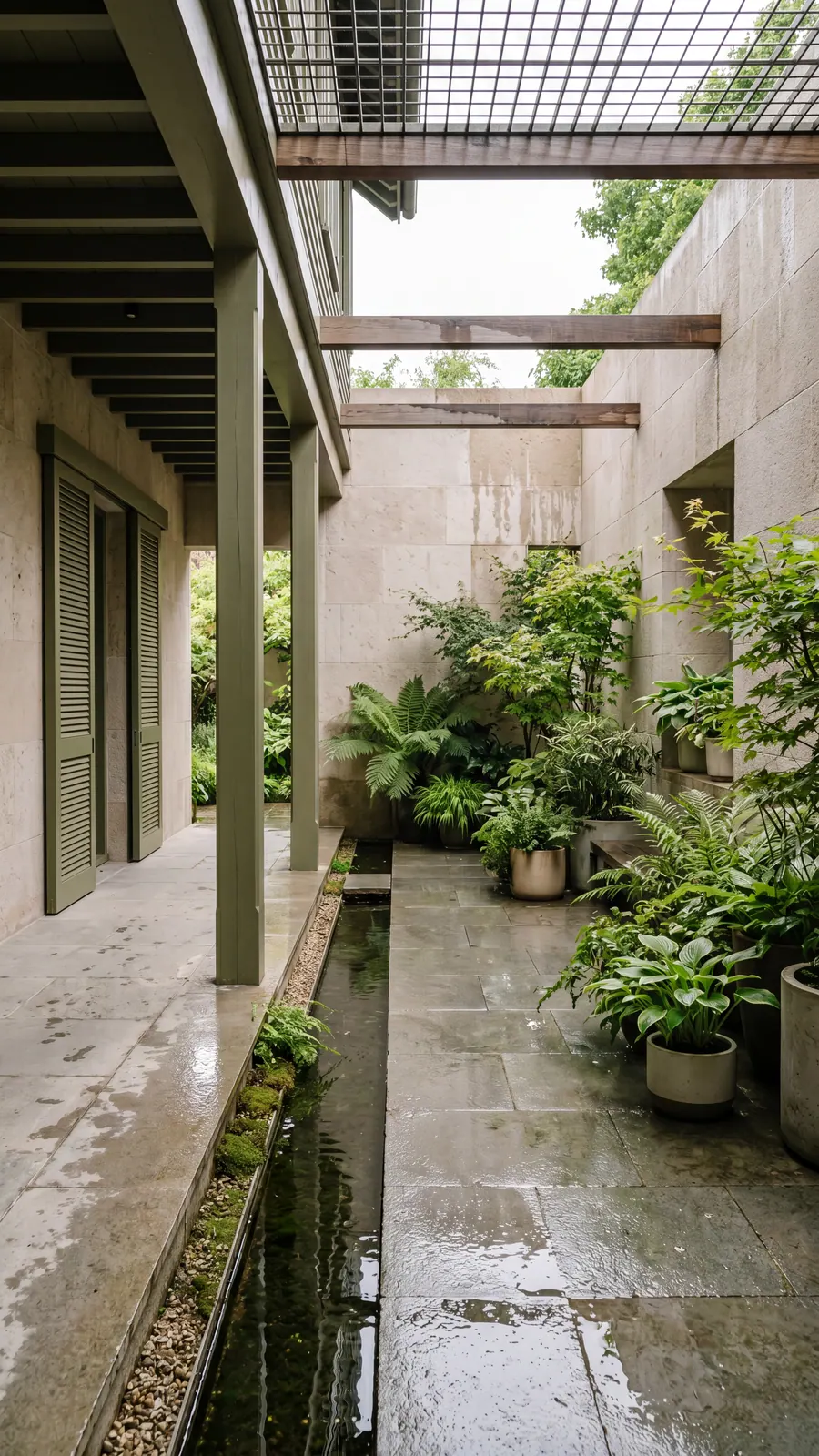
FAQ
From your first image to a short film
Find a starting point, explore the examples, and check what you need before generating.
- Can I generate images from a prompt or photo?
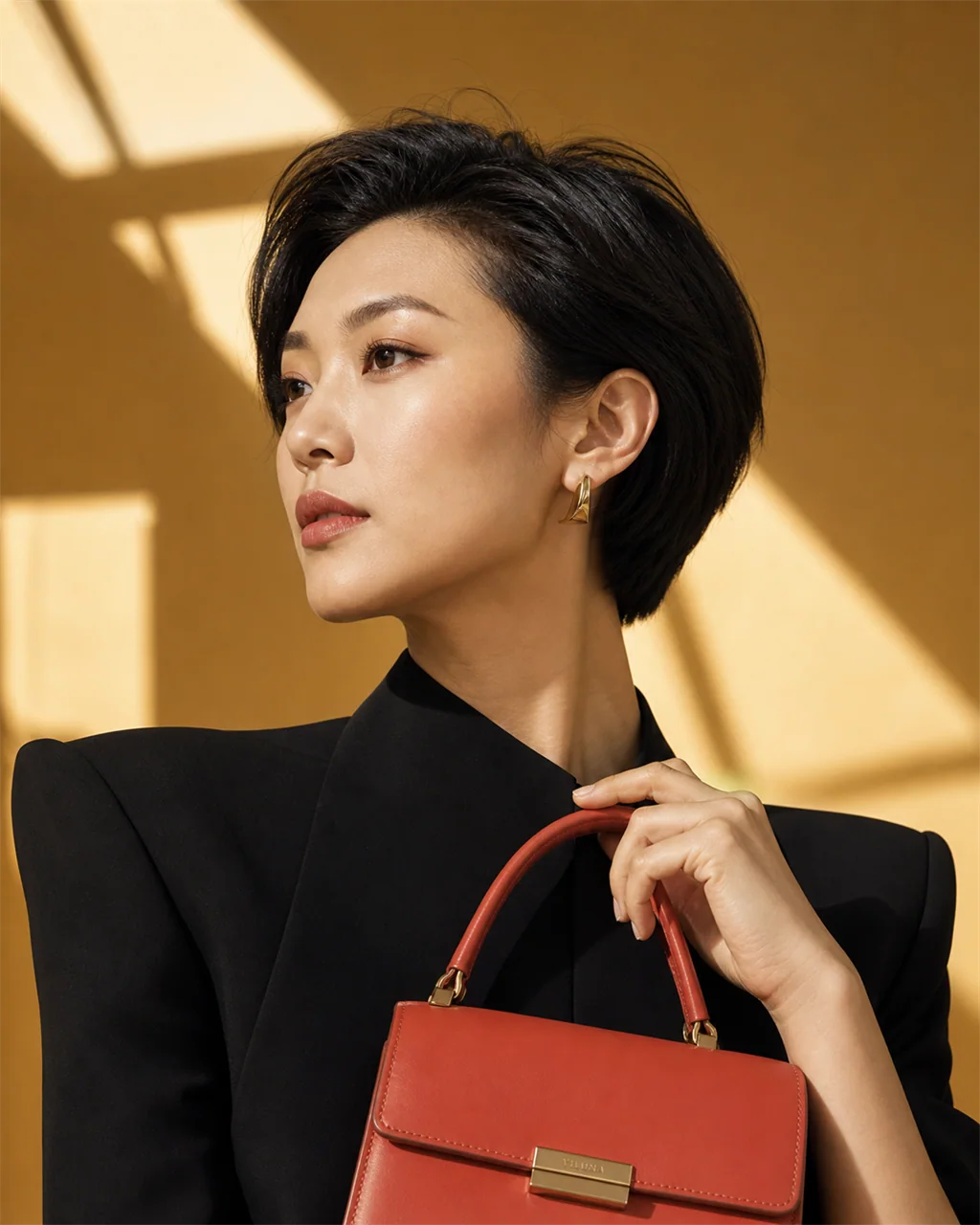
- Yes. Describe the image you need, or upload a reference photo to guide an edit. You can explore product scenes, portraits and other visual concepts, then review the result before reusing it. Check product shapes, labels and small details carefully: generated images can change them.Explore product-photo examples and prompts
- Can I animate a photo with AI?
- Yes. Upload an image as a starting frame and describe the subject movement or camera move. Seedance 2.5 supports 4–30 second clips at 480p or 720p. Start with one clear action, check the credit quote, and review the result for changes to faces, products and backgrounds.See image-to-video prompts and frame guidance
- How do I turn a script into a short film?
- Start with a shot plan and a small set of character and location references. Review the storyboard frames together before animating them. Film Canvas connects your script, references, shot versions, picture and sound; you still direct, select and edit the sequence. The six-shot example shows the source script and generated frames before you sign in.Study the script-to-storyboard example
- How do I keep a character recognizable between shots?
- Prepare a character sheet with useful views, then reuse the approved references. Compare the face, hairstyle, costume and proportions across shots. You can generate a sheet from one image or split an existing sheet into separate PNGs free in your browser. References help guide the model, but every output still needs a continuity review.Open the character sheet generator and free splitter
- How do credits and pricing work?
- Each generation spends credits based on the model and settings. Credit cost is shown before you submit. The lowest Seedance 2.5 preset is 88 credits for 4 seconds at 480p. You can start free with limited credits, buy pay-as-you-go packs, or subscribe for a monthly allowance. Pack credits last one year from purchase.
- Are credits refunded when generation fails?
- Yes. When a job fails because of a system or provider error, credits are refunded automatically. Retry from History, or contact support if a refund did not appear.
- Can I use generated images and videos commercially?
- Paid plans include commercial-use terms for generated outputs. Review the Commercial Use Policy and Terms of Service for the full rules before client or ad work.
