 Yiluna
CHARACTER CONTINUITY, BEFORE THE FIRST SHOT
Character Sheet Generator
Build a consistent turnaround or expression board from a written brief or one reference image. Already have a sheet? Split it into production-ready PNGs locally, free and without an account.
One board per generation. Exporting is always free.
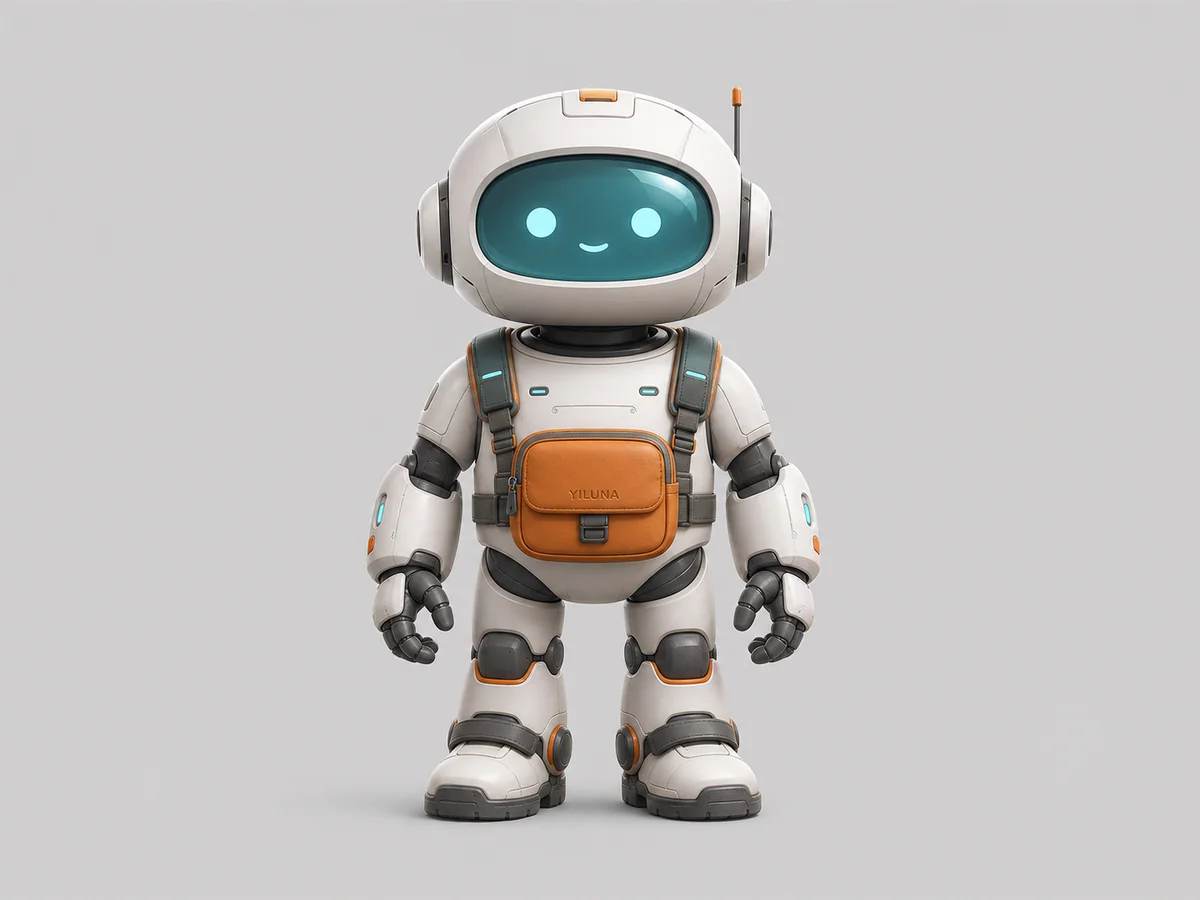 SOURCE LOCKWritten brief
Keep this board beside your storyboard and generation prompts. It is a visual continuity reference—not a mathematically exact 3D orthographic model.
AI character sheet prompts.
Attach one clear character image to an image editor, then paste a prompt below. These are the reference-image instructions used by the three layouts above.
The prompts and local PNG splitter are free to use. Generating a new board in Yiluna requires an account and credits.
Three-view turnaround3 × 1 panels · 3:2 board
Front → Side → Rear
Use the supplied image as the identity source. Do not redesign, beautify, age-shift, or replace the character. Create one production-ready character model sheet with exactly three equal vertical panels, ordered left to right: front full-body view, strict 90-degree side full-body view, and rear full-body view. Preserve the exact same character identity, face, hair, body proportions, clothing construction, accessories, materials, and colors in every panel. Neutral relaxed A-pose, head-to-toe framing, identical scale and camera height, orthographic-like presentation, even studio light, clean light-gray background, generous gutters. No text, no labels, no watermark, no cropped feet, no duplicate limbs, no extra characters.
Four-view turnaround2 × 2 panels · 1:1 board
Front → Three-quarter → Profile → Back
Use the supplied image as the identity source. Do not redesign, beautify, age-shift, or replace the character. Create one production-ready character reference sheet arranged as an exact 2 by 2 grid. Panels in reading order: front full-body view, three-quarter full-body view, strict 90-degree profile full-body view, and back full-body view. Preserve the exact same character identity, face, hair, body proportions, clothing construction, accessories, materials, and colors in every panel. Neutral relaxed A-pose, head-to-toe framing, identical scale and camera height, orthographic-like presentation, even studio light, clean light-gray background, generous gutters. No text, no labels, no watermark, no cropped feet, no duplicate limbs, no extra characters.
Expression sheet3 × 2 panels · 3:2 board
Neutral → Warm → Angry → Sad → Surprised → Determined
Use the supplied image as the identity source. Do not redesign, beautify, age-shift, or replace the character. Create one production-ready character expression sheet arranged as an exact 3 by 2 grid of six equal head-and-shoulders portraits. Panels in reading order: neutral, warm smile, controlled anger, sadness, surprise, and determined focus. Preserve the exact same face, apparent age, skin tone, hairstyle, clothing neckline, accessories, camera height, crop, light, and background in every panel. Expressions must be subtle and usable for film continuity, not cartoon exaggerations. Clean light-gray studio background, generous gutters. No text, no labels, no watermark, no full-body poses, no extra characters.
THE PRACTICAL WORKFLOW
From character idea to reusable reference pack.
- 01
Choose the board
Use three views for fast continuity, four views for fuller turnarounds, or six expressions for dialogue scenes.
- 02
Create or bring your own
Generate from text or one reference image, or upload a grid you already made elsewhere.
- 03
Split once, reuse everywhere
Download every view as a separate PNG and keep them beside your shot list and prompts.
FAQ
Character sheet generator questions.
What is a character sheet generator?
It creates a single reference board that shows the same character from several useful views or expressions. The board helps artists, animators, and AI video creators preserve identity, costume, proportions, and details between shots.
Can I split an existing character sheet for free?
Yes. Choose a three-view, four-view, or six-expression layout, upload the grid image, and export each panel as a separate PNG or one ZIP file. Splitting happens locally in your browser without an account or server upload.
Can I make a character sheet from one reference image?
Yes. Upload one clear reference, add an optional continuity note, and choose the board layout. Yiluna uses the reference as the identity source while generating the additional views.
Will every view be perfectly identical?
AI output is a visual continuity reference, not a mathematically exact 3D orthographic model. Strong source images, visible full-body details, neutral poses, and specific continuity notes improve consistency.