 Yiluna
More specific visual direction
Add useful detail around subject, lighting, camera angle, mood, style, and composition without turning the prompt into noise.
Prompt clarity
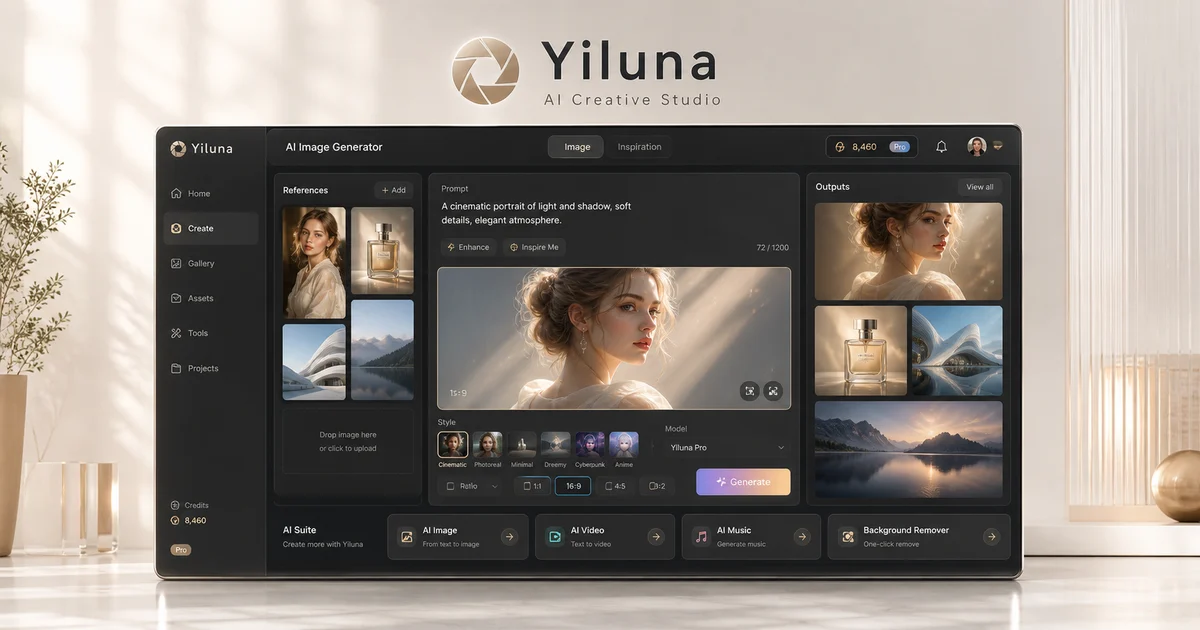
Yiluna's prompt enhancer helps expand short notes into clearer creative direction for image generation, photo editing, and video motion drafts.
Built for real workflows
Practical production jobs that benefit from connected references, visible iterations, and deliberate review.
Add useful detail around subject, lighting, camera angle, mood, style, and composition without turning the prompt into noise.
Cleaner prompt structure makes it easier to regenerate, compare, and adjust a campaign direction.
Use enhanced prompts for image generation, photo edits, background changes, and video drafts.
FAQ
No. A useful prompt is clear and specific, not stuffed with repeated keywords. Keep details that affect the visual result.
Yes. Add motion, camera behavior, lighting, and duration intent before sending the prompt into the video generator.
Yes. It can turn a product brief into a stronger scene direction with background, material, lighting, and composition cues.
Related workflows
Create AI product photos from your image or a prompt. Explore lifestyle and studio examples, reusable briefs, and practical checks for product accuracy.
Text to videoText to Video AI: A Seedance 2.5 Example & Original PromptWatch a real Seedance 2.5 text-to-video result, open its original prompt and settings, and learn how to direct your own 4–30 second shot in Yiluna.
Image to videoImage to Video AI: Product Animation Prompts & Frame ControlTurn an image into video with Seedance 2.5. Try product animation prompts, first and last frame guidance, and 4–30s clips with a credit quote before generation.