 Yiluna
Preserve the winning direction
Keep the composition you already selected while preparing a cleaner version for review, presentation, or campaign drafts.
Sharper exports
When a generated image or uploaded asset has the right idea but needs more clarity, Yiluna's upscale workflow helps prepare sharper creative exports.
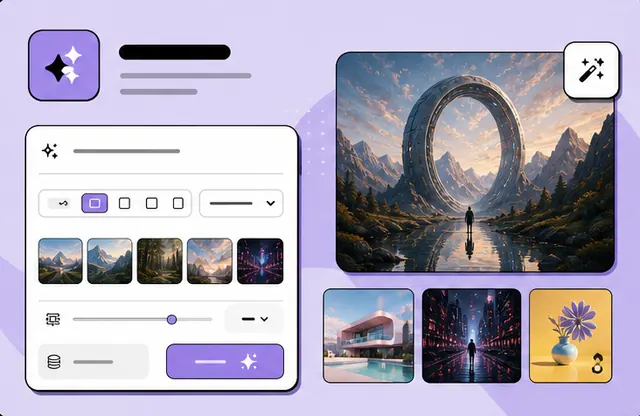
Built for real workflows
Practical production jobs that benefit from connected references, visible iterations, and deliberate review.
Keep the composition you already selected while preparing a cleaner version for review, presentation, or campaign drafts.
Upscale AI outputs, rough product images, design mockups, and social visuals that need a sharper final pass.
Move from generation to enhancement without splitting your work across disconnected utility sites.
FAQ
No. Upscaling can improve useful drafts, but it cannot perfectly restore missing details or guarantee factual accuracy in generated images.
Usually edit the concept first, then upscale the strongest result. That avoids spending credits on versions you will not use.
Yes, especially for product drafts and campaign visuals that need cleaner detail before review or publication.
Related workflows
Create AI product photos from your image or a prompt. Explore lifestyle and studio examples, reusable briefs, and practical checks for product accuracy.
Clean cutoutsAI Background Remover for Product and Portrait ImagesRemove image backgrounds online for product photos, profile images, ecommerce cutouts, and clean design assets with Yiluna AI tools.
Scene replacementAI Photo Background Changer: Examples & PromptsChange a photo background with AI. Inspect a source-to-edit example, reuse portrait and product prompts, and check face, edge and lighting consistency.