 Yiluna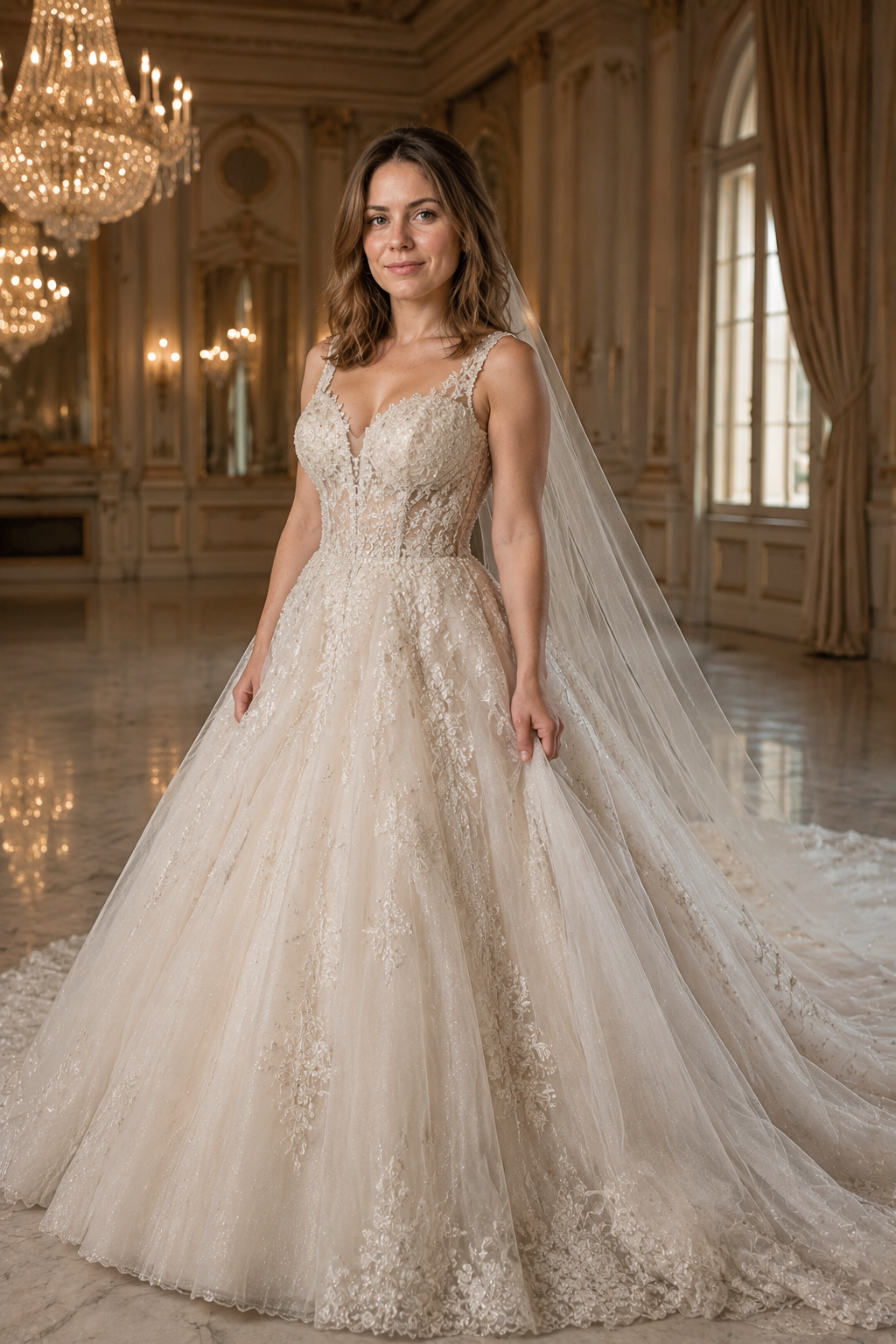
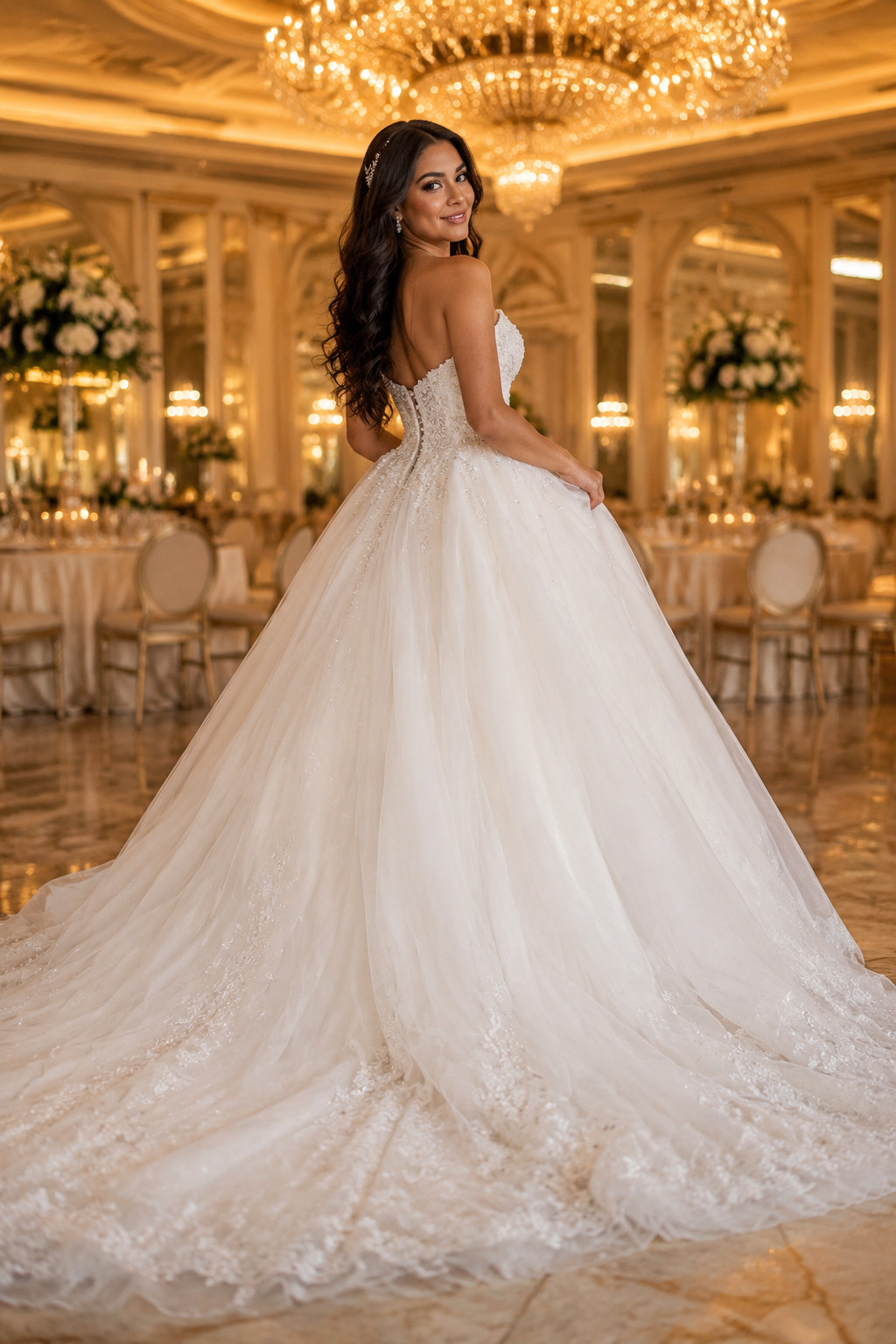
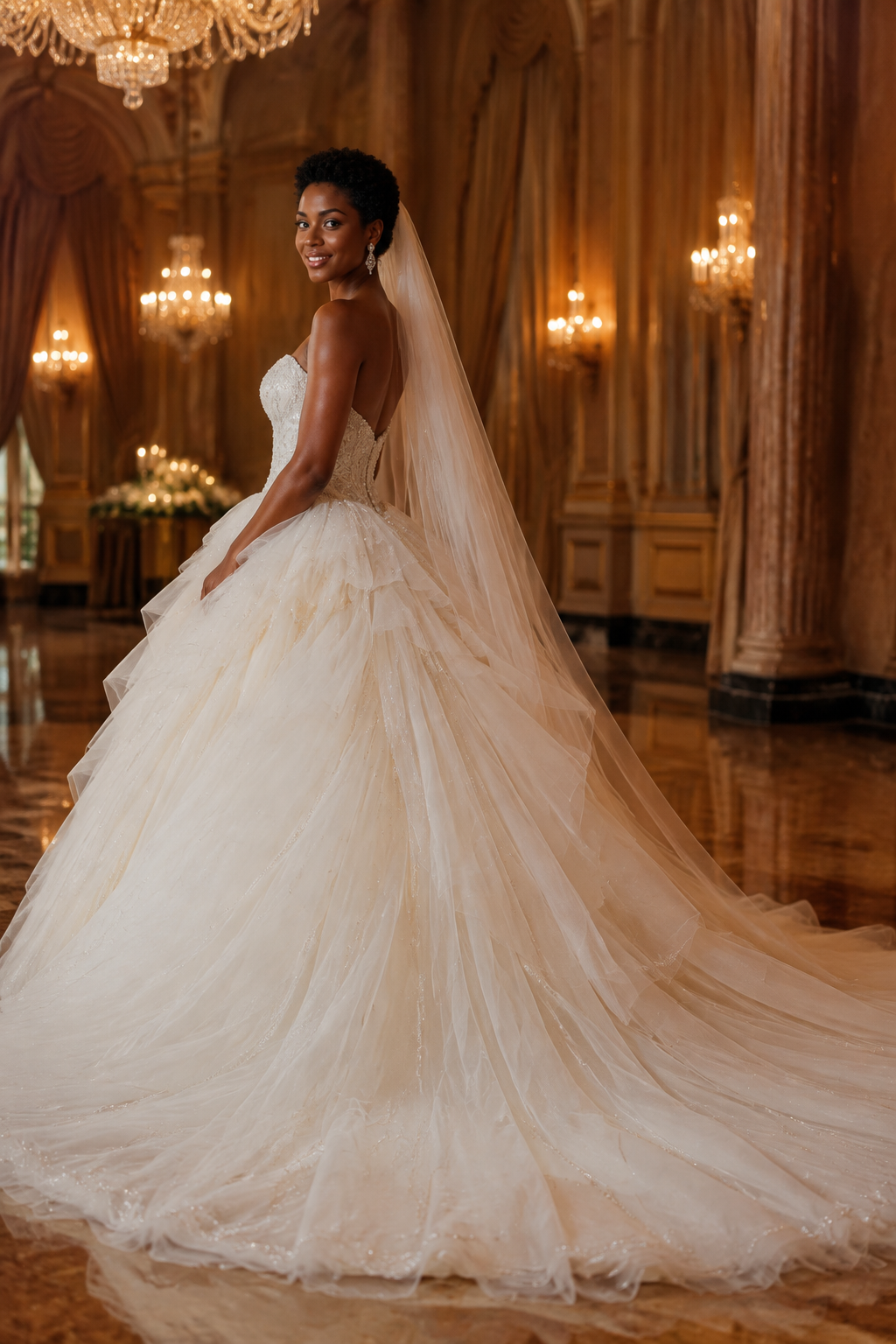
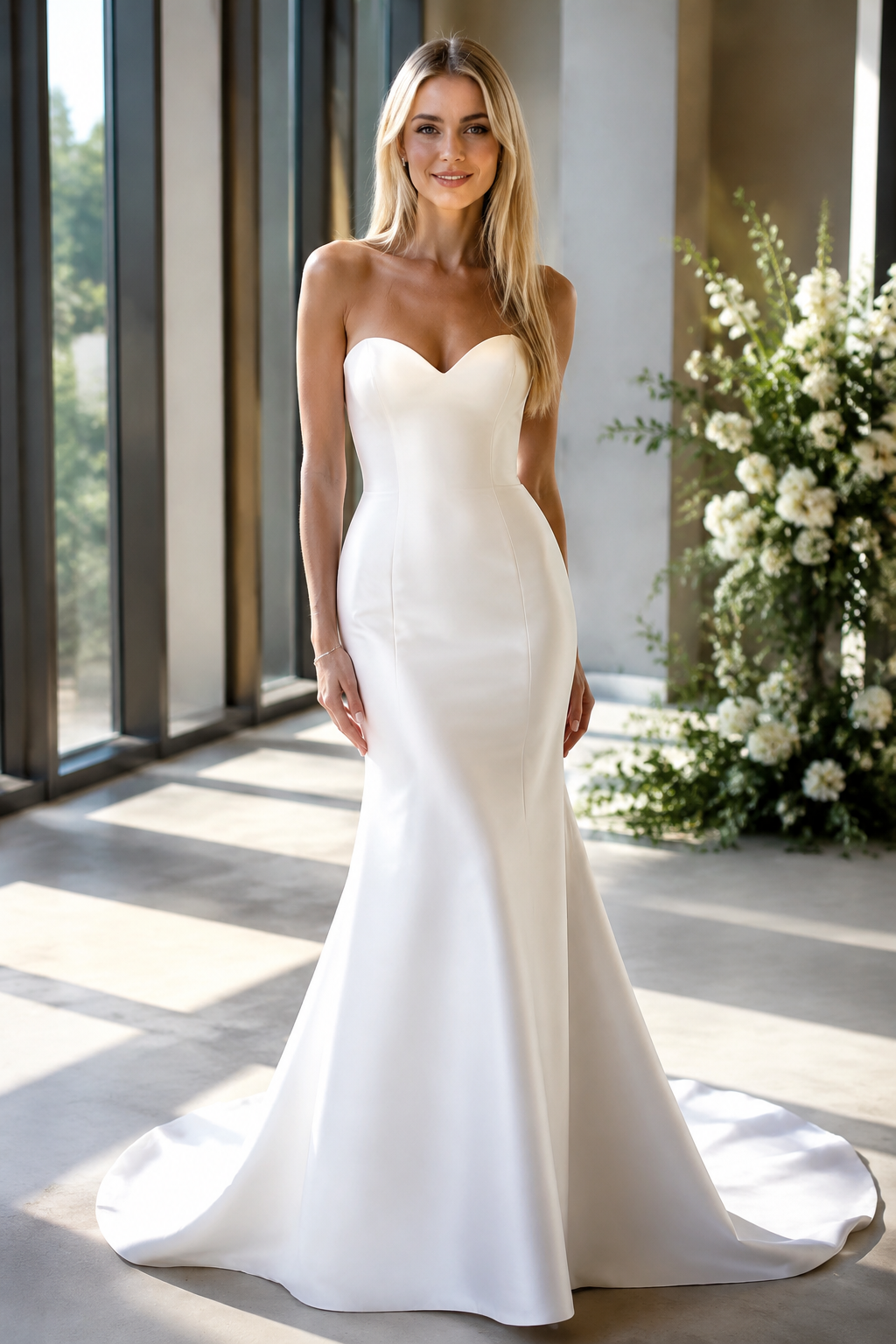
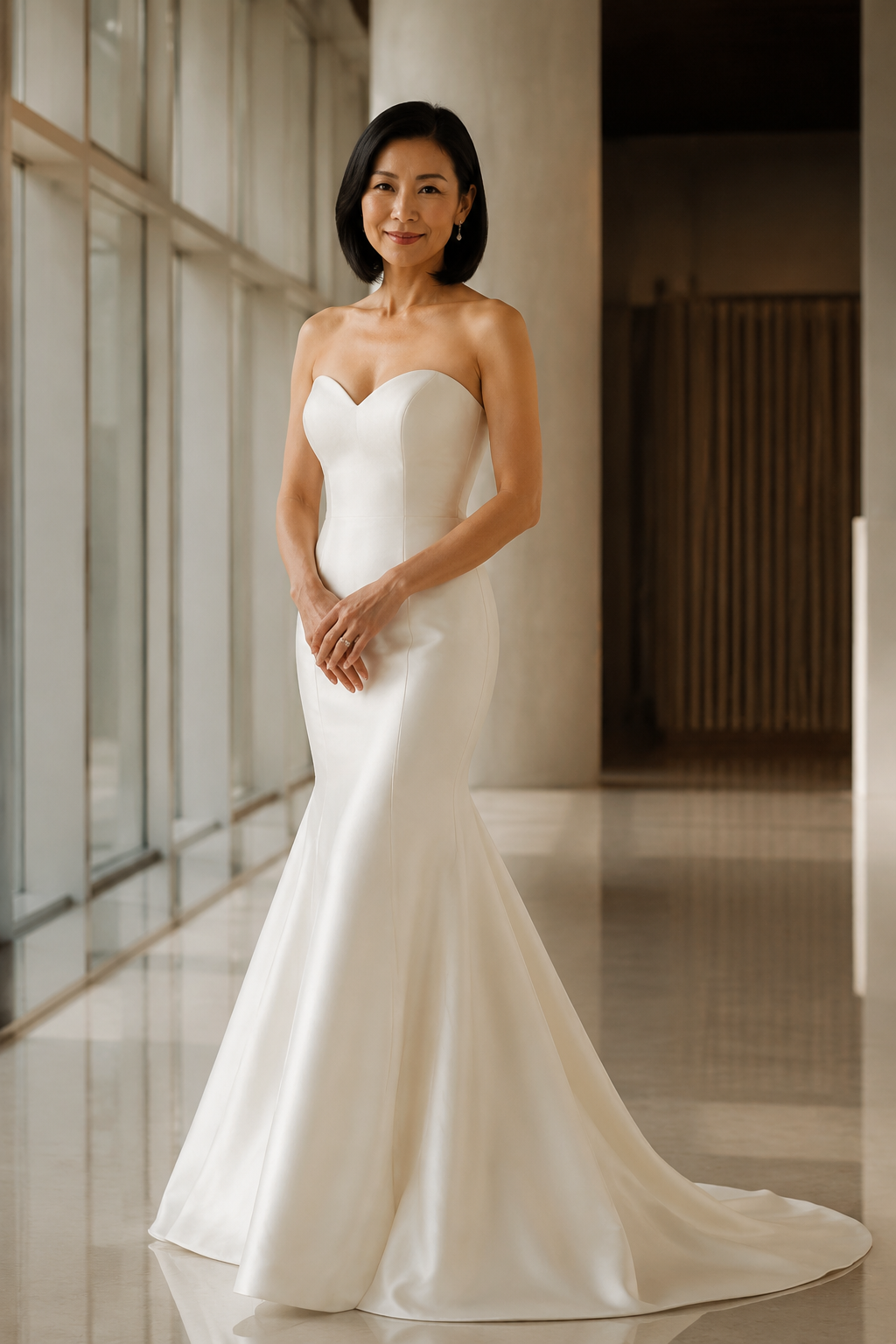
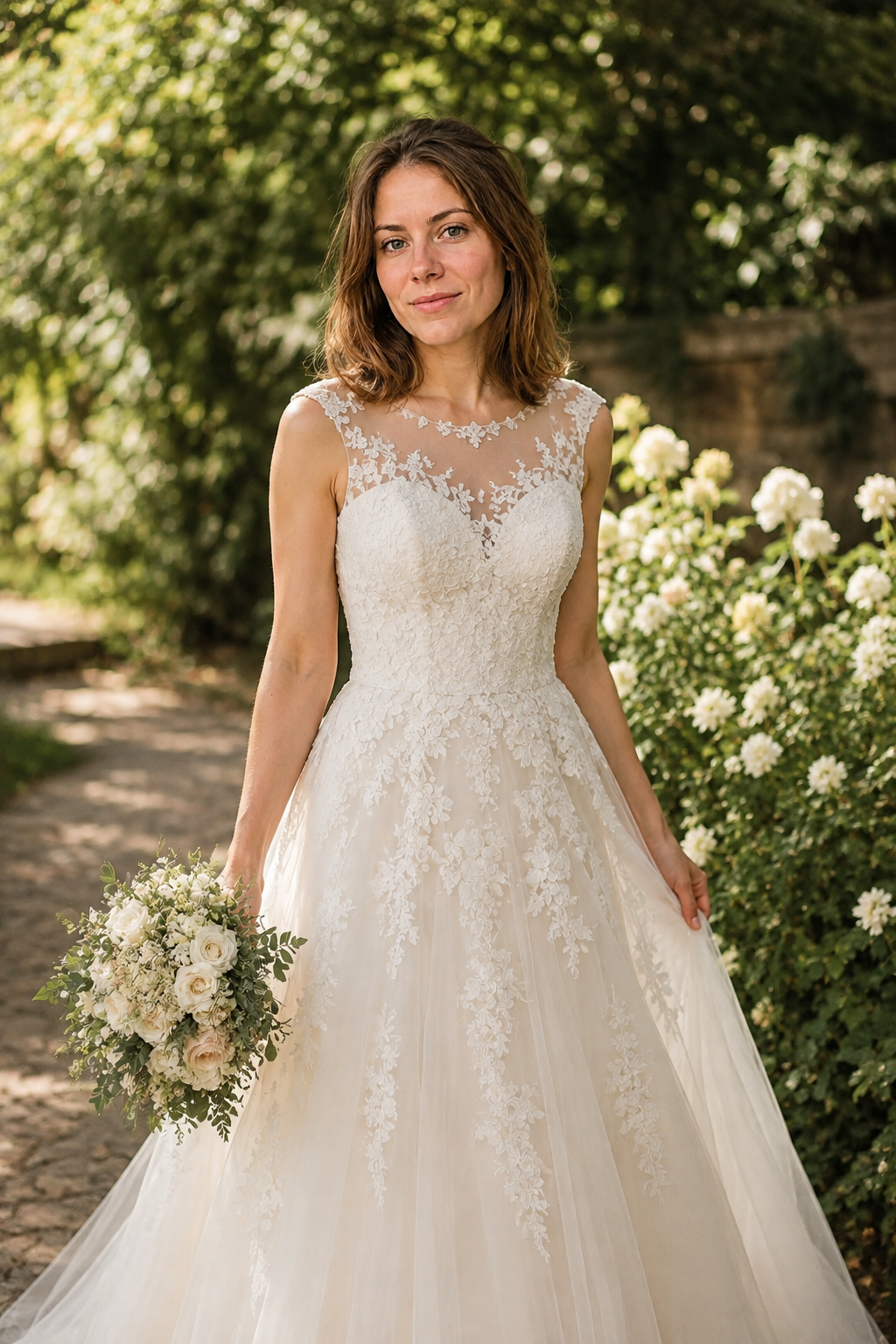
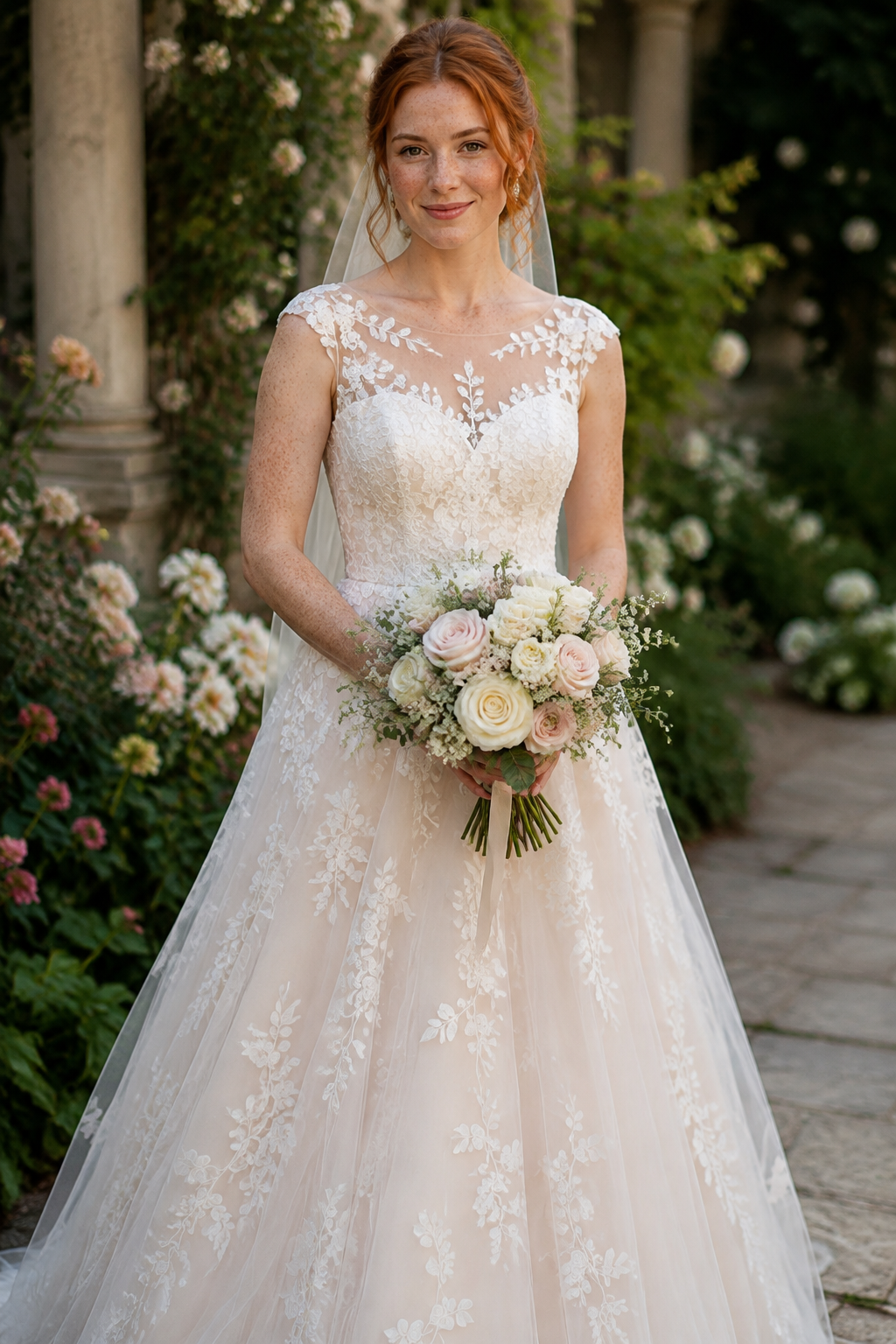
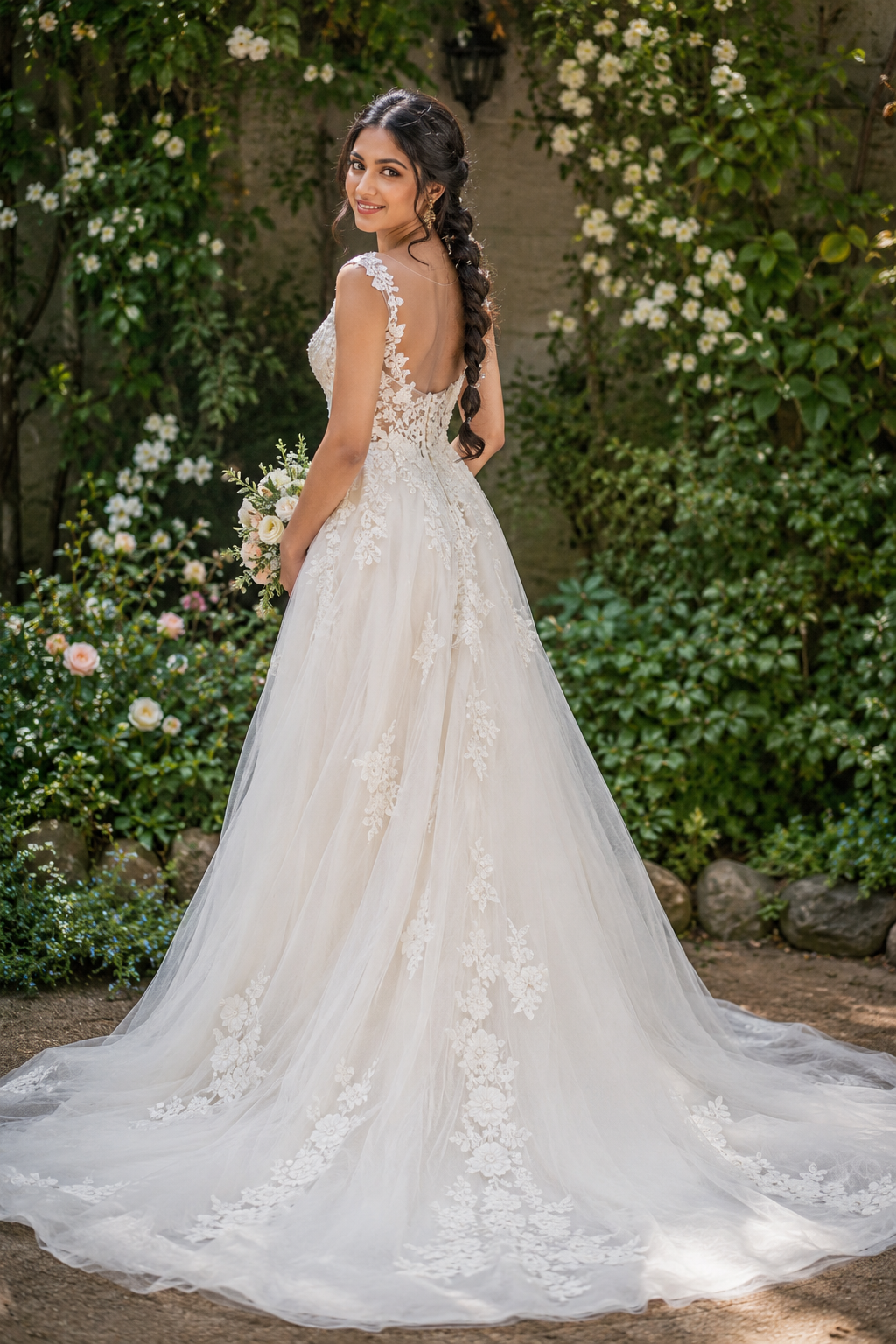
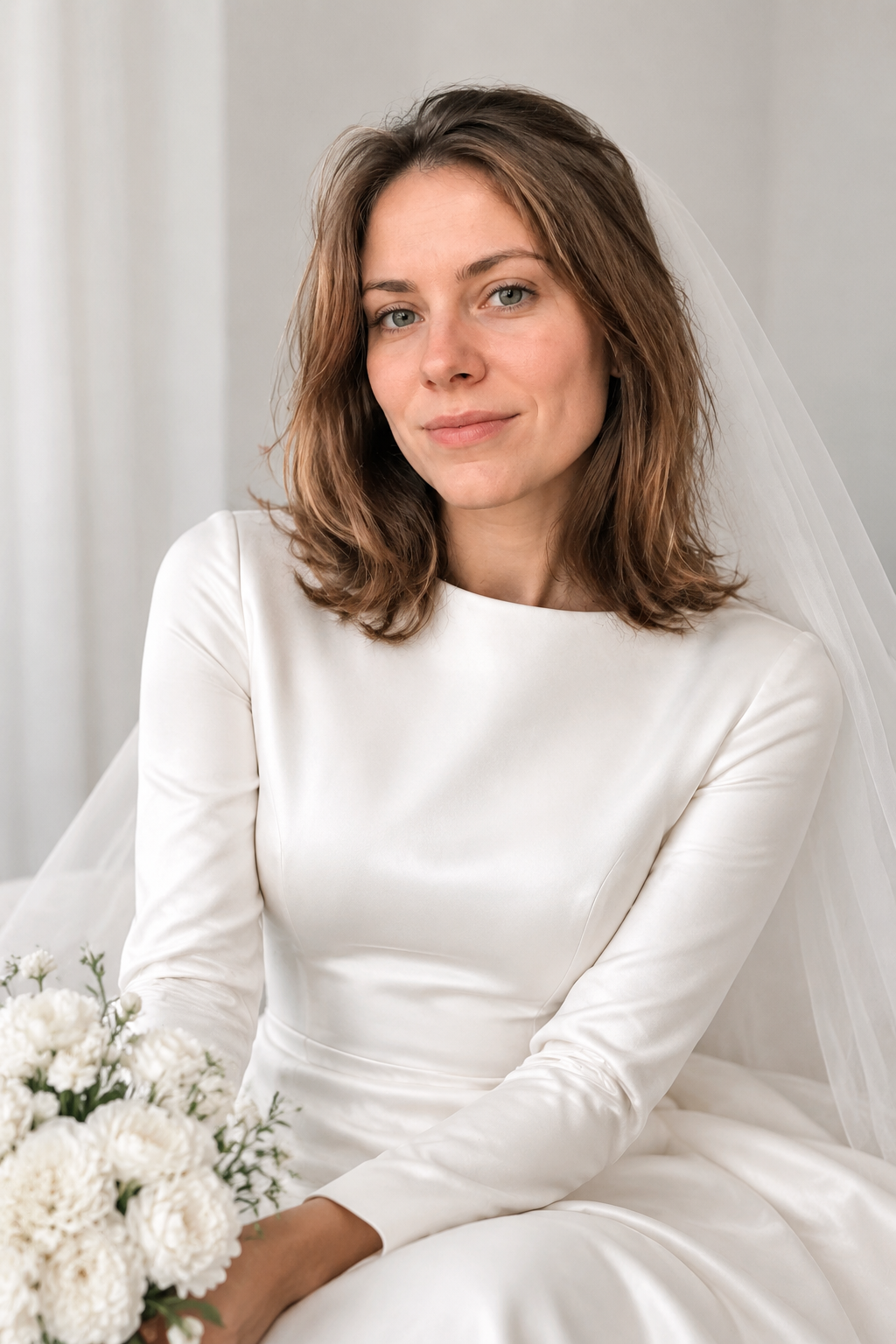
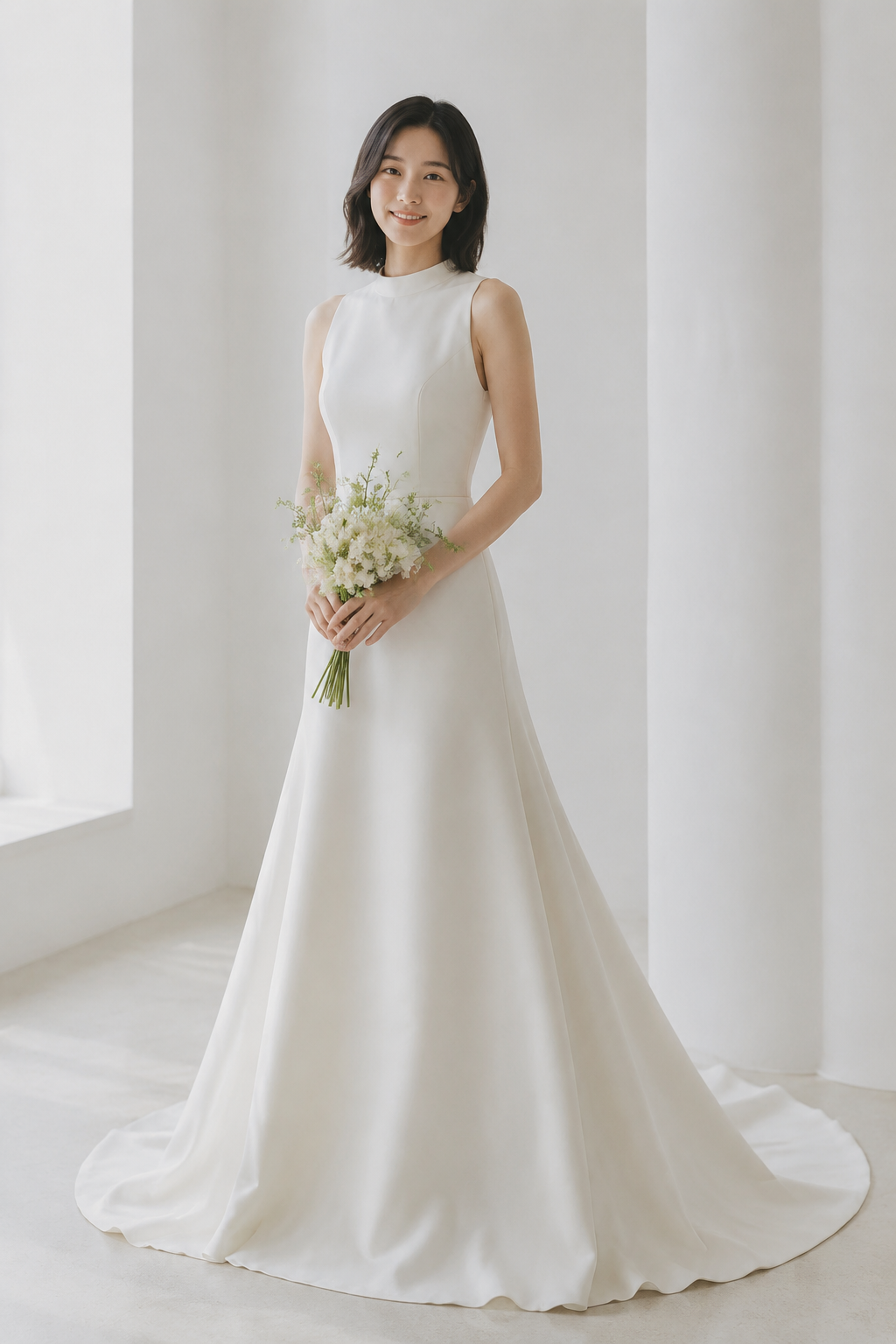
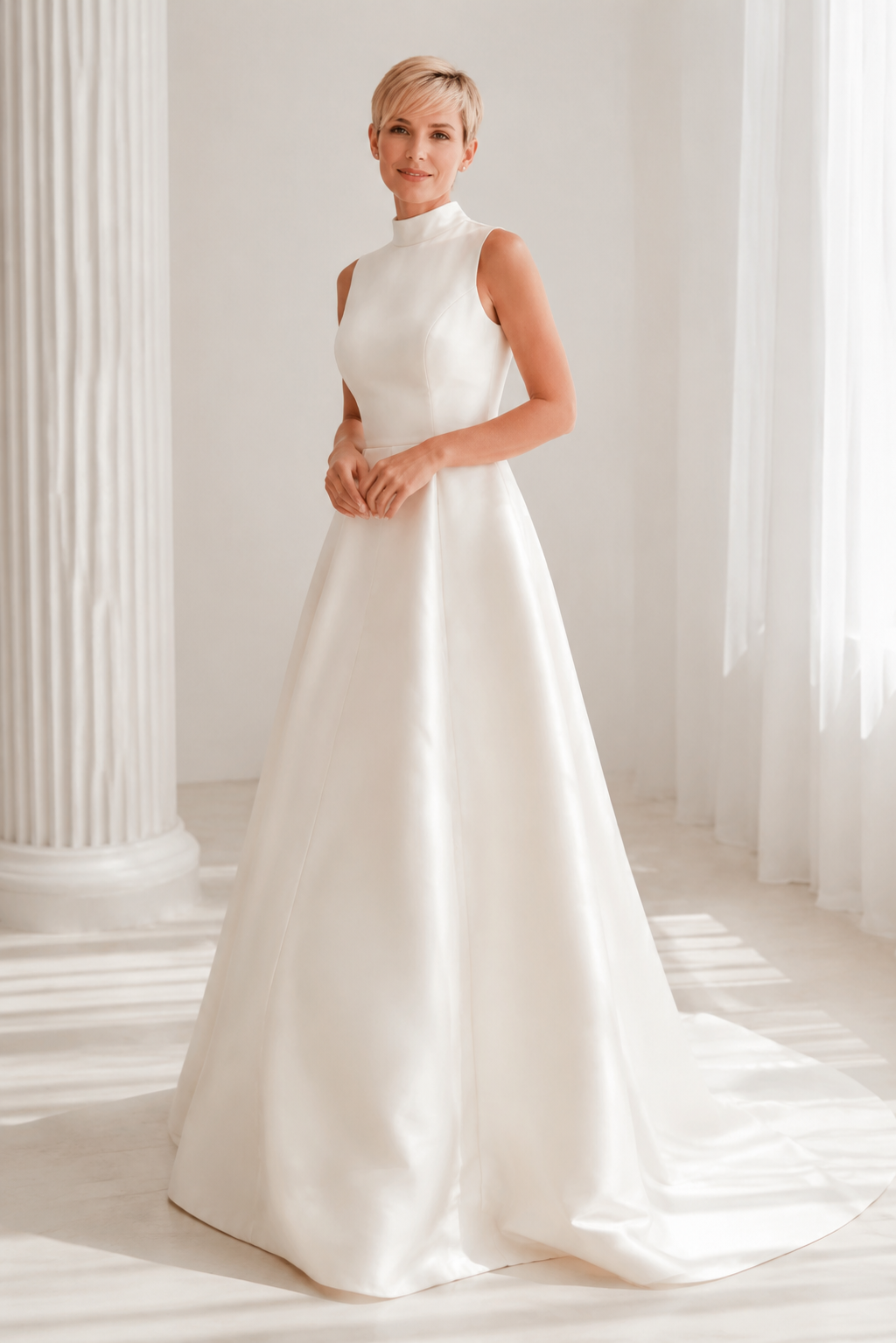
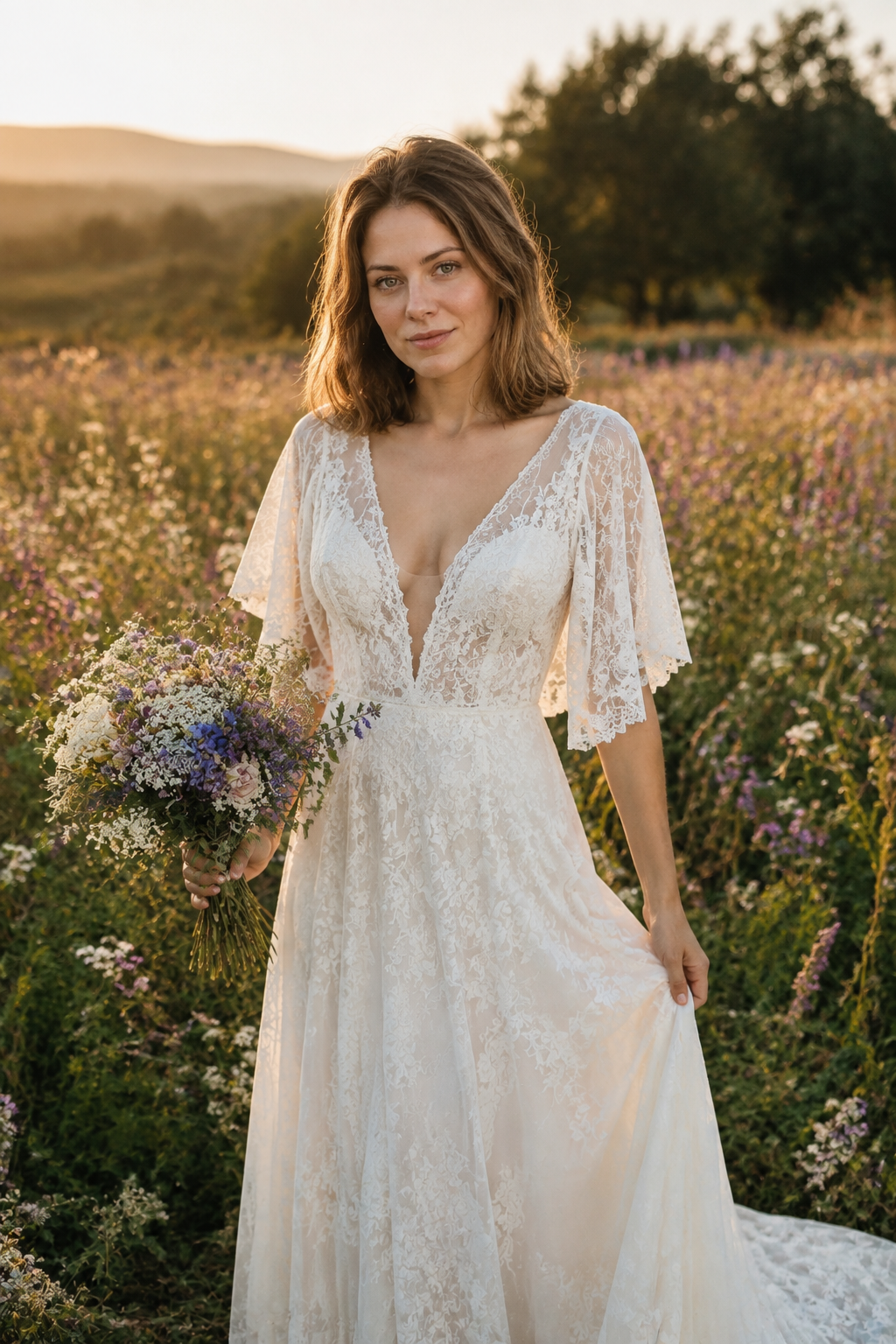
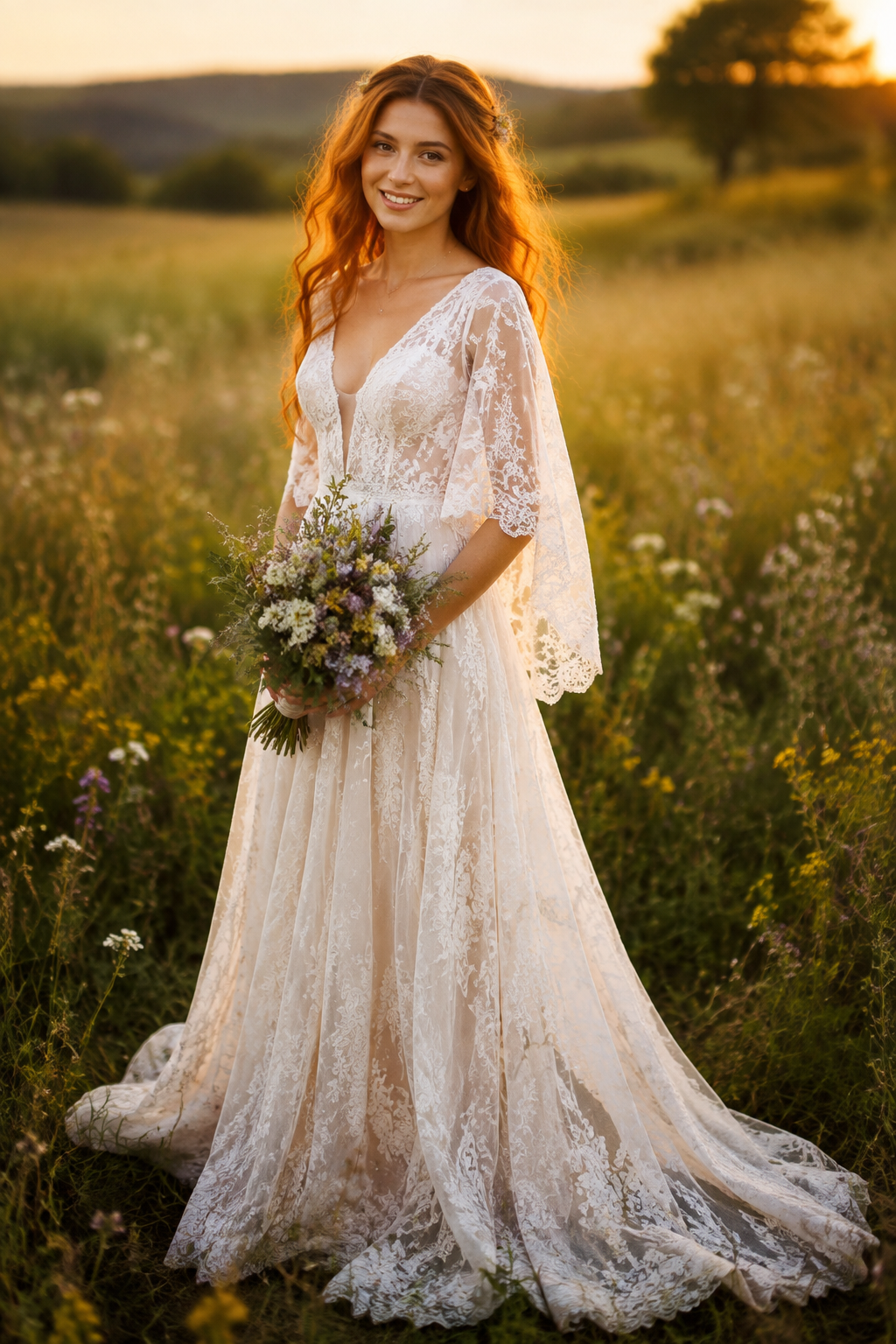
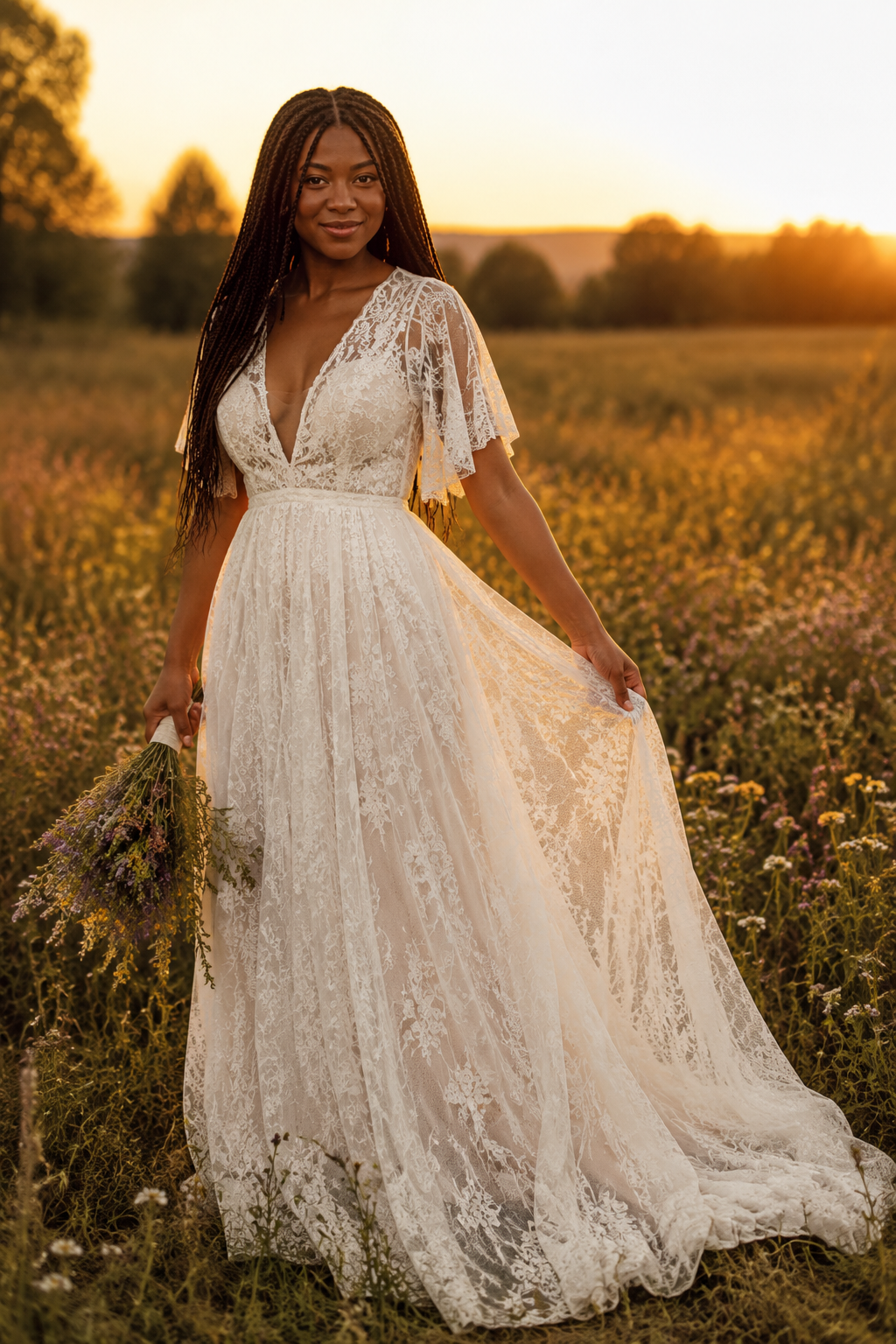
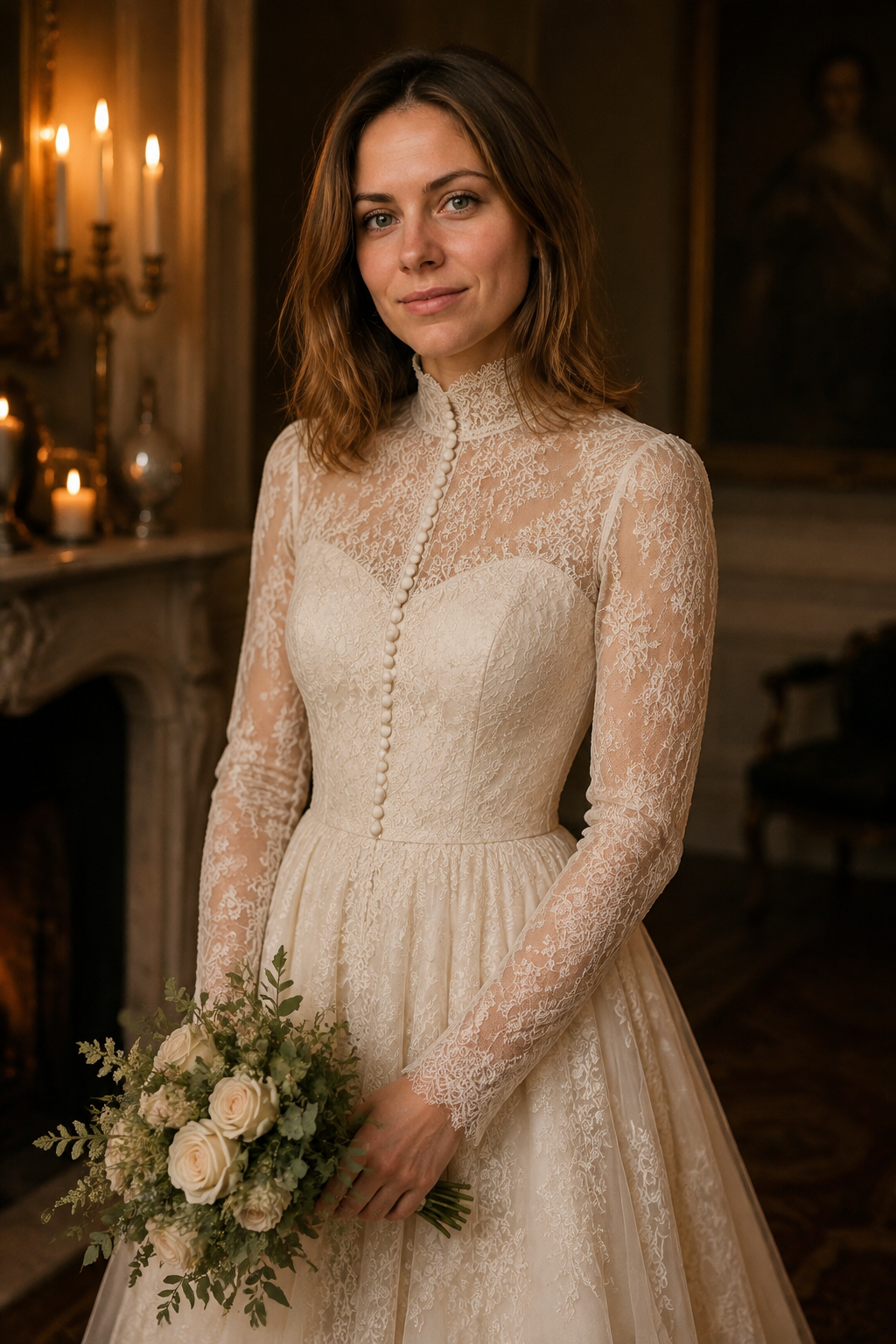
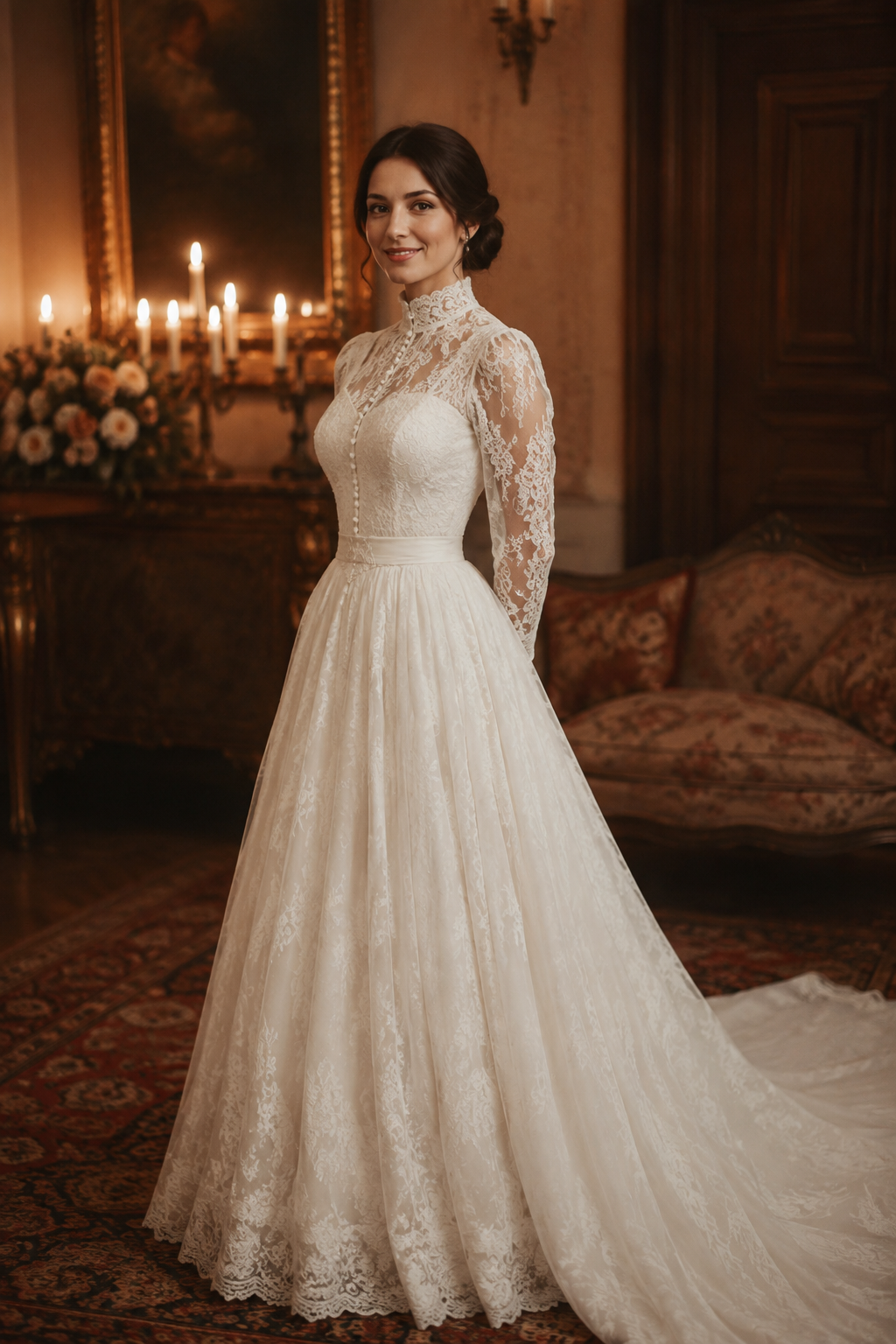
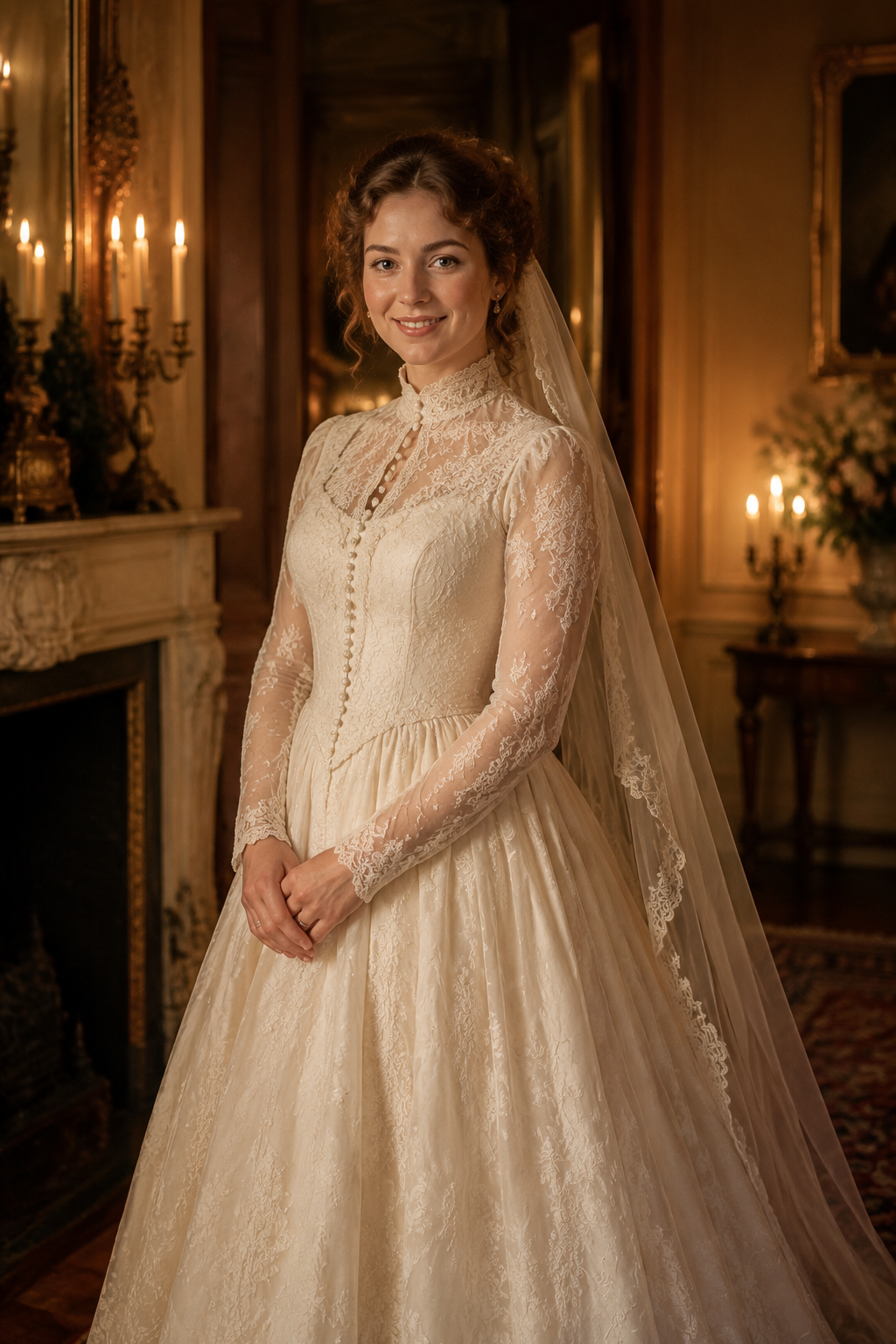
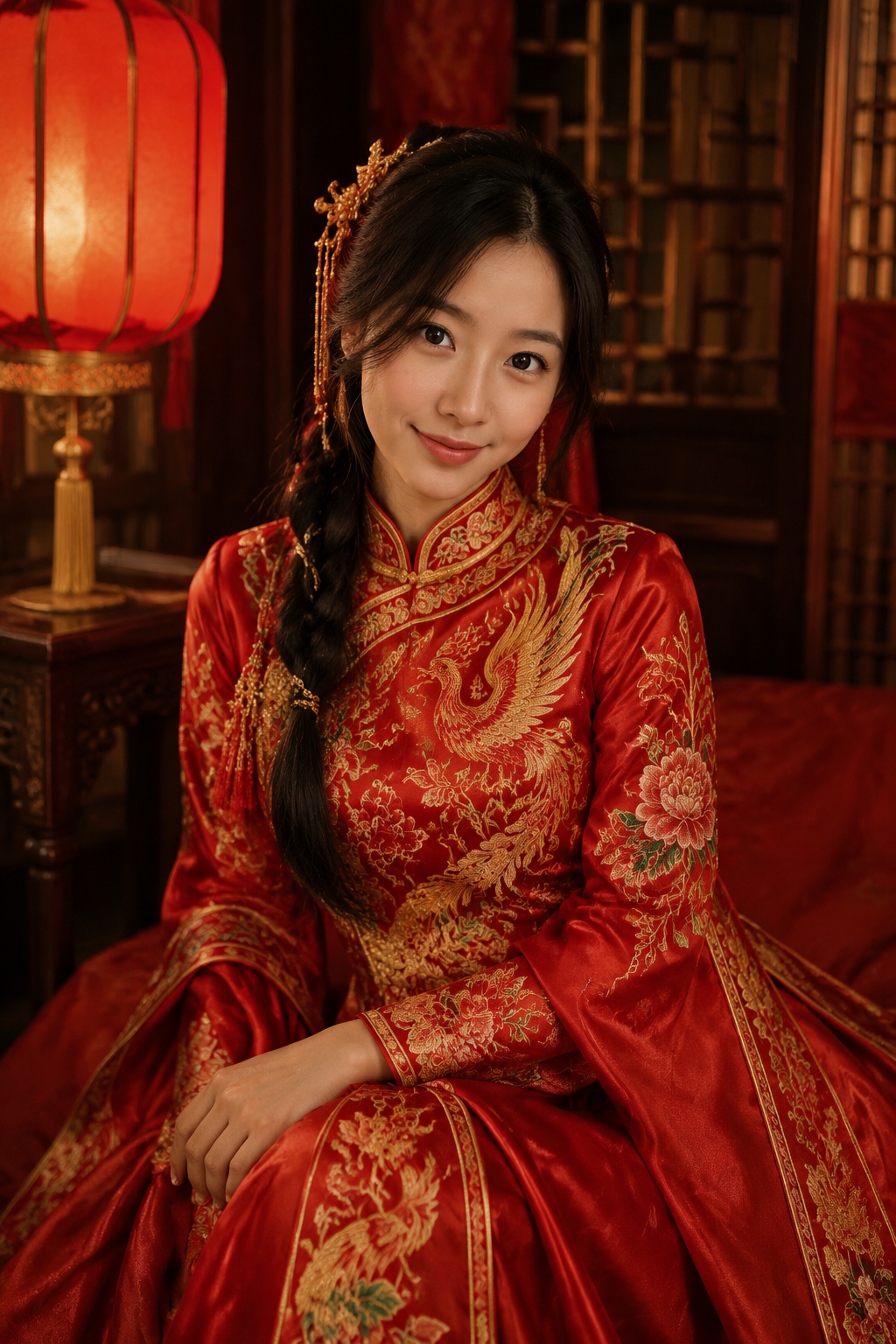
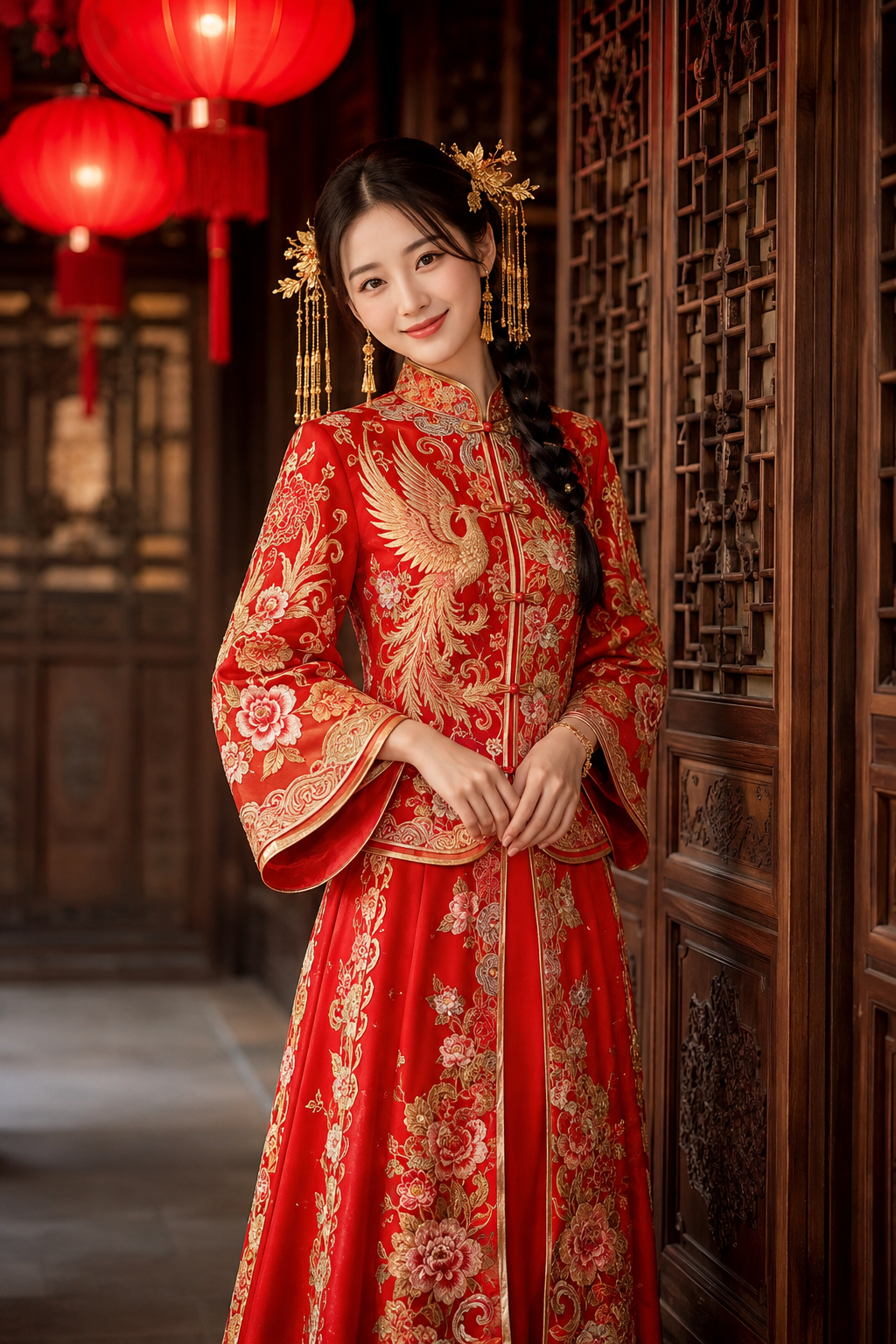
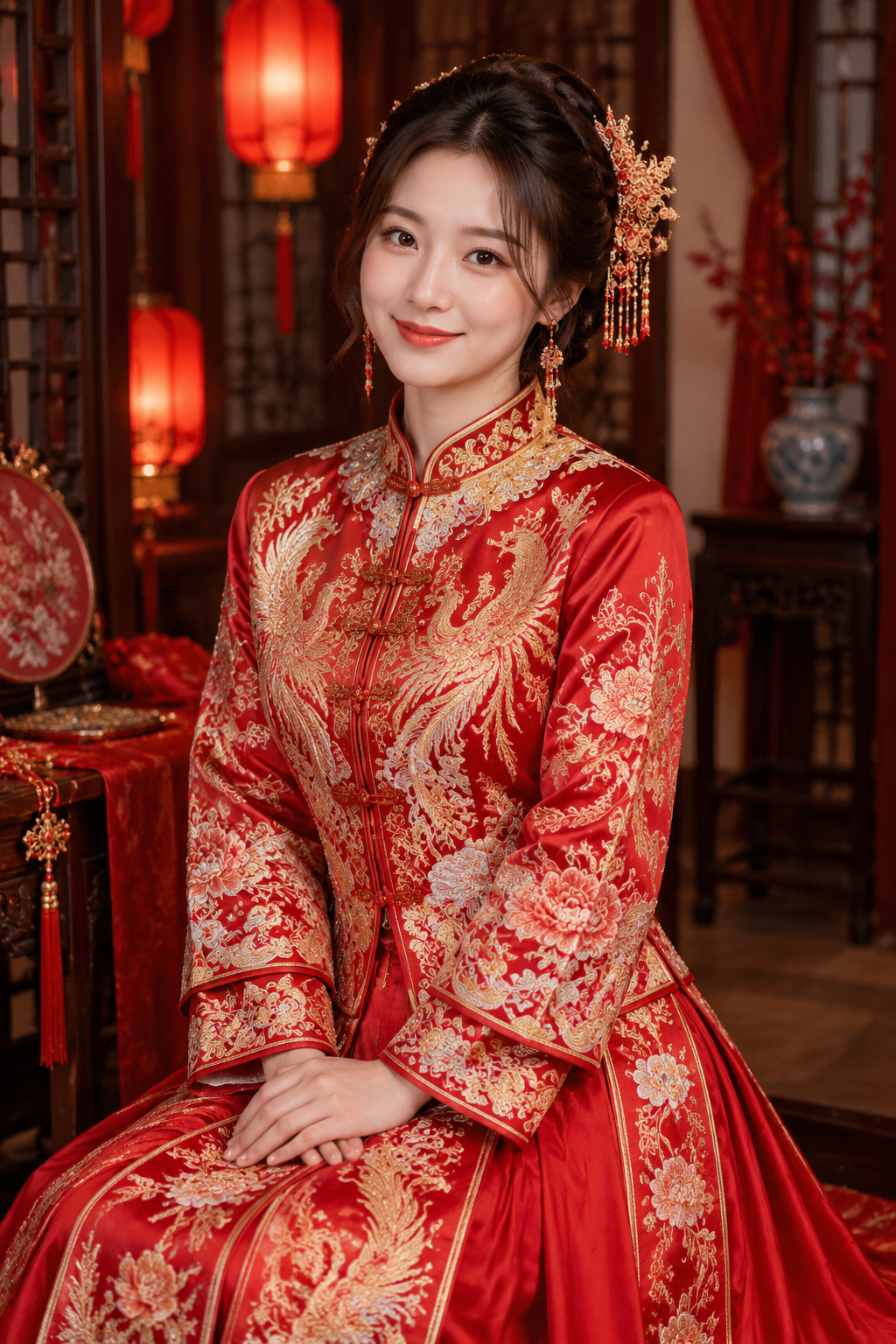
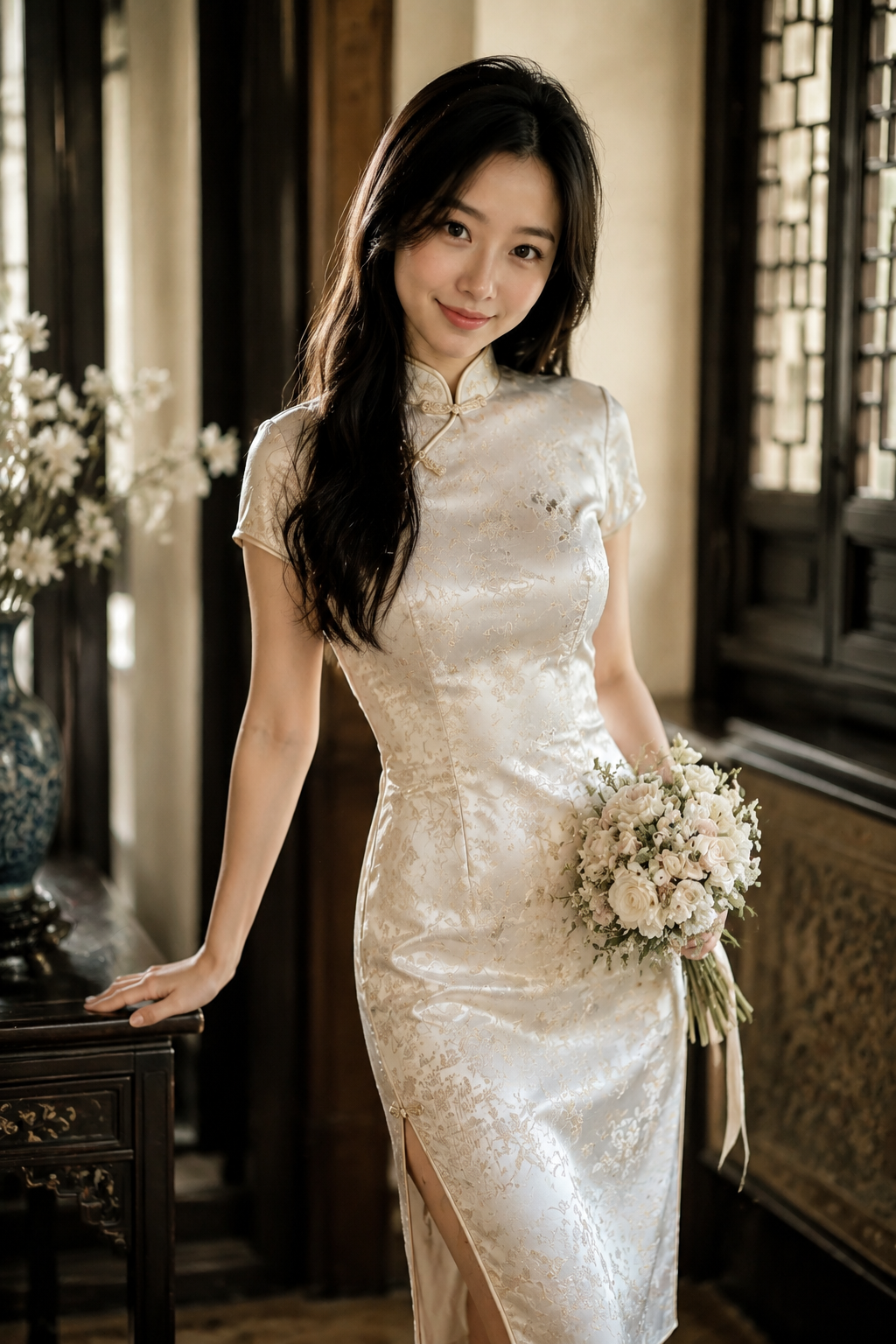
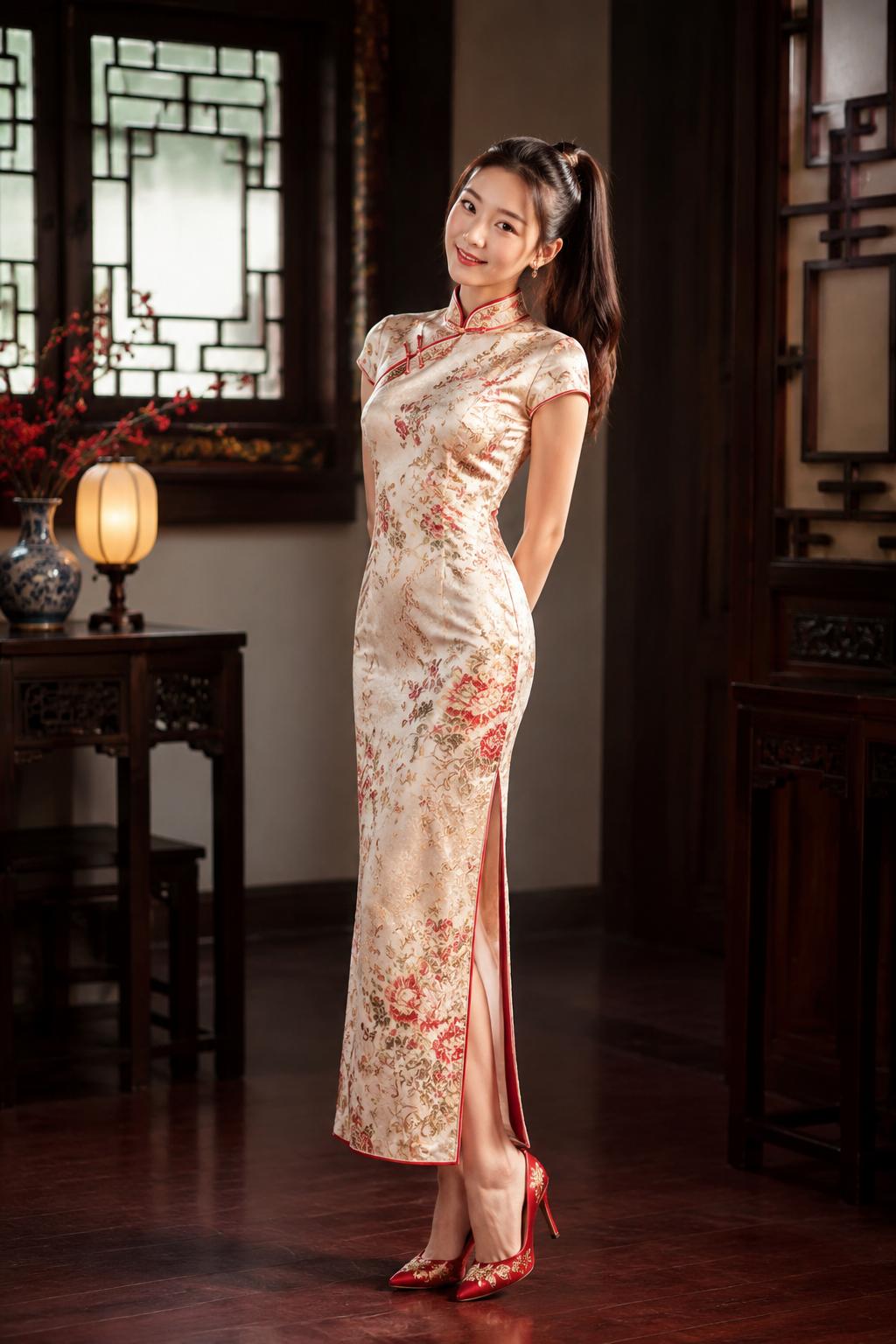
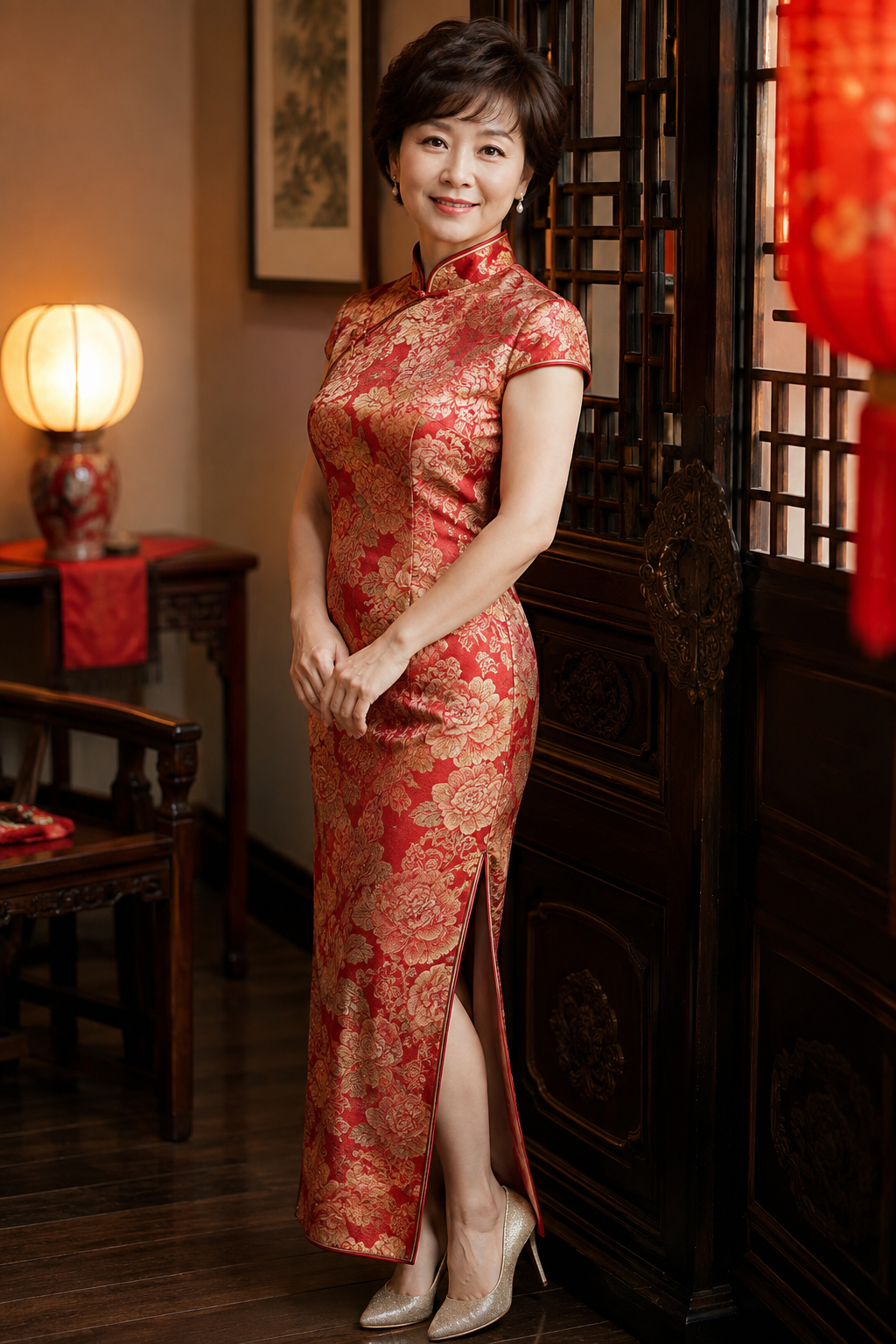
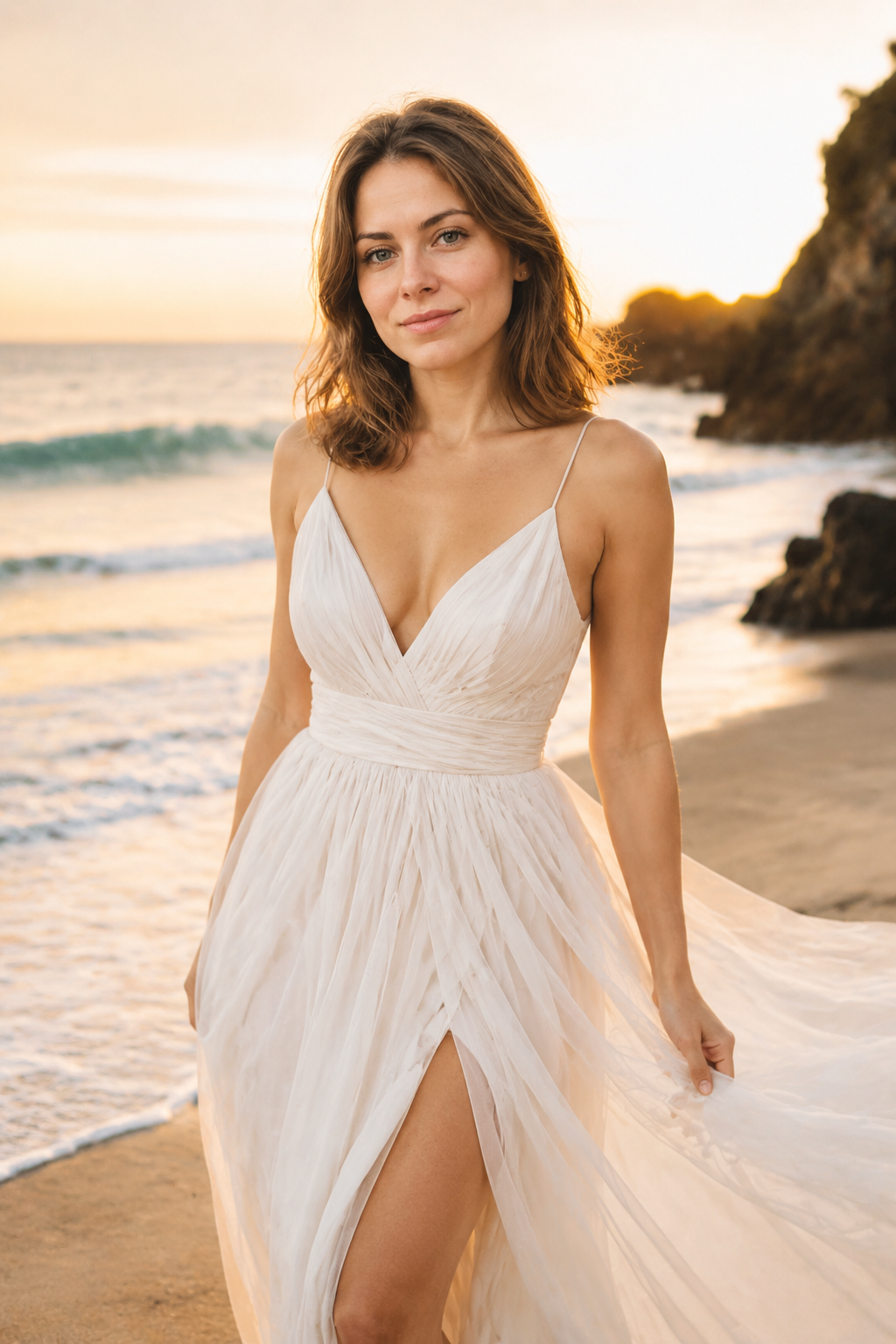
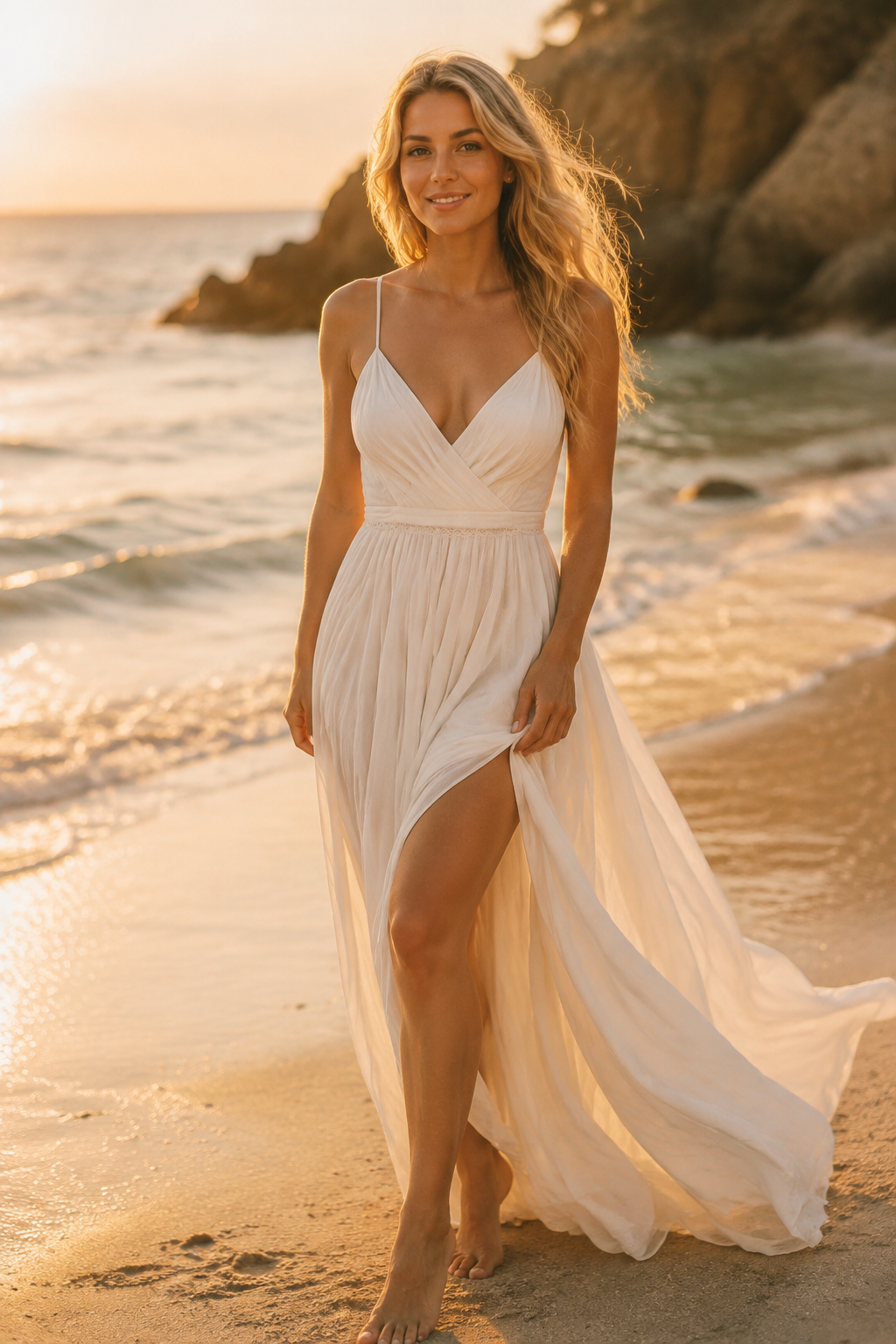
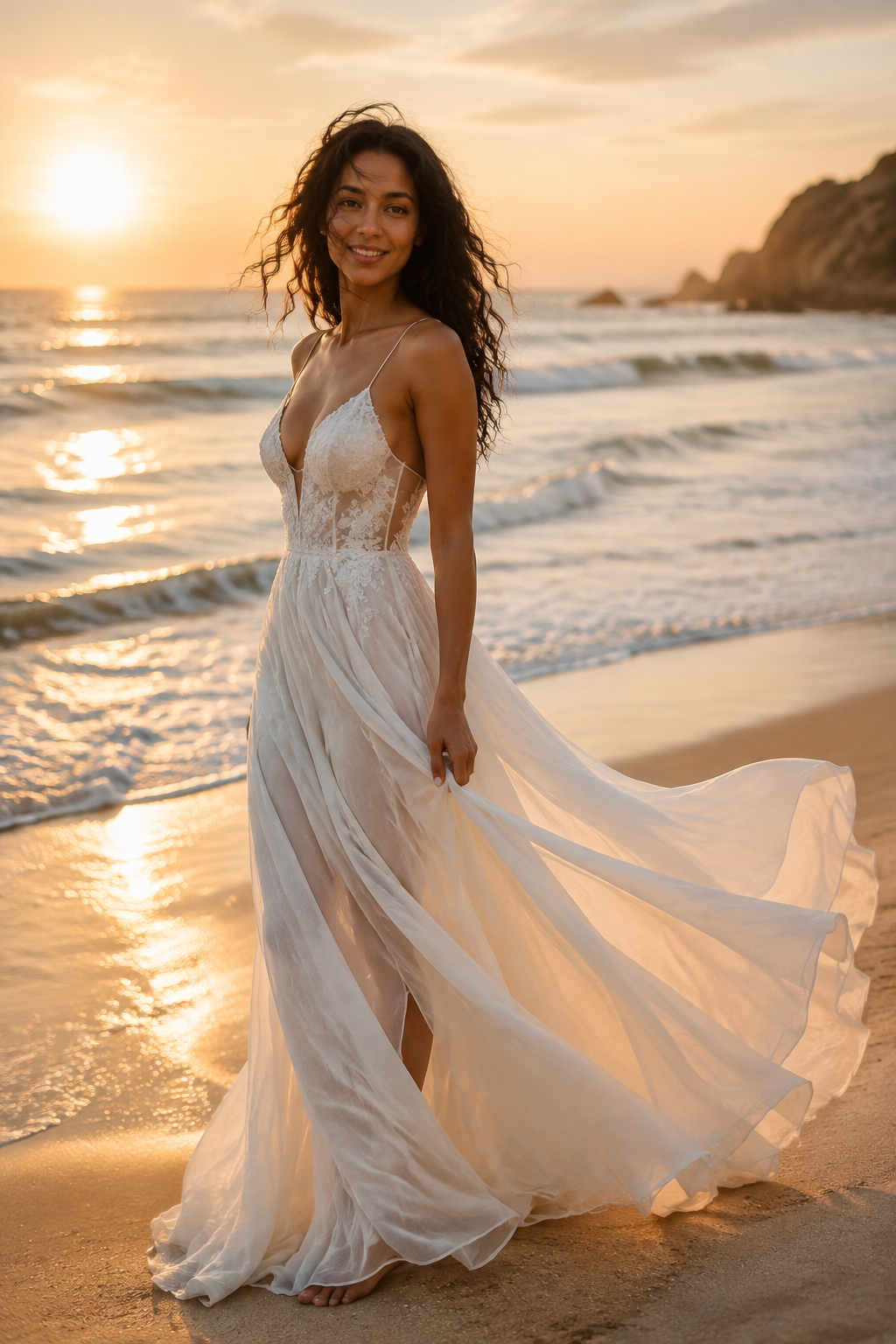
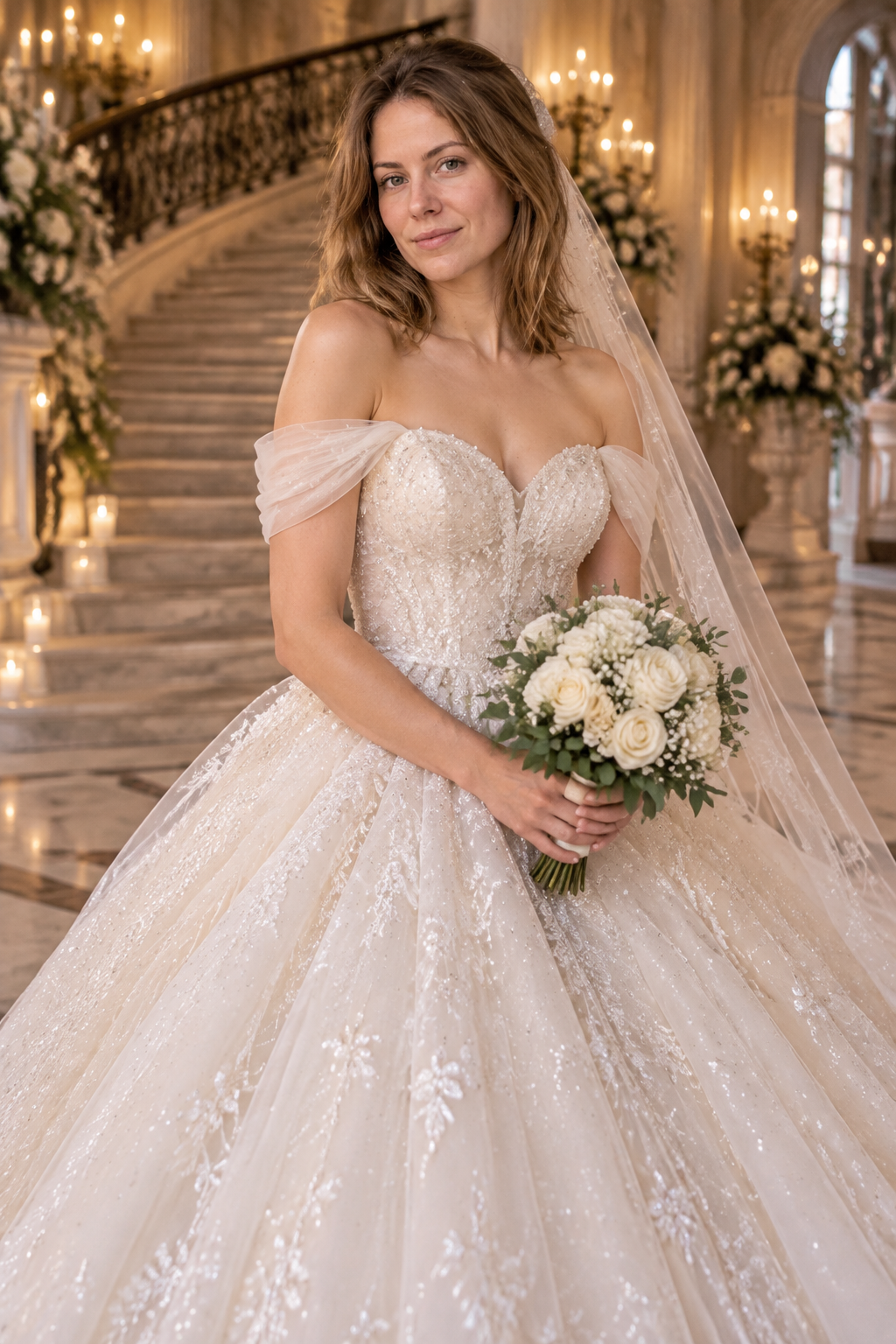
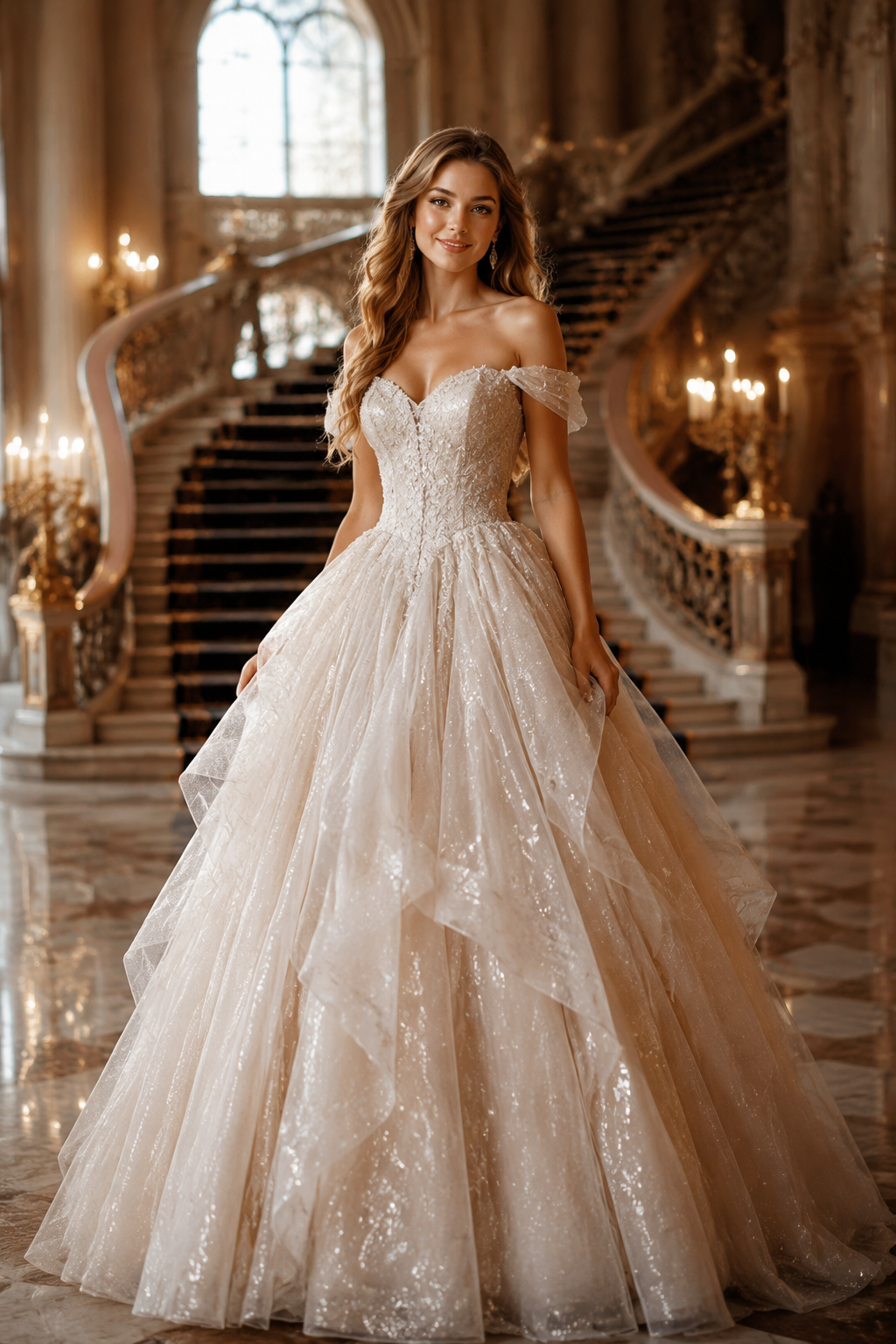
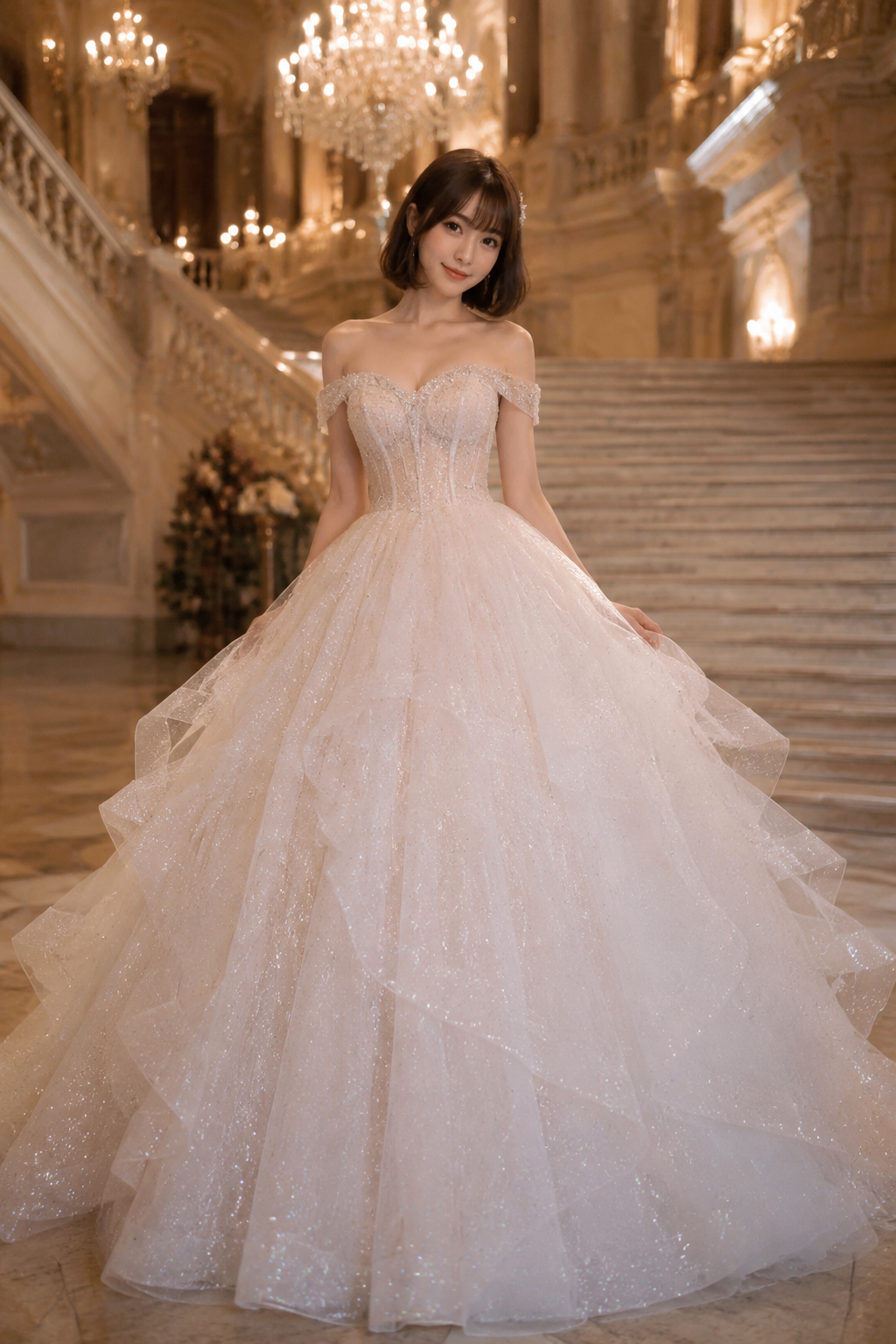
Your face, every dress
Photo mode preserves your exact face, skin tone and hair — only the gown and the scene change, so every portrait is unmistakably you.
AI WEDDING DRESS STUDIO
Upload a photo or describe the bride, pick from ten wedding dress styles — Western gowns, 秀禾服, 旗袍 and more — and get a professional vertical bridal portrait in seconds, in soft studio light.
Generation uses credits from your Yiluna account.
Your bridal portrait shows up here
Pick a dress style, describe the bride or upload a photo, hit generate.
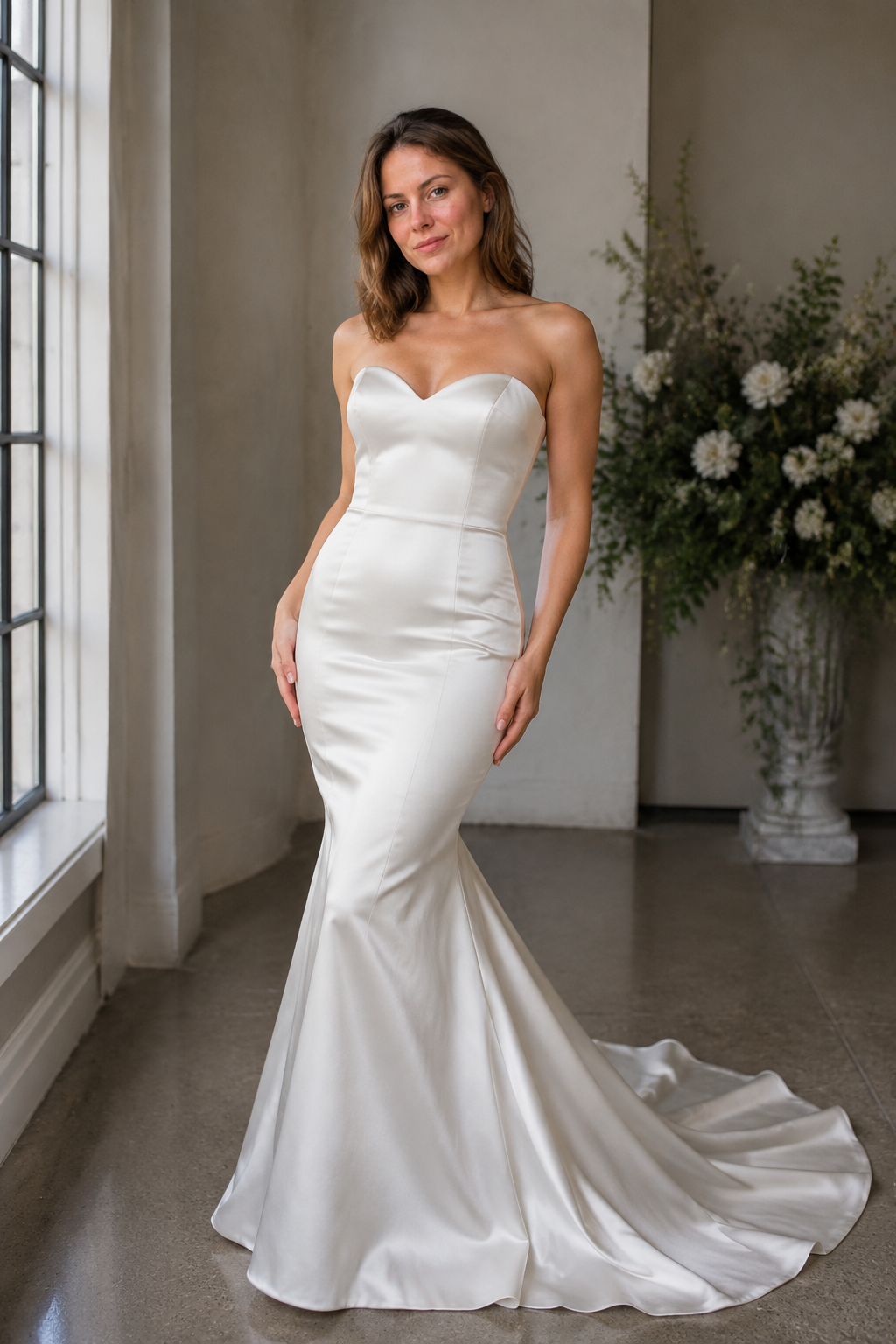
From cathedral-train ball gowns to embroidered 秀禾服 and silk 旗袍 — open a style for the deep dive, or pick it straight in the editor above.
Photo mode preserves your exact face, skin tone and hair — only the gown and the scene change, so every portrait is unmistakably you.
Ball gown, mermaid and A-line lace sit alongside embroidered 秀禾服 and silk 旗袍 — one studio for cross-cultural weddings.
Fast 1-credit drafts, strong mid-tier engines, or premium portrait models for the finest fabric and likeness. Switch per generation.
Every model shows its credit cost before you hit generate, and failed generations refund automatically.
The page and editor are free to use. Each generation spends credits from your Yiluna account — from 1 credit on the fast model — and the cost is shown next to every model before you generate.
Yes. Switch to Photo to bridal portrait, upload a clear front-facing photo (PNG or JPG, under 10MB), pick a dress, and the AI dresses you in it while keeping your face, skin tone and hair exactly as they are.
Yiluna Image Basic is the 1-credit quick look. Grok Image 2 and Qwen Image 3 are strong all-rounders at 8 credits. Yiluna Image Plus and Nano Banana 2 are premium portrait engines with the finest fabric detail and likeness from a photo.
Yes, as long as the source is your own photo or your own text prompt. Do not upload photos of other people without their consent.