 Yiluna
Text and image starts
Begin with a written scene or upload a strong image as the first frame for an image-to-video draft.
Free video drafts
Use Yiluna to draft short AI videos from text or images, compare motion directions, and upgrade only when a workflow needs more capacity or higher-quality output.
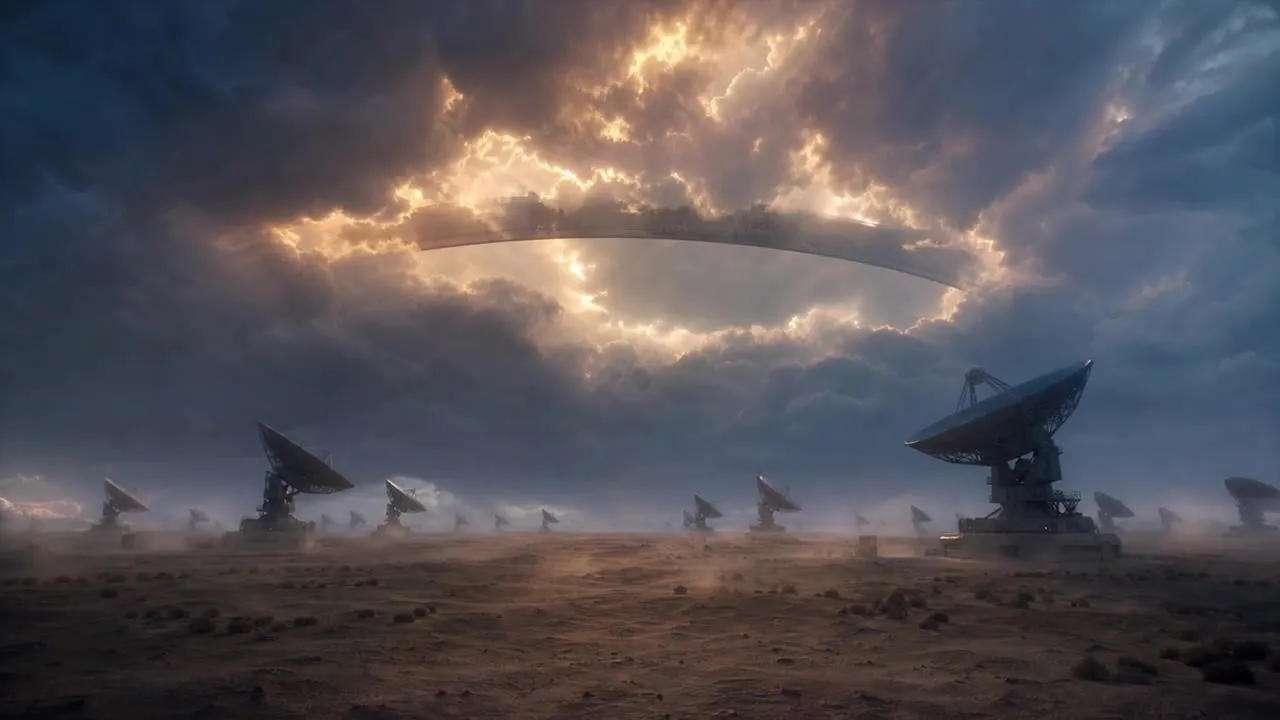
Built for real workflows
Practical production jobs that benefit from connected references, visible iterations, and deliberate review.
Begin with a written scene or upload a strong image as the first frame for an image-to-video draft.
Use available free credits for lightweight tests, then choose a paid plan when video generation needs more volume.
Check camera movement, subject motion, duration, and style before spending more credits on refined versions.
FAQ
Yiluna supports free starting credits for trying video workflows. Longer or higher-capacity video generation may require paid credits.
You can test image-to-video when you have available credits. Upload a clear start frame and describe the motion you want.
No. Free capacity is limited so the service stays reliable. Paid plans add more credits and priority for heavier video work.
Related workflows
Turn an image into video with Seedance 2.5. Try product animation prompts, first and last frame guidance, and 4–30s clips with a credit quote before generation.
Text to videoText to Video AI: A Seedance 2.5 Example & Original PromptWatch a real Seedance 2.5 text-to-video result, open its original prompt and settings, and learn how to direct your own 4–30 second shot in Yiluna.
Director-led AI Film CanvasAI Film Canvas for Short Drama ProductionDirect short-drama scripts, visual references, shot versions, image, video, and sound on one connected Yiluna Film Canvas.